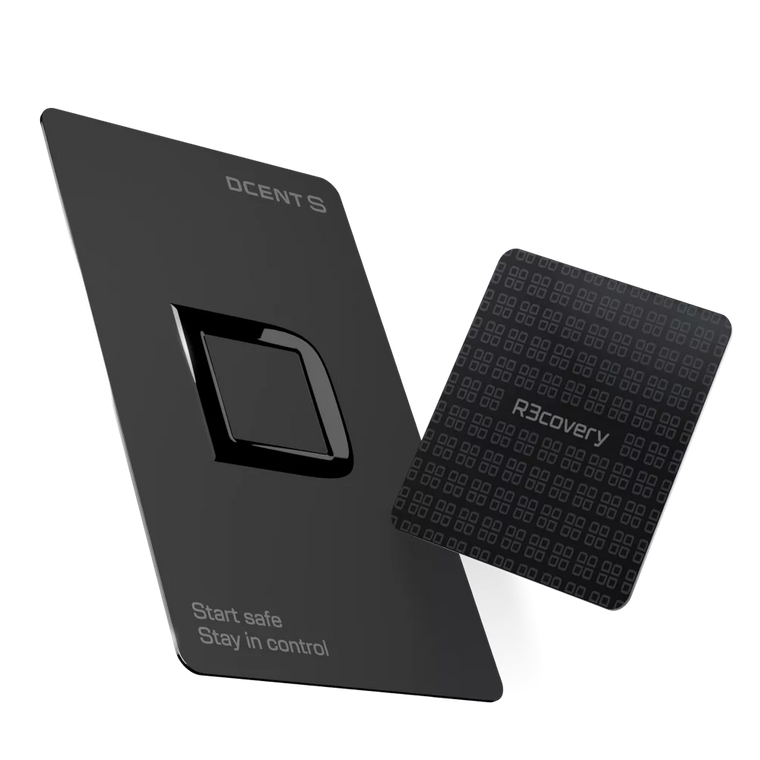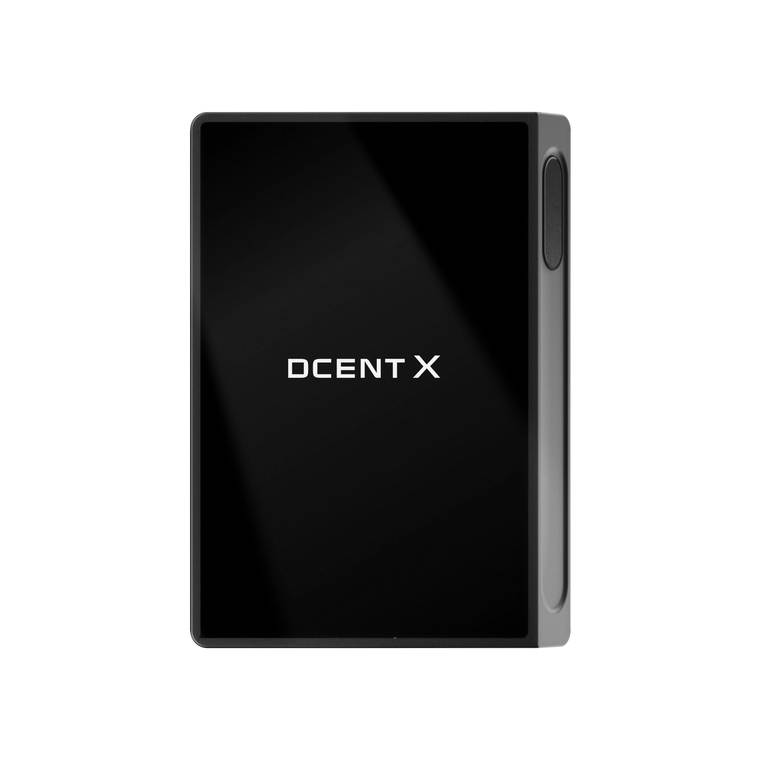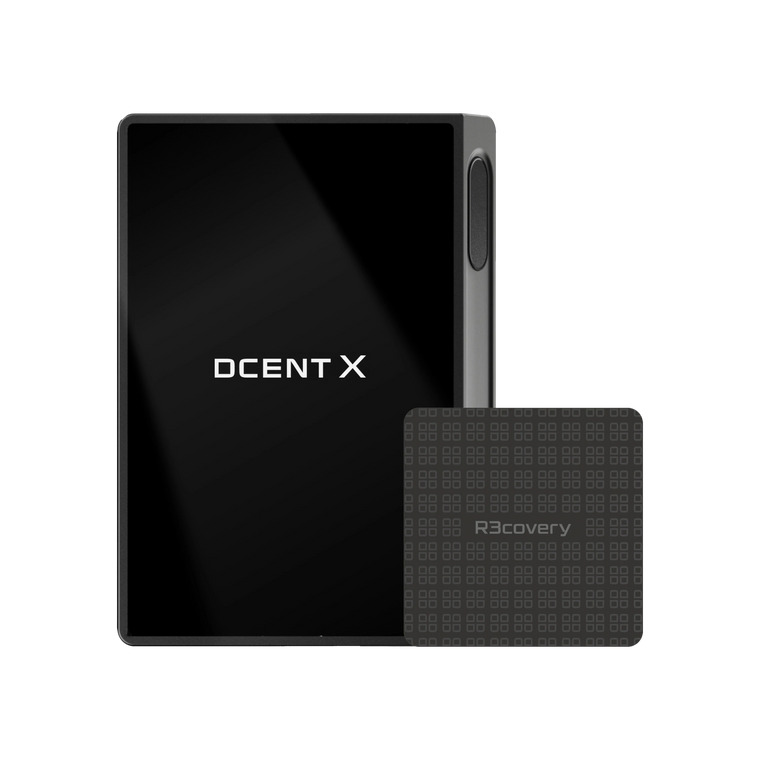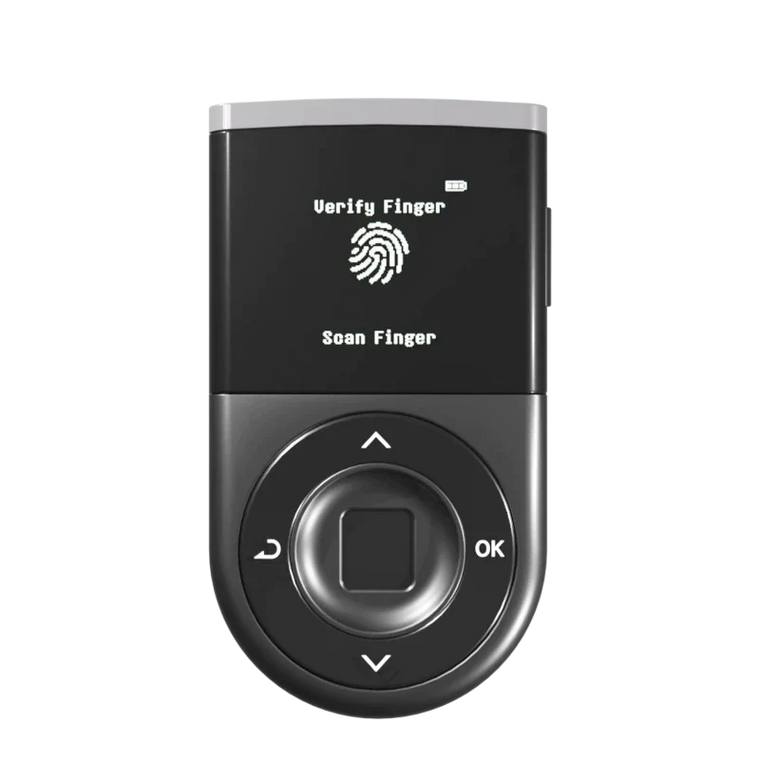




Key Answer: D'CENT adds three safety nets at the moments where crypto users actually lose money.
- Save the addresses you send to most often — a built-in Address Book stores name, network, and address; the next send auto-fills.
- Find dormant accounts and hidden assets — once a day, D'CENT shows you ERC-20 tokens with a balance at your address that haven't been added to your wallet yet.
- Preview every transaction before you sign — Blockaid simulation tells you what the transaction will actually do, and flags scam contracts or unlimited approvals in red.
Most crypto mistakes happen at one of three moments.
The first is sending. You copy a wallet address, paste it, glance at the last four characters, and hit confirm — only to realize later that an old screenshot pasted a wrong string. The chain doesn't forgive typos. There is no undo.
The second is receiving. Someone sends you a token on a chain you already use — an airdrop, a payment, a yield distribution. The chain is there, but the token doesn't show up by default, so you don't know it arrived. Some of these get found years later. Some never do.
The third is signing. Wallet drainers, phishing dApps, malicious approvals — the attacks that drained billions over the last five years almost always end with a user signing a transaction they didn't fully understand. By the time the popup appears, you're already one tap from losing everything.
D'CENT closes the gap at each of those three moments.
New Feature 1 — Save the Addresses You'll Send To Again, in D'CENT Address Book
The first new feature is the one most people will use every week: a real Address Book lives inside D'CENT now. No more pasting from notes apps, no more squinting at the last four characters before you tap Send.
"I should save this address" moments.
1. From Settings — set it up in advance
Open Settings → Address Book and tap Add address. Pick the network, give the address a name like "Coinbase USD" or "my base eth", paste the address, and save. It lives in your wallet permanently.


Real D'CENT app — Settings → Address Book → Add → pick network, name it, save. The new entry shows up immediately.
2. Save the address right after a send
A small prompt on the send-complete screen: "Save this address? You can use it faster next time." Tap Save Address and the Add Address sheet appears with the network and address already filled — you only have to type a name.


Real D'CENT app — the wallet captures the recipient at the moment of the send, before the address slips out of your head.
3. Inside the send screen — pull saved addresses, get warned on stale ones
When you compose a send, an Address Book button sits right above the recipient input. Tap it and a sheet rolls up with your saved entries and your own wallets — pick either to fill the address.
And one more — D'CENT detects addresses that haven't been used in a while. You'll be asked to confirm once: "This address hasn't been used for N days. Please confirm the recipient hasn't changed."
New Feature 2 — Find Dormant Accounts and Hidden Assets
D'CENT finds dormant accounts and hidden assets. Once a day, it shows you ERC-20 tokens with a balance at your address that you haven't added to your wallet yet.
Whenever you launch D'CENT and there are ERC-20 tokens at your address that aren't in your wallet yet, a thin one-line card appears at the top of MainWallet: "N new tokens · View." Tap View and a bottom sheet lifts up with the tokens already detected — pick what to import.

Real D'CENT app — detection has already finished. Tap View on the MainWallet card and this sheet rolls up: listed tokens pre-checked at the top, review-needed tokens grouped under a warning below.
A few rules keep this convenient without ever letting spam in:
- Silent in the background. Detection runs at cold start with no popup, throttled to once every 24 hours per chain to spare your battery.
- You opt in to add. The card is a notification; nothing enters your wallet until you tap View, pick the tokens, and confirm.
- Listed vs. review needed. Tokens on D'CENT's official list are pre-checked at the top. Anything else — like Telegram @vipTron8_bot in the example — sits under a Review before adding group with a clear warning: "could be spam or an unwanted airdrop, confirm before adding."
- One-by-one for unknown tokens. Bulk-select is disabled for the unregistered group, so airdrop spam can't sneak in wholesale.
- Dismiss = come back tomorrow. Tap Skip and the same suggestions stay cached and won't re-pop today. They'll be back tomorrow if the token's still there.
The point isn't to fill your wallet with everything that ever lands. It's to surface what's there so you can decide — quietly, after the work is already done.
New Feature 3 — Verify Before You Sign: Blockaid Checks Every Transaction
The third change is the one that most directly stops losses.
Every signed transaction in D'CENT now goes through a real-time security check by Blockaid before the signing screen appears on your hardware. Blockaid is the same security layer trusted by major wallets like MetaMask and Coinbase Wallet — it checks the transaction against a continuously updated database of known phishing contracts, drainer patterns, and malicious dApp signatures, and D'CENT then shows you the result as a simulation panel.
Before you tap Sign, you see:
- What the transaction will actually do — "Transfer 250 USDC", "Approve unlimited DAI to this contract", "Swap 0.5 ETH for X tokens (slippage 12%)".
- Risk level, color-coded: safe, warning, or danger.
- The exact reason if it's flagged — "Contract was deployed 4 hours ago", "Recipient matches a known drainer", "Approval is unlimited".


Real D'CENT app — Blockaid runs every transaction, including cross-chain swaps, and is honest about both what it confirms safe and where the simulation has limits.
What it catches
Blockaid mostly catches the patterns that have drained the most money over the last two years:
- Approval-based drains — once you give a contract a token approval, that permission stays on-chain forever. If the contract is later exploited (as happened in major DeFi incidents like the $285M Drift Protocol breach), an attacker can pull anything you'd approved — without ever touching your seed phrase.
- Lookalike phishing dApps — sites that mimic a real DEX or staking platform with a slightly different URL.
- Drainer wallets — addresses that have already stolen from other users and are flagged across the network.
What it doesn't catch
Honesty matters more than marketing here:
- Brand-new patterns. Blockaid's database is excellent at known patterns but cannot fully catch a sophisticated attack that hasn't been seen yet.
- Logic bugs in legitimate contracts. If a real, audited contract has a bug you sign into, simulation can show you the outcome but can't tell you the contract has a flaw.
- Your judgment. Every signature is still your call. Simulation is a second pair of eyes, not a replacement for the first.
A hardware wallet stops attackers from stealing your private key. It does not stop you from signing something you shouldn't. Blockaid simulation is the layer that helps close that gap.
Why these three changes add up
Each of these updates would be a reasonable feature on its own. Together, they cover the entire arc of a transaction:
- Before you send — Risk: wrong address typed or pasted, or an old one reused. New safety net: built-in Address Book + stale-address warning.
- When you open the app — Risk: tokens at your address that you never saw. New safety net: background detection + MainWallet card.
- Before you sign — Risk: drainer, phishing, unlimited approval. New safety net: Blockaid real-time simulation.
That's what self-custody actually looks like in 2026. The hardware element protects your key. These three software layers protect the moments around the key — which is where most real-world losses happen, like protecting your seed phrase does for the key itself.
How to get it
If you already use D'CENT, the latest App Store or Google Play update brings all three — on by default, no setting to flip.
Open D'CENT → My Wallet → tap "Address Book" to start saving the addresses you send to most often.
Background token detection works automatically — the next time anything new lands at your address, a card appears at the top of MainWallet. Blockaid simulation runs on every signing screen — no setup, no toggle.
FAQ
Does the Address Book sync between my phone and desktop extension?
The address book lives in your local app and is encrypted with your wallet. It's not synced to a cloud server. If you use D'CENT on multiple devices, save the same addresses on each.
Does auto-detection also find native coins (BTC, ETH, BNB, etc.)?
No. Auto-detection only finds ERC-20 tokens. Native coins — including ETH on Ethereum, ETH on Base, BNB on BSC, and others — are not in the detection scope, even though they live on chains that support the ERC-20 standard. You don't need to hunt for them, though: native coin balances appear as soon as you add the chain account itself.
What if detection shows tokens I don't recognize?
Unknown tokens land in a Review before adding group with a warning — they could be airdrop spam or scam tokens. Bulk-select is disabled for that group; you have to tick them one by one. If anything looks suspicious, just leave it unchecked and tap Skip.
Will Blockaid stop every scam?
No — and any wallet that claims so is selling you something. Blockaid's database is excellent at known phishing and drainer patterns, but a brand-new attack pattern can still slip through. Treat the simulation as a strong second opinion, not a final verdict.
Does Blockaid see my transaction or wallet address?
Blockaid receives only the transaction payload (what's being signed) to run its simulation. The signing itself still happens entirely on your D'CENT hardware element — your private key never leaves the device.
Does any of this work on non-EVM chains?
Token detection works only on EVM chains with the ERC-20 standard (Ethereum, Base, Arbitrum, Polygon, Optimism, and similar). Non-EVM chains like BTC, Solana, and Cosmos still display balances normally, but they fall outside the auto-detection scope. Blockaid simulation runs on the chains Blockaid supports (most major EVMs). The Address Book itself works across all supported chains.
Where can I find the new AI Help button?
Settings → Customer Support → AI Help Agent — it's officially out of beta. (More on what it can answer in our intro to D'CENT's AI Helpdesk.)
Try it now
Three new safety nets. The fastest way to feel the difference:
- Open the latest D'CENT app (App Store or Google Play).
- Add the address you send to most often (an exchange deposit address, a hardware wallet of your own, a friend).
- Make your next send through the saved entry — the address fills instantly, and Blockaid runs its check before the signing screen.
Background token detection works on its own — you'll see the MainWallet card the next time anything new lands at your address.
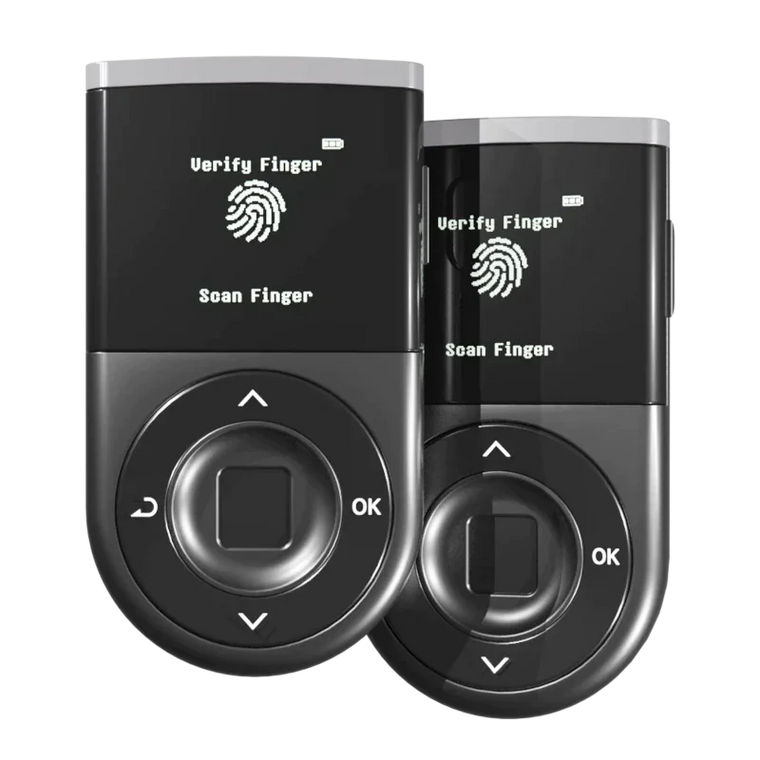
D'CENT Biometric Wallet
Hardware-signed self-custody.
Now with a built-in Address Book, background token detection, and pre-sign simulation.
EAL5+ Secure Element · Blockaid Real-time Scam Detection · Biometric Authentication · In-App AI Help · Zero Security Breaches Since 2018
Buy D'CENT Wallet →