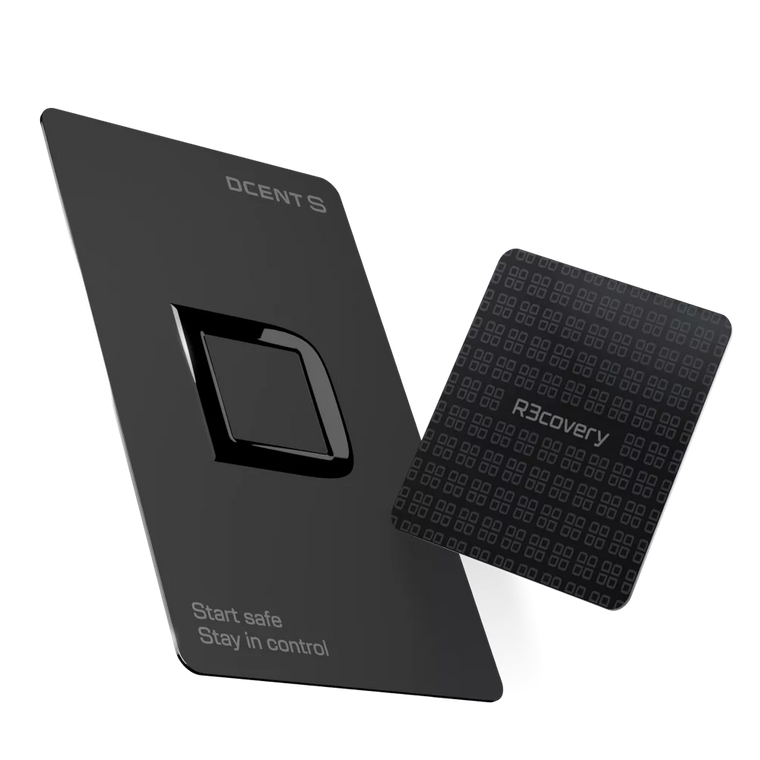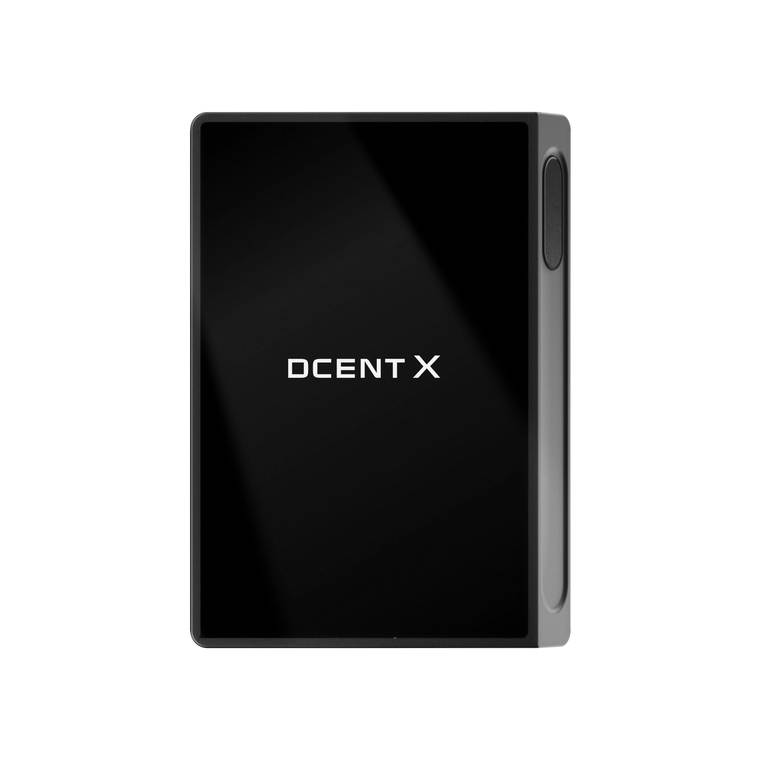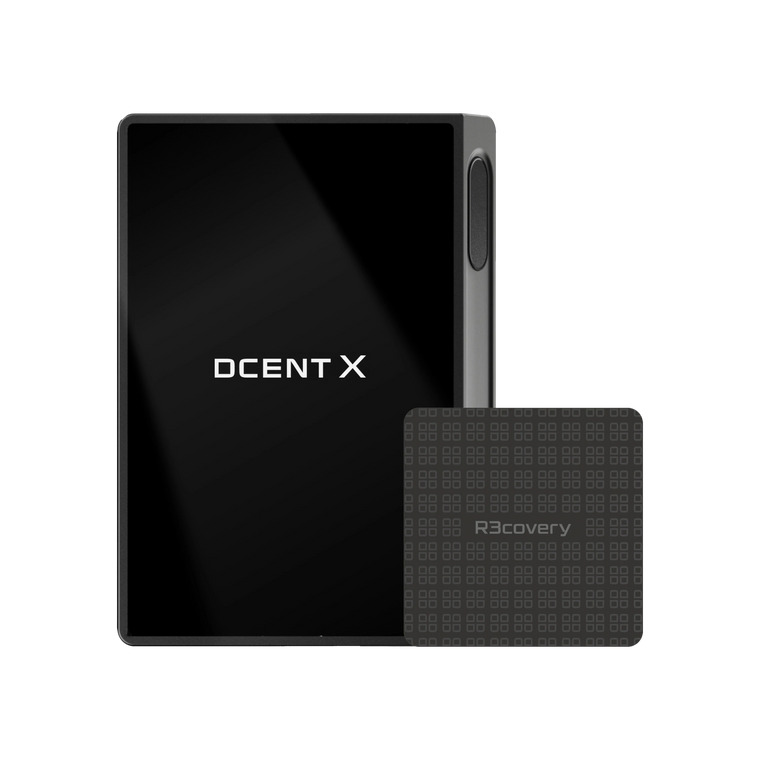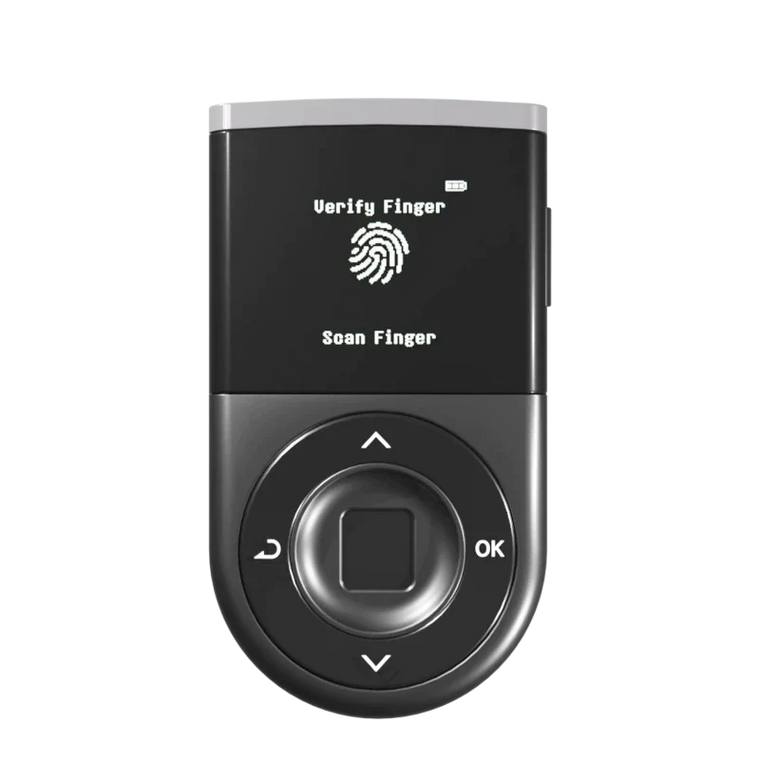




Key Answer: Storing your recovery phrase (also called a seed phrase or mnemonic phrase — the 24-word backup that controls all your crypto wallets) offline and adding a 25th-word passphrase significantly reduces the risk of total asset loss from a single point of failure. Hardware wallets keep your private keys inside a tamper-resistant chip, but they do not protect against approval-based phishing if you sign a malicious transaction — offline recovery phrase management and transaction verification on the device screen remain your responsibility.

30-Second Summary
What you need to know
- Single Point of Failure: A seed phrase (recovery phrase) is generated from a standardized 2,048-word list. One 24-word sequence controls all addresses derived from it.
- Total Exposure Risk: If it's exposed — through phishing, physical theft, or digital storage compromise — attackers can drain every wallet it controls.
- 25th Word Protection: The BIP-39 25th word (passphrase) creates a completely separate set of private keys from the same 24 words. On D'CENT Biometric Wallet, you set the 25th word directly on the device screen — the passphrase never touches your phone or computer.
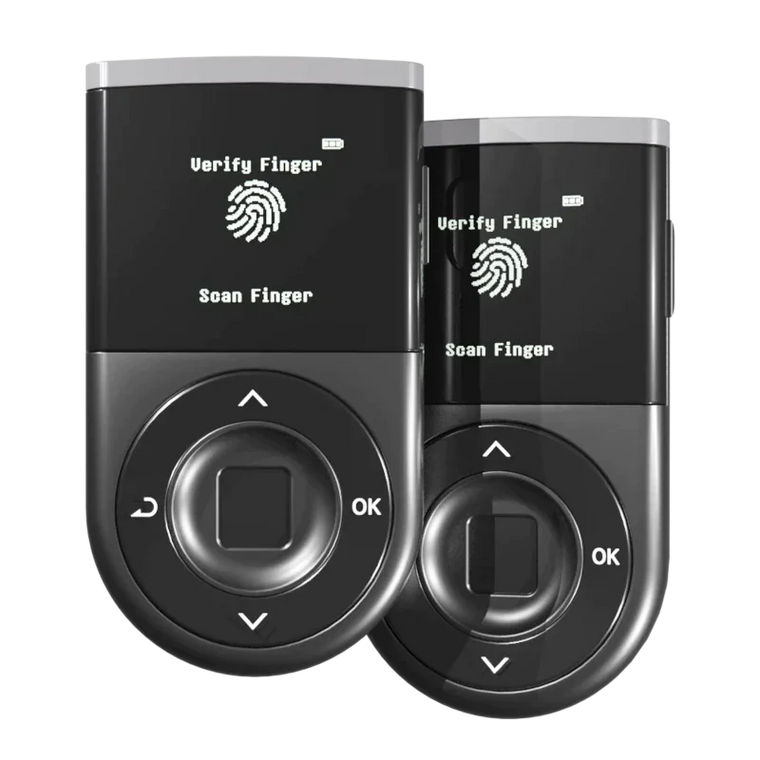
- Hardware Wallet Layer: D'CENT uses an ST33 EAL5+ secure element to generate and store keys entirely inside the chip, keeping them isolated from compromised phones or PCs — but the written recovery phrase remains your responsibility to store safely offline.
- Your Responsibility: Write it offline, verify it works, store it in multiple locations — your recovery phrase is your responsibility, not your wallet's.
What Is a Seed Phrase — and Why Is It a Single Point of Failure?
When you set up a crypto wallet, it generates a recovery phrase (also called a seed phrase or mnemonic phrase) — 24 words from the BIP-39 standard wordlist of 2,048 English words.
Those 24 words derive your master private key, every account address, and every asset across every network. One phrase controls everything. (Technical details: BIP-32 HD wallet specification)
The implication: your recovery phrase is a single point of failure (SPOF). If it's compromised, an attacker can import your wallet into any compatible app, anywhere in the world, without touching your device. A hardware wallet, PIN, or biometric lock won't stop them.
Is writing it down on paper enough? Paper degrades, single copies create single failure points, and untested backups may be illegible when you need them. Protecting a recovery phrase requires deliberate, ongoing effort — not a one-time action. So what are the real threats?
How Do Attackers Steal Seed Phrases? (Real-World Methods)

According to Chainalysis's 2024 Crypto Crime Report, illicit addresses received an estimated $24.2 billion worth of cryptocurrency in 2023, with phishing and social engineering among the major attack vectors. Here's how recovery phrases actually get stolen:
1. Phishing sites and fake wallet apps
Attackers clone legitimate wallet websites and apps. When you enter your recovery phrase to "restore" your wallet, it goes straight to the attacker. What to do: Bookmark official URLs and never enter a seed phrase into a browser or app restore screen.
2. Fake support scams
Someone on Discord, Telegram, or social media claims to be wallet support and asks for your recovery phrase. No legitimate wallet company ever asks for it. What to do: Ignore and block anyone requesting your recovery phrase.
3. Malware and clipboard hijacking
Keyloggers record your phrase as you type it. Clipboard malware forwards seed phrase data remotely. Screenshots sync to cloud services automatically. What to do: Never type, copy, or screenshot your recovery phrase on any internet-connected device.
4. Physical exposure
A recovery phrase left visible can be photographed by anyone who enters your space. Paper degrades from fire, water, and time. What to do: Store in a locked, non-obvious location — and consider a metal backup plate.
5. Digital storage compromise
Cloud storage, email drafts, messaging apps — any digital location is accessible remotely if the account is breached. What to do: Your recovery phrase should never be typed into any internet-connected app, website, cloud note, or password manager. The only safe place to enter it is on a dedicated hardware wallet's own screen during recovery or seed check.
What Is the 25th Word (Passphrase) and How Does It Protect You?

The BIP-39 specification includes an official optional feature called the BIP-39 passphrase: an additional string appended to your 24-word recovery phrase. In BIP-39, the passphrase can be any string of characters — not just a dictionary word — and creates a completely separate wallet from the same 24 words.
Here's what it does:
- Same 24 words + Passphrase A → Wallet Set A (completely different addresses)
- Same 24 words + Passphrase B → Wallet Set B (completely different addresses)
- Same 24 words + no passphrase → Original Wallet Set
The passphrase doesn't modify your original wallet — it creates an entirely separate private key set derived from the same root material. Someone who has your 24 words but not your passphrase sees only the base wallet (which you can keep nearly empty as a decoy). Your actual holdings live in the passphrase-protected wallet.
What this protects against:
- Physical theft of your written recovery phrase
- A situation where your 24 words are compromised but your passphrase is not
What this does not protect against:
- Attacks where the attacker has both your 24 words and passphrase
- Passphrase loss — if you forget or lose your passphrase, those funds are permanently inaccessible. There is no recovery mechanism.
The 25th word passphrase is a meaningful security upgrade — but it shifts some responsibility to you. It creates a second piece of critical information you must manage, store, and never lose.
→ See the full 25th word passphrase setup and recovery guide · How to verify your 24+25 words match your device (Seed Check)
How Do You Set Up Maximum Seed Phrase Protection?

Step 1: Write it down — on paper, by hand, immediately
Never type your recovery phrase into any device during setup. Write each word clearly, in order, with the word number. Verify against the device display before closing the setup screen.
Step 2: Verify it works before trusting it
Use a blank device or your wallet's built-in recovery check to confirm the phrase restores correctly. Don't wait until an emergency to find out a word is wrong.
Step 3: Store multiple copies in separate physical locations
One copy at home, one in a safety deposit box or with a trusted person you designate as part of your estate plan. Separate locations reduce the risk that a single event (fire, flood, theft) destroys all copies.
Step 4: Choose the Best Seed Phrase Storage Method
For long-term seed phrase storage, paper alone is vulnerable to fire and water. A metal seed phrase plate — stainless steel or titanium — resists both. Products like Cryptosteel Capsule or similar titanium plate backups are designed specifically for this purpose. They're not strictly necessary, but significantly increase durability for protecting seed phrases over years or decades.
Step 5: Set up the 25th word passphrase if you hold significant assets
Choose a passphrase that is long, unique, and memorable — but not derivable from public information about you. Write it down separately from your 24 words. Store the passphrase in a different location than the recovery phrase so that neither alone gives full access.
Step 6: Use a hardware wallet to prevent key extraction
A hardware wallet with an EAL5+ secure element stores your private keys inside a tamper-resistant chip — even if your connected computer is compromised, the keys cannot be extracted remotely. See the next section for how D'CENT's specific design addresses each threat covered in this article.
Why Is D'CENT Built for Seed Phrase Safety?
D'CENT's security design works in four layers — each addressing a different stage of the threat model covered in this article:
Layer 1 — Seed Phrase Backup & 25th Word
25th word passphrase entered directly on the device screen (1–8 characters) — never exposed to a phone or computer
Seed Check — verify your 24 or 25-word backup matches the device without exposing keys
Offline backup of the written recovery phrase remains your responsibility.
Layer 2 — Device: Secure Element + Biometric
ST33 EAL5+ chip — key generation and storage happen entirely inside the chip (same grade as passport chips and banking smartcards)
Fingerprint + PIN — 0.5s biometric unlock, PIN as fallback → lost device ≠ lost assets
Layer 3 — Signing: WYSIWYS + Blockaid Threat Detection
WYSIWYS clear signing — actual recipient address, amount, and network displayed on the device screen before every approval
Blockaid detection — simulates transactions across multiple supported chains, flagging malicious contracts, phishing addresses, and toxic tokens before you sign
Layer 4 — Post-Use Hygiene
Firmware updates — regular updates to maintain security against newly discovered threats
Zero remote key-extraction breaches reported since launch in 2018. 100+ chains, 4,800+ tokens supported.
That said, no hardware wallet protects you from signing a malicious transaction if you approve it, or from a recovery phrase that isn't stored safely. The final check always comes from you.
Ready to upgrade your signing security?
EAL5+ secure element, fingerprint unlock, clear signing, Blockaid threat detection.
Setting Up the 25th Word Passphrase on D'CENT
D'CENT Biometric Wallet supports the BIP-39 25th word passphrase natively. The 25th word can be 1–8 characters long, using numbers and/or letters, and is entered entirely on the device's own screen — the passphrase is never exposed to a phone, computer, or keyboard.
→ Full 25th word passphrase setup guide on D'CENT · Verify your 24+25 words match the device (Seed Check)
3 Mistakes That Create Your Own Vulnerability
Unlike the external attacks above, these are vulnerabilities you create yourself:
1. Never testing your backup
Written words can be illegible, in the wrong order, or missing entirely. Test your recovery phrase on a blank device before your current one fails. An untested backup is not a backup.
2. Forgetting the passphrase
A forgotten passphrase = permanent loss. Unlike a password, there is no "reset" option. Manage it with the same care as your 24 words — but store it in a separate location.
3. Buying a hardware wallet from unofficial sources
Pre-configured or tampered hardware wallets have been documented. Always purchase directly from the manufacturer or an authorized reseller. Verify the packaging integrity when it arrives.
Seed Phrase Security Checklist

- Recovery phrase written on paper, by hand, in the correct order with word numbers
- Recovery phrase tested on a blank device to confirm it restores correctly
- At least two physical copies stored in separate locations
- No digital copy of the recovery phrase exists (no photos, no cloud notes, no email drafts)
- 25th word passphrase set up and stored separately from the 24 words (if applicable)
- Hardware wallet purchased from official manufacturer or authorized reseller — See D'CENT's official authorized resellers
- Firmware on your hardware wallet is up to date — Check the latest firmware version
- You can explain to a trusted person where your recovery phrase backups are, in case of emergency
- Your recovery phrase has never been typed into any internet-connected app, website, or cloud service — the only safe place to enter it is on a dedicated hardware wallet's own screen
FAQ
Q1: What is a seed phrase in crypto?
A: A seed phrase (recovery phrase) is a sequence of 24 words — drawn from the BIP-39 standard list of 2,048 words — that serves as the master backup for a crypto wallet. It encodes the root key from which all private keys and wallet addresses are derived. Anyone with these 24 words can reconstruct your wallet and access all assets in it.
Q2: Why is a seed phrase called a single point of failure?
A: Because the entire security of a wallet depends on one piece of information. If that information is lost, all assets are permanently inaccessible. If it's exposed, all assets can be stolen. Unlike a password, there is no "forgot my seed phrase" recovery option. One compromise or one loss means total loss.
Q3: What is the 25th word passphrase and is it safe to use?
A: The BIP-39 passphrase is an official optional extension to the standard 24-word seed. Adding it creates a completely separate wallet derived from the same 24 words — meaning an attacker with only your 24 words cannot access the passphrase-protected wallet. It's a genuine security upgrade. The risk is that forgetting or losing the passphrase makes those funds permanently inaccessible. If you use it, store it as carefully as the 24 words themselves — in a separate location.
Q4: Can a hardware wallet protect my seed phrase?
A: A hardware wallet protects your private keys from remote extraction by storing them inside a tamper-resistant secure element. It does not protect the recovery phrase itself — that's still a physical document you're responsible for storing safely. If someone finds your written recovery phrase, they can import your wallet elsewhere regardless of your hardware wallet. The hardware wallet and the recovery phrase backup are separate layers of protection.
Q5: What should I do if I think my seed phrase has been compromised?
A: Act immediately. Create a new wallet on a fresh device to generate a brand-new recovery phrase. Transfer all assets from the compromised wallet to the new one as quickly as possible. Once a recovery phrase is compromised, that wallet should be considered permanently exposed — change all associated wallets and review any connected accounts.
Q6: Is it safe to store my seed phrase in a password manager?
A: We strongly recommend against storing your recovery phrase in any cloud-synced password manager. If that account is compromised, everything inside is exposed at once — including the one piece of information that controls all of your assets. Your recovery phrase should exist only as physical, offline copies.
Q7: What is the safest way to store a seed phrase?
A: The safest seed phrase storage combines offline physical backups in multiple separate locations. Write it by hand on paper, test it on a blank device, then consider a metal backup plate (stainless steel or titanium) for fire and water resistance. Never store it digitally — no photos, no cloud storage, no password managers. If you hold significant assets, add a 25th word passphrase stored separately from the 24 words.
Q8: How do I verify my seed phrase on D'CENT without risking funds?
A: Use D'CENT's built-in Seed Check feature. It lets you confirm that your written 24-word (or 24+25-word) backup exactly matches what's stored on the device, without exposing your keys or connecting to any external service.
Q9: Does Blockaid protect me if my seed phrase is stolen?
A: No. Blockaid (integrated in D'CENT Biometric Wallet) provides real-time scam detection and pre-signing warnings — it scans transactions and dApp interactions before you approve them, helping reduce the risk of signing malicious transactions. It does not protect against an attacker who already has your recovery phrase and imports it into a separate device. Seed phrase protection is a separate layer that depends on how you store and manage the physical backup.
Bottom Line
Your recovery phrase has no reset mechanism — one exposure or one loss is final. The combination of offline backup, 25th-word passphrase, and clear signing verification on an EAL5+ hardware wallet represents the current best practice. No single tool eliminates all risk; the layers work together, and the final check always comes from you.
Sources & References
- Bitcoin BIP-39 Specification — Technical standard for mnemonic seed phrases and wordlist
- Chainalysis 2024 Crypto Crime Report — Annual analysis of cryptocurrency theft, phishing, and fraud trends
- Bitcoin BIP-32: Hierarchical Deterministic Wallets — Technical standard for HD wallet key derivation
- Ethereum Foundation Security Guide — Official guidance on protecting crypto assets
Self-Custody Starts Here
Replace Your Single Point of Failure with a Layered Setup
Set up your seed on EAL5+ hardware and strengthen security with the 25th word passphrase.
Get D'CENT Biometric Wallet →Replace your single point of failure with a layered setup — that's the point of this entire article.
Check supported coins and networks — 100+ blockchains, 4,800+ tokens