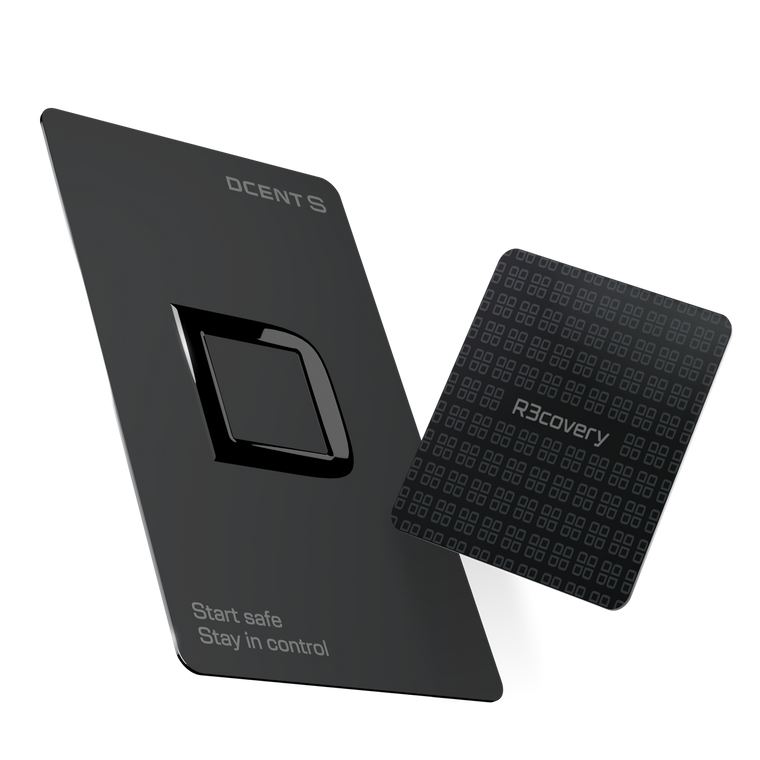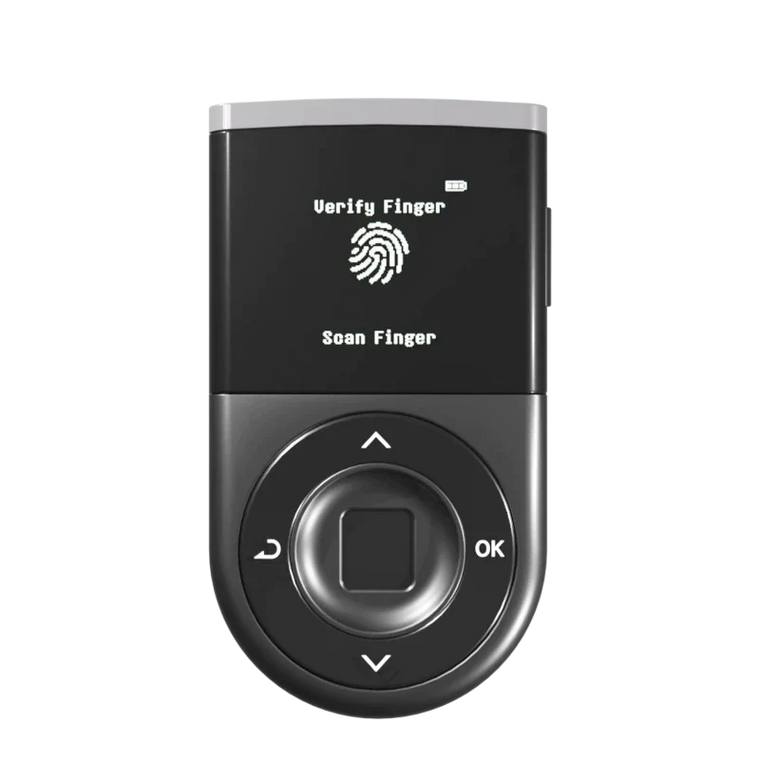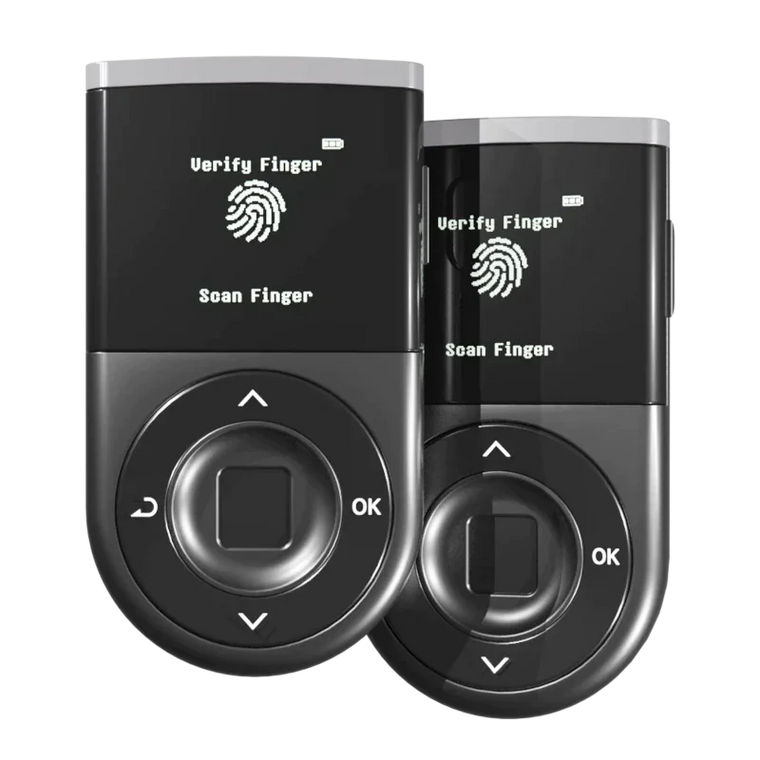







* AI-generated images may be used to help understand the content.
Key Answer: Storing cryptocurrency on an exchange exposes your assets to hacking, bankruptcy, and account freezes—risks you can significantly reduce by using a hardware wallet for self-custody. However, even with a hardware wallet, you must stay vigilant against phishing attacks that trick you into signing malicious transactions, and always verify transaction details on your device screen before confirming.
Executive Summary
- Hacking Risk: Over $2.7 billion was stolen from crypto platforms in 2025, including the $1.5B Bybit hack.
- Bankruptcy Risk: Exchange collapses like FTX and Mt. Gox left millions without access to their funds for years.
- Not Your Keys: When exchanges hold your private keys, you don't truly own your crypto.
- Self-Custody Solution: Hardware wallets store keys offline, reducing remote hack exposure.
- User Responsibility: Secure your Recovery Phrase offline and verify all transactions before signing.
Why Is Leaving Crypto on an Exchange Risky?

When you store crypto on an exchange, the exchange holds your private keys. This means you're trusting them with full control of your assets—and history shows that trust has been broken repeatedly.
According to Chainalysis, $2.2 billion was stolen through crypto hacks in 2024. The situation worsened in 2025, with TechCrunch reporting over $2.7 billion in losses—including the $1.5 billion Bybit hack, the largest single theft in crypto history.
The main risks include:
- Hacking: Exchanges are prime targets, holding billions in hot wallets
- Bankruptcy/Fraud: FTX collapsed with an $8 billion shortfall; Mt. Gox users waited 10+ years
- Account Freezes: Regulatory issues or suspicious activity can lock you out
- Counterparty Risk: You depend on the exchange's solvency and honesty
What Is the Difference Between Custodial and Non-Custodial?

Understanding the difference between custodial and non-custodial solutions is essential for protecting your crypto assets.
Custodial (Exchange):
- Exchange holds your private keys
- High hack risk (online target with billions stored)
- Bankruptcy can freeze or lose your funds
- Limited control over your assets
Non-Custodial (Hardware Wallet):
- You hold your own private keys
- Low hack risk (offline storage)
- No bankruptcy risk from third parties
- Full control—recover anytime with your Recovery Phrase
Key Point: "Not your keys, not your coins." When you hold your own keys, no third party can freeze, lose, or steal your assets through their systems.
How Do You Move Crypto to a Hardware Wallet?

Moving your assets to self-custody is straightforward when you follow these steps carefully.
Step 1: Purchase Securely
- Buy only from official sources (never used devices)
- Check packaging seals for tampering
- Never accept pre-generated Recovery Phrases
Step 2: Set Up Your Device
- Avoid public Wi-Fi during setup
- Write your Recovery Phrase on paper—never digitally
- Store the phrase in a secure, offline location (fireproof safe recommended)
Step 3: Transfer Your Crypto
- Generate a receiving address on your hardware wallet
- Send a small test transaction first
- Verify the address on your device screen
- Withdraw from the exchange to your hardware wallet
Mistakes: Critical Errors to Avoid

Even with a hardware wallet, certain mistakes can put your assets at risk.
Recovery Phrase Errors:
- Digital storage: Photos, cloud storage, or notes apps can be hacked
- Used devices: Previous owners may have access to pre-loaded phrases
- Online entry: Never enter your Recovery Phrase on any website
Transaction Errors:
- Rushing withdrawals: Always double-check addresses and network selection
- Skipping verification: Verify transaction details on your hardware wallet screen
- Blind signing: Never approve transactions you don't fully understand
Note: Hardware wallets significantly reduce hack risk, but they cannot protect you if you sign a malicious transaction yourself. Always verify before confirming.
Practical Security Checklist
Minimal, Actionable, and Sustainable
Monthly (10 minutes)
-
Review recent transactions
Check for unauthorized activity in your wallet -
Revoke unnecessary token approvals
Use tools like Revoke.cash to remove unused permissions -
Disconnect unused sites
Remove connections to DApps you no longer use -
Check Recovery Phrase storage
Visually inspect for damage, moisture, or fading
Every 3 Months
-
Update firmware
Apply security updates promptly when available -
Test wallet functionality
Confirm everything works after OS or browser updates
Every 6-12 Months
-
Review emergency plan
Update inheritance or backup access instructions -
Verify phrase readability
Check that your written Recovery Phrase is still legible
FAQ
Q1: Is it safe to keep a small amount of crypto on an exchange?
A: For active trading, keeping small amounts on reputable exchanges is common practice. However, for long-term holdings, self-custody significantly reduces your risk exposure.
Q2: What happens if I lose my hardware wallet?
A: Your crypto isn't stored on the device—it's on the blockchain. As long as you have your Recovery Phrase, you can restore access on a new device.
Q3: Can hardware wallets be hacked?
A: Hardware wallets keep private keys offline, making remote hacks extremely difficult. However, they cannot protect you if you sign a malicious transaction yourself.
Q4: How long did Mt. Gox users wait for their money?
A: Mt. Gox collapsed in 2014, and repayments only began in 2024—over 10 years later. Many users received only a fraction of their original holdings.
Q5: What is a Recovery Phrase?
A: A Recovery Phrase (also called seed phrase) is a series of 12-24 words that can restore your entire wallet. It must be kept secret and stored offline.
Q6: Are all exchanges equally risky?
A: No. Larger, regulated exchanges generally have better security, but no exchange is immune to hacks, fraud, or regulatory action.