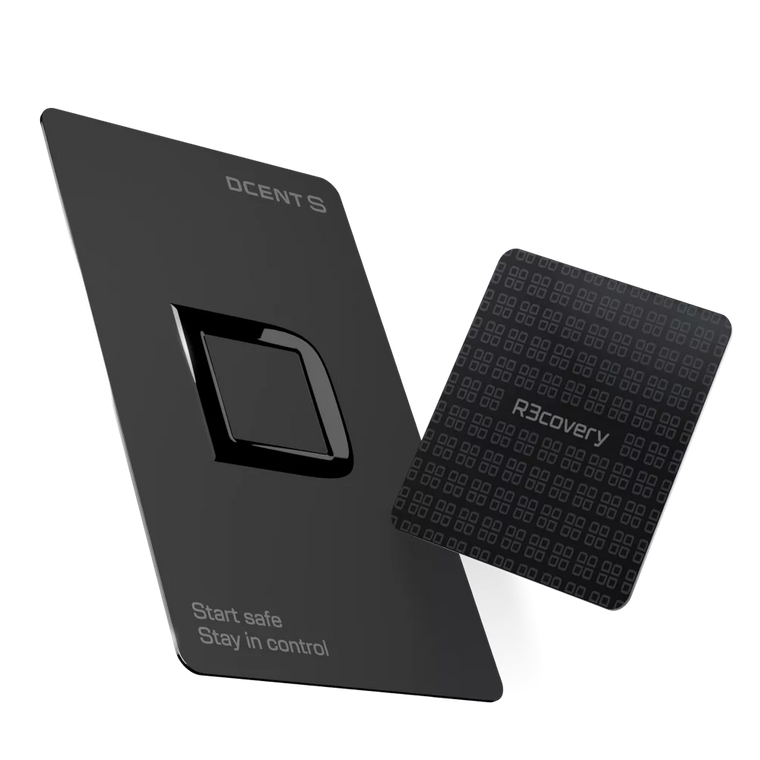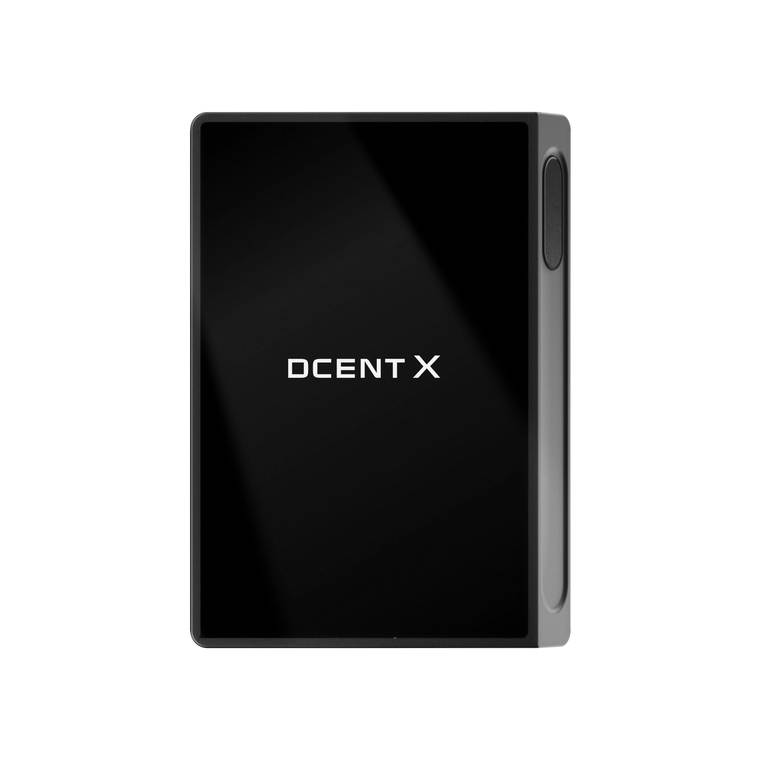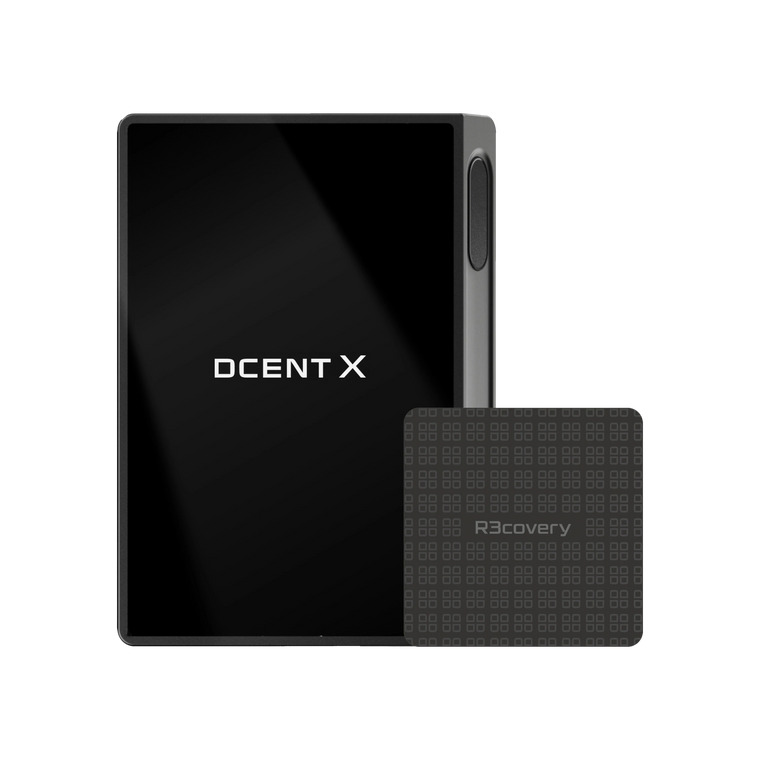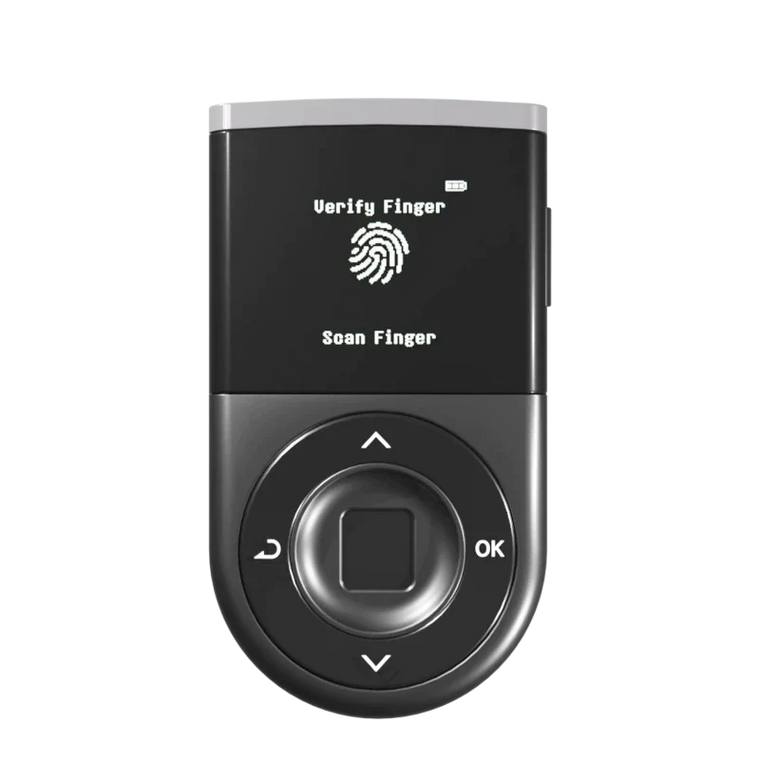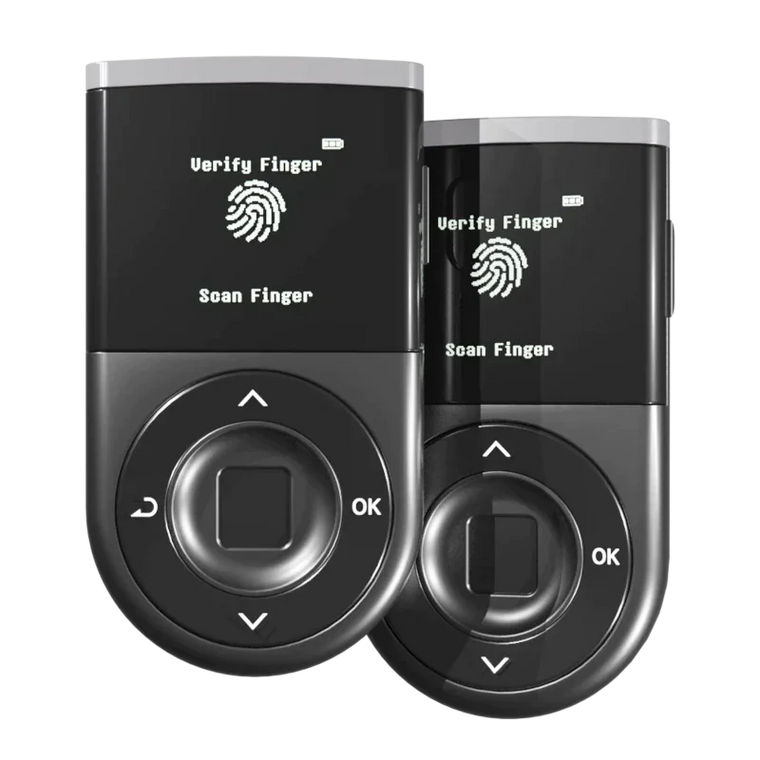




Key Answer: $2.2 billion was stolen in crypto hacks in 2024. A cold wallet keeps your private keys offline — away from hackers, malware, and exchange failures. In this guide, we compare the 5 best cold wallets for beginners in 2026 side-by-side: security chips, authentication methods, coin support, and real-world trade-offs. No cold wallet eliminates all risk, but choosing the right one is the single most impactful security decision you'll make.
Key Takeaways

- Cold wallets keep your private keys offline, protecting them from remote hacks, malware, and phishing. $2.2 billion was stolen in crypto hacks in 2024 (Source: Chainalysis).
- Every cold storage wallet in this guide uses a certified Secure Element chip (EAL5+ or higher) — the same type of chip used in passports and bank cards.
- No cold wallet is 100% safe — if you approve a malicious transaction, your funds can still be stolen. Always verify transaction details on the device screen before signing.
Why Do You Need a Cold Wallet in 2026?
Crypto theft hit $2.2 billion in 2024 (Source: Chainalysis) and is on pace to surpass that in 2025. The Bybit exchange lost $1.5 billion in a single attack in February 2025. One DeFi user lost $47,000 in seconds after clicking a single phishing link that triggered a malicious token approval — an attack that real-time transaction scanning could have flagged before signing. If a professional exchange with dedicated security teams can be compromised, individual investors keeping funds on exchanges or in browser-based hot wallets face even greater risk.
A crypto cold wallet — also called a cold storage wallet or hardware wallet — stores your private keys on a physical device that never connects to the internet directly. Even if your computer is infected with malware, an attacker cannot extract your keys from the device. You physically confirm every transaction on the wallet's screen — adding a verification layer that software wallets simply cannot provide.
In 2026, 59% of crypto holders prefer self-custody, up from 42% in 2023. Crypto cold wallets are no longer niche — they're becoming the standard for anyone holding more than a few hundred dollars in crypto. Finding the best crypto wallet for your needs starts with understanding what separates a good cold storage wallet from a great one.
Best Cold Storage Wallets for Beginners: Side-by-Side Comparison

| Feature | D'CENT Biometric | Ledger Nano X | Trezor Safe 3 | Tangem | Keystone 3 Pro |
|---|---|---|---|---|---|
| Security Chip | ST33 (EAL5+) | ST33K1M5 (EAL5+) | Optiga (EAL6+) | Samsung (EAL6+) | Triple SE |
| Authentication | Fingerprint | PIN | PIN | Phone Passcode | Fingerprint |
| Screen | OLED | OLED | OLED | None (phone) | 4" Color Touch |
| Connectivity | BT + USB-C | BT + USB-C | USB-C only | NFC only | QR (air-gapped) |
| Coins/Tokens | 4,800+ (100+ mainnets) | 5,500+ | 8,000+ | 16,000+ | 5,500+ |
| Mobile App | iOS + Android | iOS + Android | Android (limited iOS) | iOS + Android | iOS + Android |
| Clear Signing | Yes (Full decode) | Yes | Yes | Phone-dependent | Yes |
| Threat Detection | Blockaid (50+ chains) | Transaction Check | None | None | None |
| Open Source | No | No | Yes | No | Yes |
| Track Record | 0 breaches (since 2018) | Customer DB breach (2020) | No device breach | No device breach | No device breach |
| Best For | Biometric security + mobile | All-round ecosystem | Open-source entry | Simplest setup | Maximum air-gap |
Why do Clear Signing and Threat Detection matter? Most hardware wallets are passive vaults — they secure your keys but can't warn you about what you're signing. Blind signing (approving a transaction you can't fully read) is how most wallet-related losses happen. Clear Signing decodes every transaction so you see the actual recipient, amount, and network on-device. D'CENT goes further with Blockaid integration, which actively scans every transaction before you sign — flagging scam addresses, honeypot tokens, and suspicious contracts across 50+ chains.
Specifications verified March 2026 from official product pages. For an in-depth 3-way comparison, see our Ledger vs Trezor vs D'CENT detailed comparison.
Our Top Picks by Category
Editor's Pick Biometric Security: D'CENT Biometric Wallet
The only cold wallet that combines fingerprint authentication, Bluetooth connectivity, and Blockaid-powered threat detection in one device. 0.5-second fingerprint unlock replaces PIN entry — faster and immune to shoulder-surfing. With 100+ blockchains (the widest mainnet coverage in this comparison), 4,800+ tokens, and zero security breaches since 2018, it pairs convenience with a proven track record.
Open-Source Entry: Trezor Safe 3
An EAL6+ Secure Element paired with fully open-source firmware makes the Trezor Safe 3 a solid starting point for transparency-focused users. It supports over 8,000 tokens and offers Shamir backup for advanced recovery. Connectivity is USB-C only, so it pairs best with a desktop or Android workflow.
Ecosystem All-Rounder: Ledger Nano X
The Nano X stands out for its broad companion-app ecosystem — staking, swapping, and DeFi access are available in a single interface. Bluetooth connectivity works smoothly on both iOS and Android. Users who prioritize a polished app experience and wide third-party integration will find it a strong option.
Simplest Setup: Tangem
Tangem takes a card-based approach — credit-card-sized NFC cards with no screen, no battery, and no cables. You tap the card to your phone to sign transactions, and setup takes under 2 minutes. Keep in mind that transaction verification relies entirely on your phone screen, so the extra hardware-level verification layer is not available with this form factor.
Air-Gap Security: Keystone 3 Pro
Keystone uses QR codes instead of USB, Bluetooth, or WiFi — a fully air-gapped design that eliminates wireless attack vectors. The 4-inch touchscreen makes transaction verification comfortable, and the firmware is fully open-source. The QR-based signing flow adds an extra step compared to Bluetooth wallets, but provides maximum isolation.

Want fingerprint security in a beginner-friendly package?
D'CENT Biometric Wallet — 0.5s fingerprint unlock, Blockaid threat detection, 100+ chains.
How to Set Up Your First Cold Wallet (Step by Step)
Regardless of which hardware wallet you choose, the setup process follows the same core steps:
- Unbox and charge — Verify the package seal is intact. If it looks tampered with, contact the manufacturer. Charge the device (if it has a battery) or connect via USB-C.
- Install the companion app — Download the official app (Ledger Live, Trezor Suite, D'CENT App, etc.) only from the manufacturer's website or official app store. Never use third-party links.
- Create a new wallet — The device will generate your 24-word recovery phrase (BIP-39 standard). This is the master backup of all your accounts.
- Write down your recovery phrase — Use the paper card included in the box. Write each word clearly. Never photograph it, screenshot it, or store it digitally. Consider a metal backup plate for fire/water resistance.
- Set your PIN or fingerprint — Choose a strong PIN (avoid 0000 or 1234). If your wallet supports fingerprint, enroll your fingerprint during this step.
- Verify your recovery phrase — The device will ask you to confirm several words from your phrase. This confirms you wrote it down correctly.
- Add your first account — Select the blockchain (Bitcoin, Ethereum, etc.) and the app will create your first receiving address.
- Send a small test transaction — Before transferring large amounts, send a tiny amount first. Verify it arrives. Then send the rest.

Important: Your recovery phrase is the only way to restore your wallet if the device is lost or damaged. If someone else obtains your 24 words, they can take all your funds. Store it in a secure, offline location — never in a cloud drive, email, or notes app.
5 Mistakes Beginners Make with Cold Wallets
- Buying from unofficial resellers — Counterfeit or pre-initialized wallets have been used to steal funds. Always buy directly from the manufacturer's official website or authorized retailers.
- Storing the recovery phrase digitally — Taking a photo, saving in Notes, or emailing it to yourself defeats the purpose of offline security. A hacker who finds your recovery phrase owns your crypto.
- Blindly signing transactions — Always read the transaction details on your wallet's screen: recipient address, amount, and network fee. Malware can change the destination address on your computer screen while showing you the correct one.
- Using only one backup location — If your house floods or burns, your single paper backup is gone. Keep a second copy in a separate secure location (safe deposit box, trusted family member).
- Ignoring firmware updates — Manufacturers patch security vulnerabilities through firmware updates. Skipping them leaves your device exposed to known attack vectors. Always update through the official app.
Your Cold Wallet Buying Checklist
EAL5+ or higher certification?
Verify transactions directly on wallet?
All your blockchains & tokens covered?
Works on iOS & Android?
Bluetooth for mobile, or USB-C only?
PIN or biometric fingerprint?
24-word phrase? Shamir? Multi-card?
Manufacturer or authorized retailer?
Active security patches released?
Essentials covered, no bloat?
Frequently Asked Questions
What Is a Cold Wallet?
A cold wallet is a physical device — often called a hardware wallet or cold storage wallet — that stores your cryptocurrency private keys completely offline. Unlike hot wallets (MetaMask, Trust Wallet, exchange apps) that keep keys on an internet-connected device, a cold wallet never exposes your keys to online threats. You plug it in or connect via Bluetooth only when you need to sign a transaction, then it goes back offline. This air-gapped design is why cold wallets are considered the most secure way to store crypto. For a full breakdown of wallet types, see our Ultimate Guide to Crypto Wallets.
Can You Lose Crypto in a Cold Wallet?
Your crypto is not stored "inside" the cold wallet — it lives on the blockchain. The wallet only holds the private keys that grant access. So if your device breaks, gets lost, or is stolen, your crypto is not lost — as long as you have your 24-word recovery phrase safely backed up. You can restore your accounts on any compatible wallet (even a different brand) using that phrase. The real risk is losing the recovery phrase itself: if it's destroyed and you have no backup, your funds become permanently inaccessible. That's why storing your recovery phrase in multiple secure, offline locations is critical.
Are Cold Wallets Safe? Can They Be Hacked?
Cold wallets are the most secure option for storing cryptocurrency. Private keys never touch the internet, transactions must be physically confirmed on the device, and certified Secure Element chips (EAL5+/EAL6+) resist tampering — the same chip technology used in passports and bank cards. Theoretical side-channel attacks exist, but they require physical possession of the device and specialized equipment. The more common real-world risks are human: approving a malicious transaction without reading the details, revealing your recovery phrase to a scammer, or buying a tampered device from an unofficial seller. Use your wallet correctly and these risks drop to near zero. For more on staying safe, see our guide to avoiding crypto scams.
Are All Cold Wallets Equally Secure?
For core security — keeping private keys offline in a Secure Element chip — the protection level is comparable across models. The differences emerge in active protection layers. Most wallets are passive vaults that store your keys but don't warn you about malicious transactions. Some — like the D'CENT Biometric Wallet with its Blockaid integration — add real-time threat scanning that flags scam addresses and suspicious contracts before you sign. Also look for clear signing support: wallets that decode and display the full transaction on-device, so you never have to approve a transaction you can't fully read.
Do I Need a Cold Wallet for Small Amounts?
There's no strict minimum. Getting comfortable with self-custody early — even with small amounts — builds good security habits before your portfolio grows. Not sure if you need one? Check our decision framework.
What Is "Blind Signing" and Why Should I Avoid It?
Blind signing means approving a transaction without being able to see its full details on your wallet's screen. Some DeFi contracts send complex data that older wallets can't parse, so they show only a hash instead of the actual transaction. This is dangerous — you could be signing away token approvals or sending funds to an attacker. Look for wallets with clear signing (also called "What You See Is What You Sign") that decode and display the full transaction on-device.
Ready to Choose?
The Only Cold Wallet with Fingerprint + Threat Detection for Beginners
100+ blockchains · 4,800+ tokens · EAL5+ Secure Element · Blockaid real-time scanning · 0.5s fingerprint unlock · Bluetooth + USB-C · Zero breaches since 2018
See D'CENT Biometric Wallet →