






⚠️ First: which of the two modes are you in?
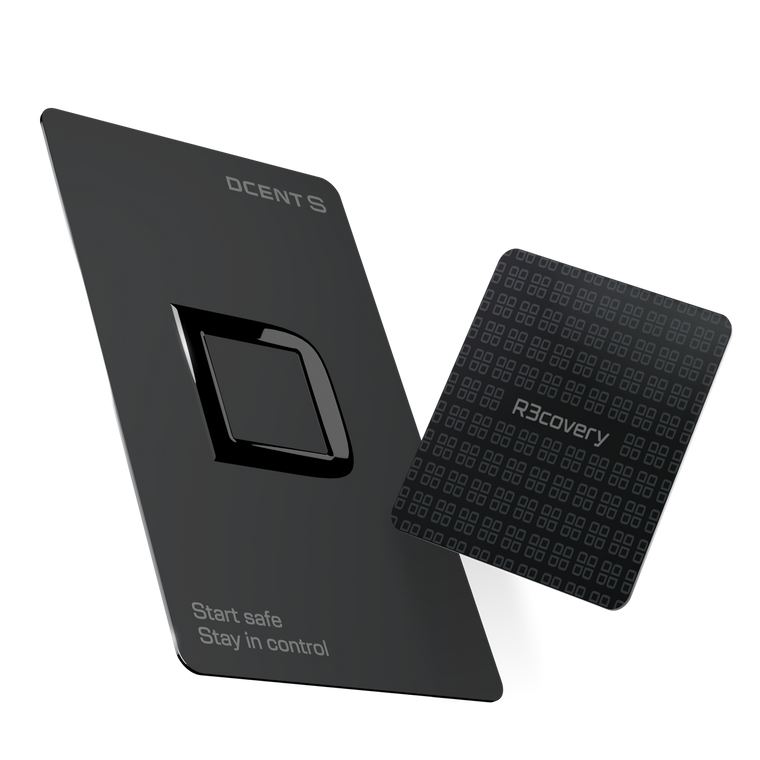
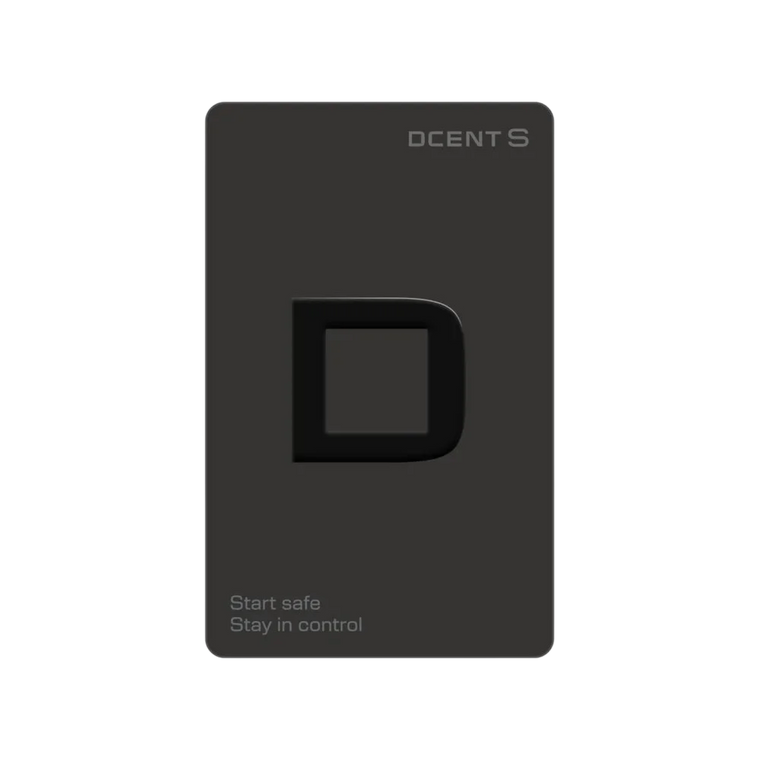
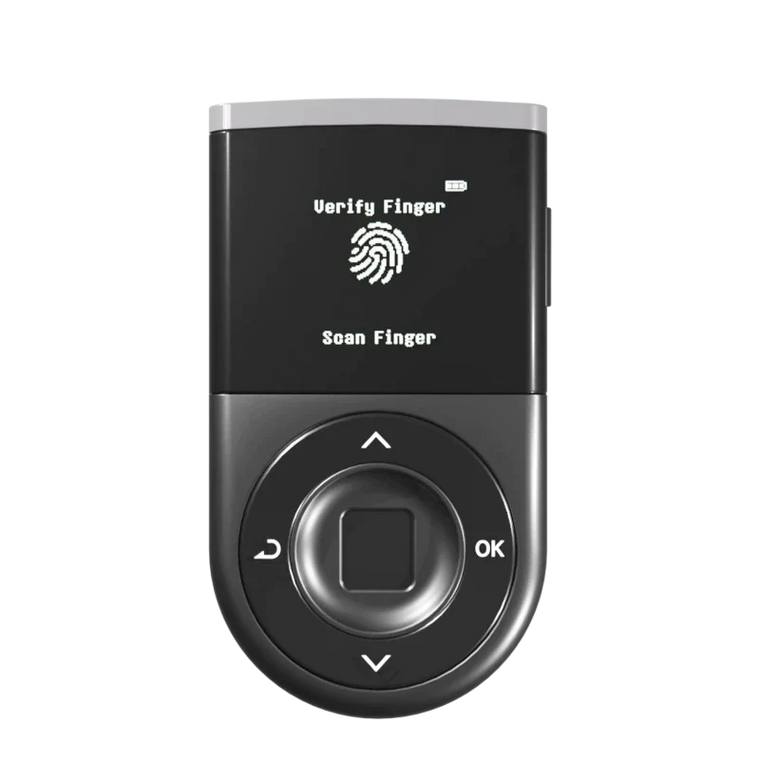
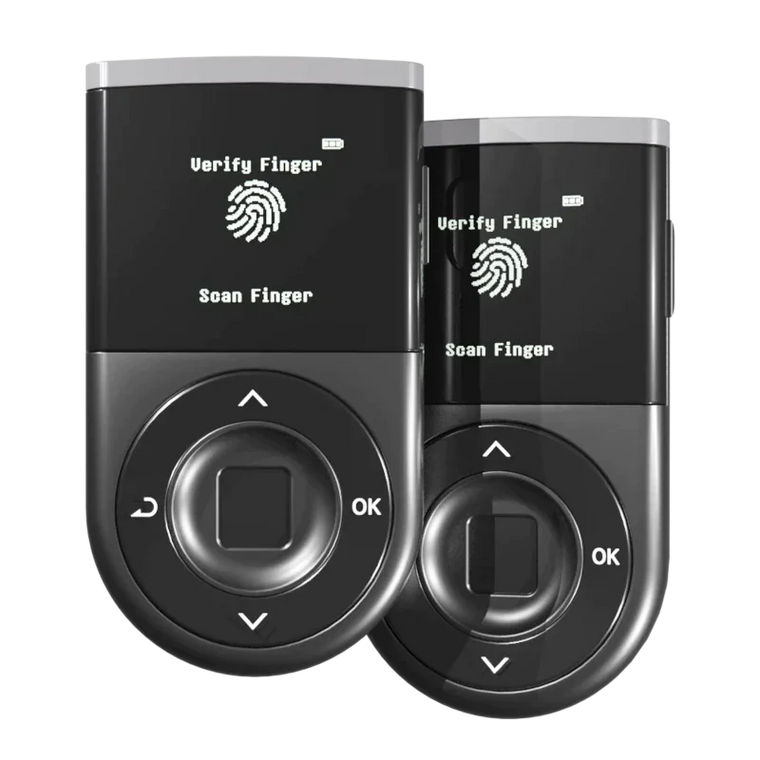
Hardware mode. You created the wallet on the device. The 24 words were generated by the device's secure chip and shown either on the device screen (Biometric, DCENT X) or once during card setup (DCENT S). You connect the device by Bluetooth or NFC to use it.
In this mode the app is only a display. It reads public addresses from the device and shows balances from the blockchain. Pairing the device does not put your recovery phrase on the phone.
App Wallet mode. This is the software wallet inside the same app. The keys are created or imported on the phone. That is the mode DCENT has flagged for abnormal transfers.
A hardware wallet falls into the affected group in one case only: if you later typed those same 24 words into the App Wallet as well, through Settings > Manage All Wallets > Add App Wallet > Import Wallet. Seeing your coins in the app after connecting the device does not mean the app generated your keys.
If you hold assets in the App Wallet, or the same recovery phrase is used in both the App Wallet and a hardware wallet, update the official DCENT app to v10.0.0 or later first. And do not "restore" the old recovery phrase onto a hardware wallet — transfer, do not restore. Two wallets created from the same recovery phrase use the same wallet key, regardless of the device.
Since our first notice, a large number of enquiries have reached us through X, direct messages and our support centre. The same questions have recurred, and some concern matters where an incorrect judgement may lead to a loss of assets. The answers to the principal enquiries are set out below.
1. Important notice
To date, abnormal asset transfer cases have been identified in the DCENT App Wallet. So far, we have not confirmed any impact on hardware wallets. Users of the App Wallet should take the following precautions. A DCENT App Wallet that uses the same mnemonic phrase as a hardware wallet is also subject to the recommended measures, as is a hardware wallet restored from a mnemonic phrase that was generated in the App Wallet.
- Update the DCENT app to the latest version. 👉 Update the app now
- Do not make transactions through the DCENT App Wallet before updating the app.
- After updating, transfer your assets to a secure hardware wallet or another trusted wallet address.
- If the same mnemonic is also used in the App Wallet, action is required regardless of where the mnemonic was originally generated.
There is no indication to date that the DCENT app itself, or the PIN and password used within the app, have been compromised or exposed. DCENT does not store or collect users' PINs, passwords or recovery phrases on its servers; that information is used only on the user's own device.
Please also be alert to impersonation and phishing attempts exploiting this situation. DCENT will never ask for your recovery phrase or private key, or ask you to send assets to a separate wallet address for recovery or compensation. Do not follow recovery or compensation instructions, or wallet addresses, sent via DMs, email, social media, or any unofficial channel.
We are prioritising the investigation into the related cases and will provide updates through our official channels as soon as the cause, scope of impact, and additional response measures are confirmed. The latest information is on our official X announcement.
An "Urgent Security Notice" pop-up is now live in the app and appears as soon as you open it.

2. Which situation applies to me?
| How you use DCENT | What to do |
|---|---|
| Assets in the App Wallet | Transfer your assets now. Confirm your recovery phrase backup → update the app → move everything, including small balances, to a wallet created from a new recovery phrase |
| Same recovery phrase on both | Both wallets need action. The two wallets use the same wallet key, so the hardware wallet is not isolated from this risk. Discontinue use of that recovery phrase |
| Hardware wallet only | If its recovery phrase has never been entered into the App Wallet, no action is required on the basis of what has been confirmed to date. Please watch for our follow-up notices |
Not sure whether you even have an App Wallet? Section 3, next, shows how to tell from the app screen. To check whether two wallets share one recovery phrase, see 5-3 — you can do it without typing your recovery phrase anywhere.
3. How to tell whether you have an App Wallet
This is the enquiry we have received most often. A single DCENT app manages biometric wallets, card wallets, and App (software) wallets alike, so the screen alone may not make the distinction clear. There are three ways to check.
3-1. The fastest check: the Manage All Wallets list
In the DCENT app, open Manage All Wallets from either the Settings tab or the My Wallet tab. Your registered wallets are grouped into three sections: Biometric wallet / Card wallet / App wallet.
If a wallet is listed under the "App wallet" group, that wallet is an App Wallet. The wallet you are currently using carries a "Selected" badge.
.png)
3-2. The decisive check: the More (⋮) menu
Tap the More (⋮) button next to a wallet in that list. The menu differs by wallet type, which makes it the most reliable way to tell them apart.
| Wallet type | What appears in the More (⋮) menu |
|---|---|
| App Wallet | App Wallet Info · App Wallet Backup · Delete App Wallet |
| Biometric · DCENT X | Device Info · Firmware Update · Delete Device |
| Card wallet | Card Info · Change Card PIN · R3covery · Factory Reset Card · Delete Card |
The criterion is as follows. If "Firmware Update" or "Device Info" is shown, it is a hardware wallet — those menus exist only where there is a physical device. If "App Wallet Backup" is shown, it is an App Wallet, because the mnemonic is stored on the phone and the backup is therefore performed in the app.
3-3. Differences you notice in everyday use
| What to look at | App Wallet | Hardware wallet |
|---|---|---|
| Sending assets | Completed with the app's 6-digit password (or your phone's biometrics) alone | Requires connecting the device over Bluetooth and approving with a fingerprint or device PIN, or tapping the card to your phone |
| Without the device | Works with the phone alone | Cannot send anything without the device or card |
| Backup prompt | The app shows a "back up your 24-word mnemonic" banner | The mnemonic is shown on the device screen (or once during card setup); no banner in the app |
The simplest criterion is whether a physical device is required in order to send. If the transfer completes with the phone alone, the private key is stored on the phone, which indicates an App Wallet.
3-4. My hardware wallet's assets show up in the DCENT app. Does that make it an App Wallet?
No. This enquiry has been received frequently.
Even when a hardware wallet is used, balances are checked and assets are sent through the DCENT app. The app serves only as the interface for display and operation; the private key remains within the device's secure chip. This is why every transfer must be approved on the device. Appearing in the app does not make a wallet an App Wallet.
There is a single criterion: whether that wallet's recovery phrase has ever been entered into an App Wallet. If it has not, your hardware wallet is not directly covered by this notice (see 5-1). If it has, it is (see 5-2).
4. What to do now
4-1. Step by step, in this order
If you have used an App Wallet, or if your App Wallet and hardware wallet use the same recovery phrase, follow these steps in this order.
- First, confirm that your 24-word recovery phrase is correctly backed up. Take out the backup itself and check that every word is there and legible.
- Update the DCENT app to the latest version through the official app store. 👉 Download or update the app
- Transfer your assets to a wallet created from a completely different recovery phrase — a hardware wallet, or another wallet you trust.
- Retire the old App Wallet and its recovery phrase permanently. Do not reuse that phrase for anything.
⚠️ The mistake you cannot undo
Do not delete the App Wallet or uninstall the app until you have confirmed your recovery phrase backup. Without that backup the wallet cannot be recovered. DCENT does not hold your recovery phrase and is therefore unable to perform recovery on your behalf.
Important. Never use links, apps or wallet addresses that reach you through anything other than an official channel or the official app store.
4-2. Where do I find the actual transfer steps?
The detailed procedure for creating a new wallet and moving assets — per device and per chain, including fee coins, the XRP destination tag, and the small-test-transfer sequence — is covered in a separate guide. Please read it alongside this page before you move anything.
👉 How to move your assets safely (step-by-step guide)
5. Questions about hardware wallets
5-1. I use a hardware wallet. Are my assets at risk?
Based on what has been confirmed so far: if the recovery phrase was generated on your hardware wallet and has never been entered into an App Wallet, this notice does not directly apply to that wallet. This covers the Biometric Wallet, DCENT S, and DCENT X.
On a hardware wallet, the private key is generated inside the device's secure chip and never leaves it. That is a fundamentally different model of protection from a software wallet.
There is one exception, and it is the important one. If you have ever entered your hardware wallet's recovery phrase into an App Wallet or any other software wallet, the two wallets share the same private keys and the hardware wallet should not be treated as isolated. In that case, create a new wallet from a different recovery phrase and move your assets to it.
5-2. I entered my hardware wallet's recovery phrase into the DCENT app as well. Does this apply to me?
Yes. If the same recovery phrase was entered into the App Wallet, both wallets are governed by the same private keys. This holds regardless of where the recovery phrase was originally generated — what matters is that it has been used in the App Wallet.
Even though the hardware device itself remains secure, that recovery phrase has a history of use in a software wallet, and the safest assumption is to treat the entire recovery phrase as potentially exposed.
Update the app first, then move your assets to a wallet created from a completely different recovery phrase. Do not go back to the old wallet afterwards.
5-3. How can I check whether my App Wallet and hardware wallet use the same recovery phrase?
They may share a recovery phrase if any of the following is true.
- You entered the recovery phrase generated by your hardware wallet when restoring the App Wallet.
- You restored your hardware wallet using a recovery phrase generated by the App Wallet.
- Both wallets show the same account address on the same network.
The third check is the one you can do safely right now. Open each wallet, look at the receiving address for the same network, and compare them on screen — the first six characters, the last six, and a section in the middle.
⚠️ Most losses happen while people are trying to check
Never enter your recovery phrase into a website, a support form, a direct message or a third-party "checker" tool in order to verify it. No legitimate tool requires your recovery phrase in order to perform this check.
5-4. I use a passphrase (the 25th word). Am I safe?
The App Wallet does not support passphrases, so a wallet protected by a 24-word recovery phrase plus a passphrase cannot have been created in the App Wallet. If you use a hardware wallet with a passphrase and have never restored that wallet in the App Wallet, you are not within the scope of this action.
However, if the underlying 24 words have ever been entered into the App Wallet, relying on the passphrase alone as a safeguard is not recommended. That recovery phrase should be regarded as exposed, and assets should be moved to a wallet created from a new recovery phrase.
6. Questions about moving assets
6-1. Where should I move my assets?
Choose a destination you control and have verified.
- A hardware wallet created from a completely new recovery phrase
- Your own verified account at a reputable exchange
- Another trusted wallet whose security model and recovery method you have personally checked
⚠️ Check these before you send
- Do not move assets to a hardware wallet that uses the same recovery phrase as the App Wallet you are leaving. It is the same wallet key, so there is no benefit to moving there.
- Never use a wallet address sent to you in a direct message or a reply by an account claiming to represent DCENT. We do not send addresses that way.
- Send a small test amount first to confirm the address and the network, then move the rest.
Once you have chosen a destination, follow the step-by-step guide for the transfer itself. It covers fee coins, the XRP destination tag, and the small-test sequence, per device and per chain.
👉 How to move your assets safely (step-by-step guide)
6-2. What is the latest app version? Should I update, or uninstall and reinstall?
You can check your app version on your DCENT App.
To confirm, open the DCENT app and go to Home → Settings → About → Check for Updates. The version should be v10.0.0 or later.

Both Android and iOS should be on v10.0.0 or later.
- Android: update on Google Play
- iOS: update on the App Store
-
The minimum supported OS versions for DCENT App v10.0.0 are:
- Android: Android 9 (API 28) or later
- iOS: iOS 15.5 or later
The safest option is to update the DCENT app to the latest version before moving your assets.
Please check which situation applies to you.
1. You cannot update the app, and you previously made transactions with the App Wallet on a version earlier than v8.1.0
Please move all remaining assets in that App Wallet as soon as possible to a secure destination, such as a trusted exchange account or a hardware wallet.
Even if you do not make any new transactions now, past use on a version earlier than v8.1.0 may mean the wallet was exposed. Please do not delay moving your assets.
2. You cannot update the app, but you have never made a transaction with the App Wallet on a version earlier than v8.1.0
Do not make any new transactions from that device.
Instead, use a device that supports the latest OS, install the latest version of the DCENT app there, and continue from that device.
3. You can update the app normally
Please update to the latest version first, then move your assets according to the official migration guide.
This guidance is intended to help prevent any additional risk.
Use the app store's update function. Do not uninstall the whole app merely to obtain the latest version. If you delete the app before confirming your recovery phrase backup, you may be unable to restore your wallet.
After updating, follow the sequence in 4-1 and move the assets to a wallet created from a different recovery phrase.
6-3. What happens if I move my assets without updating first?
Do not sign a transaction with the App Wallet before updating the app — that includes transfers, swaps and any signing request. We cannot rule out that moving assets from an older version of the app introduces additional risk of its own.
Confirm your backup, update through the official app store, and only then transfer.
6-4. If I just keep the app offline until this is resolved, am I safe?
No — staying offline does not make an existing wallet safe. If a private key or recovery phrase has already been exposed, transactions can be created from an entirely different environment. Your phone being offline does not prevent that.
The appropriate course of action is to act promptly: update through the official app store and move your assets to a wallet created from a new recovery phrase.
6-5. Should I delete the DCENT app?
No. Please do not delete the app — keep it and update it to the latest version. The app remains necessary in order to manage your hardware wallet and to receive our follow-up notices. What matters is that assets are no longer held in the App Wallet.
7. If your assets have already been taken
DCENT has completed its reports to the relevant authorities and is continuing to take related measures. If you believe you have been affected, please contact us first through the DCENT support centre. If you would also like to file a report yourself, we can walk you through the procedure.
Please include:
- The affected asset and network
- The transaction ID (TXID) or a block-explorer link
- The sending and receiving addresses
- The wallet type and operating system you were using
- The time you first noticed the problem
Important. Never submit your recovery phrase, private key, PIN or password — not to us, and not to anyone who says they are us.
8. Impersonation and phishing
Situations of this kind lead to an increase in accounts impersonating DCENT. Any message received through a channel other than an official one should be treated with particular caution.
🚨 What DCENT will never do
- DCENT will never ask for your recovery phrase or private key, under any circumstances.
- DCENT will never ask you to send assets to an address for the purpose of "recovery" or "compensation."
- Any "recovery assistance" or "compensation claim" message arriving by DM, email or social media comment is an impersonation attempt.
- A recovery phrase or private key should never be typed or shared on a website, by email, on social media or in a messenger — under any circumstances.
Our official account is @DCENTWALLETS, and our support centre is dcentwallet.zendesk.com.
Closing
The investigation is ongoing. The cause, the scope of impact and our response will be announced through our official channels as they are established, and this page will be updated accordingly. Should any fact be confirmed that differs from the content of this page, it will be communicated in the same manner.
If any part of this notice is unclear, or if your configuration differs from what is described above, please contact our support centre.
👉 Read the latest on our official X announcement
This article is provided for educational purposes only. All information is for reference and should not be taken as investment, legal or tax advice.