



📚 XRPFi Beginner Series · Part 1 — What Is XRPFi? → Part 2 — Moving XRP from Coinbase → Part 3 — Understanding XRP & Trust Lines (you're here)
In Part 2 you moved your XRP off the exchange and into a wallet you control. Nice work — that's the hard part done. But before you go and deposit it into an XRPFi product, there's something that trips up almost every first-timer:
"My wallet says 100 XRP. So why does the deposit screen only let me move 98?"
It's not a bug, and nothing is missing. It's just how the XRP Ledger works under the hood. You sent XRP in Part 2 by following the steps — now let's actually understand what you're holding, so the numbers stop being a mystery and you never get caught off guard at the deposit screen.
Key Answer: On the XRP Ledger, a small part of your balance is always reserved and can't be moved:
- 1 XRP base reserve — locked just so your account can exist.
- +0.2 XRP for every Trust Line — each token you opt in to receive locks a little more.
So your spendable (depositable) balance is always a touch less than the number on screen. Knowing why — and which wallets handle it cleanly — is what this post is about.
Your wallet balance and your usable balance
are not always the same number.

The balance your wallet shows and the amount you can actually send are different. That gap is the reserve.
First, a 60-second refresher — what is the XRP Ledger?
XRP is the coin. The XRP Ledger (XRPL for short) is the blockchain it lives on — the network that records who owns what and settles every transfer. If you held only Bitcoin or Ethereum before, three things about XRPL will feel different:
- It's fast and cheap. Transactions settle in about 3–5 seconds, and the network fee is a tiny fraction of a cent.
- It's account-based, not just an address. Unlike a plain Bitcoin address, an XRPL account is a real object on the ledger — which is exactly why it needs to be "activated" and carries a reserve (more on that next).
- It has a built-in token system and exchange. XRPL was designed from day one to hold other tokens (like RLUSD or SOLO) and trade them on a native DEX. To hold one of those tokens, you open something called a Trust Line — the second concept we'll cover.
These two design choices — the reserve and Trust Lines — are the source of nearly every "wait, why can't I move my full balance?" moment. Let's take them one at a time.
Why your balance isn't all "yours to move" — the reserve
Because every XRPL account is a live object on the ledger, the network asks each account to keep a small minimum balance on hand. This is the reserve, and it comes in two parts (XRP Ledger documentation).
1. The base reserve — 1 XRP just to exist
Every account must permanently hold at least 1 XRP. This is the same "activation reserve" from Part 2 — the reason your brand-new account needed at least 1 XRP to come alive, and the reason you can never send your balance all the way down to zero. That 1 XRP stays put as long as the account exists.
Good to know: A December 2024 XRPL update lowered the base reserve from 10 XRP to 1 XRP. If an older guide tells you to keep 10 XRP, it's out of date.
2. The owner reserve — 0.2 XRP per Trust Line
On top of the base reserve, the ledger adds 0.2 XRP for every "owned object" in your account. For most people, owned objects means Trust Lines — one for each XRPL token you've opted in to hold. Open a Trust Line for RLUSD, that's 0.2 XRP reserved. Add one for SOLO, another 0.2 XRP. And so on.
This reserved XRP isn't a fee and it isn't gone — it's yours, it just sits frozen as long as that Trust Line is open. Close the Trust Line, and the 0.2 XRP is released back into your spendable balance.

The base reserve is permanent; the owner reserve comes back when you close the Trust Line.
The number that catches everyone — balance vs. depositable
Here's where the reserve becomes real. Say your wallet proudly shows 100 XRP, and you've opened Trust Lines for three XRPL tokens. When you go to deposit into an XRPFi product, the most you can actually move isn't 100 — it's this:

The reserve portion stays locked, so the amount you can actually send is that much smaller than your total balance.
That's the whole mystery. If you type in 100 and hit max, the transaction fails or gets rejected — not because something's broken, but because the ledger won't let you spend below your reserve. This is why a good wallet shows you a "max sendable" figure that already subtracts the reserve, so you're never guessing.
Rule of thumb: The more Trust Lines you open, the larger the slice of your balance that's locked. It's never huge, but when you're depositing a "round number," it's exactly why the math doesn't line up. Always deposit using your max sendable amount, not your total balance.
So what exactly is a Trust Line?
A Trust Line is your account's way of saying "yes, I'm willing to hold this specific token." XRP itself never needs one — but every other XRPL token (RLUSD, SOLO, and the tokens many XRPFi products use) does. Until you open a Trust Line for a token, your wallet literally cannot receive it.
Why does XRPL work this way? It's a built-in spam filter. Without Trust Lines, anyone could push junk tokens into your account and clutter it forever. By making you opt in token by token, the ledger keeps your account clean — and that opt-in is the "owned object" that costs the 0.2 XRP reserve we just covered.
For XRPFi this matters directly: many products hand you a reward token, an LP token, or a receipt token that lives on XRPL. To receive it, your wallet needs the right Trust Line open. If it isn't, the deposit can stall or the tokens can't land. So "can this wallet handle Trust Lines easily?" is not a nerdy detail — it's the difference between a deposit that just works and one that leaves you stuck.

You have to switch a Trust Line on to receive that token. XRP is the one exception that never needs a switch.
No Trust Line, no token.
It's the on-switch for everything beyond plain XRP.
The real fork in the road — where do you open a Trust Line?
Every wallet stores XRP. But the moment you want to actually use it in XRPFi — open Trust Lines, receive token rewards, deposit into a vault — wallets split into two very different camps.
Camp A — handled right inside the wallet
Some wallets let you open a Trust Line and deposit in a few taps, without ever leaving the app. You search the token, tap once to add the Trust Line, and you're ready to receive it. This is the smooth path — and it's what you want if XRPFi is the goal.
Camp B — punted to an external app
Many wallets — especially hardware wallets built mainly for Bitcoin and Ethereum — treat XRPL as a side feature. They'll happily store your XRP, but to open a Trust Line or interact with an XRPFi product, you have to recover your wallet into a separate XRPL app (like Xaman) or connect through a third-party tool. More steps, more places to make a mistake, and for some hardware wallets, depositing into XRPFi simply isn't supported at all yet.
The takeaway: If you only ever want to hold XRP, almost any wallet is fine. But if you plan to actually put it to work in XRPFi, what matters is XRPL depth — whether the wallet handles Trust Lines and deposits natively, or pushes you out to another app to get anything done.
XRPL depth, compared — who can actually deposit?
Here's the same idea as a quick side-by-side. The question isn't "does it store XRP" (they all do) — it's "can it open Trust Lines in-app, and can it actually deposit into XRPFi?"
| Wallet | Trust Lines | XRPFi deposit | XRPL depth |
|---|---|---|---|
| Xaman | In-app | Via XRPL DApps | ★★★★★ |
| Ledger | Via external app | Not practical yet | ★★★ |
| Trezor | Limited | Not practical yet | ★★ |
| Tangem | Limited | Not practical yet | ★★ |
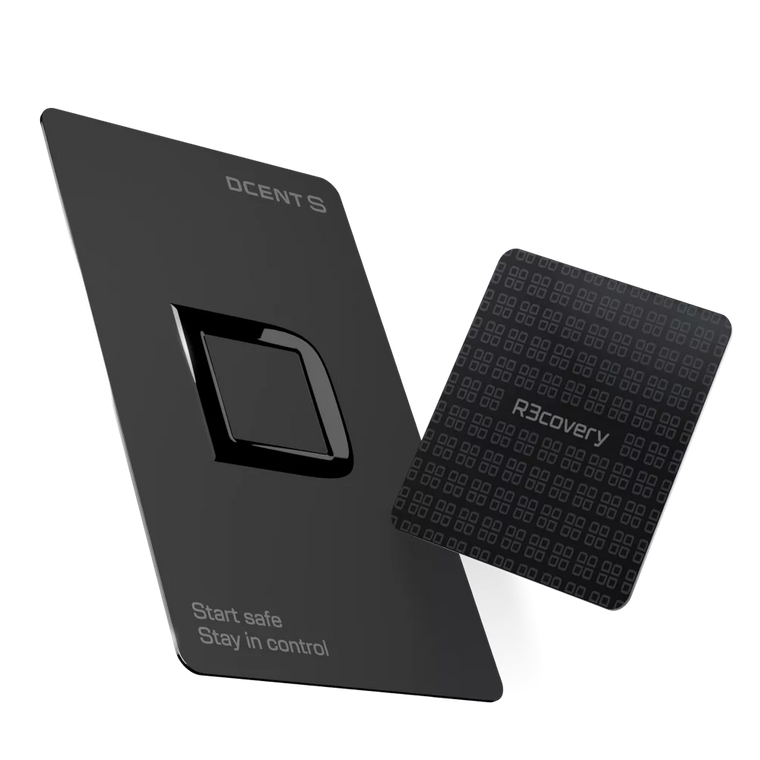
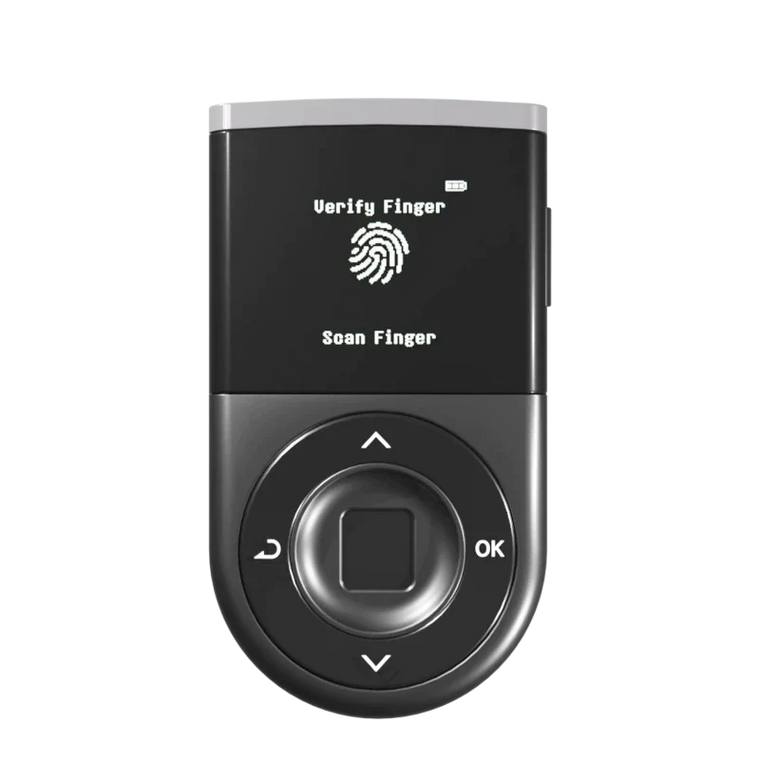
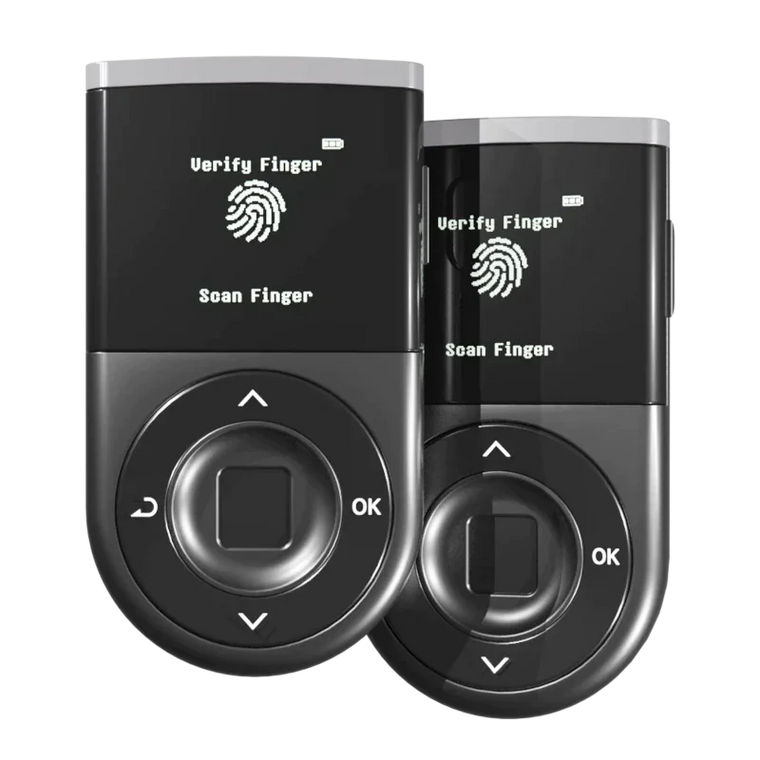
| D'CENT Biometric | In-app, one tap | Supported on-device | ★★★★★ |
Xaman is a superb XRPL-native hot wallet — but it keeps your keys on your phone, and it's XRPL-only. Among hardware wallets, the picture is lopsided: most can store XRP but route Trust Lines through an external app, and XRPFi deposits aren't practical from them yet. D'CENT is the hardware wallet that handles Trust Lines in the app with one tap and supports XRPFi deposits signed right on the device — the deepest XRPL integration of the hardware bunch.
Why this combo matters: With D'CENT you get the convenience of an in-app Trust Line plus the security of confirming every transaction on the device's own screen and signing with your fingerprint. Cold-wallet safety, without giving up the ability to actually use XRPFi.
How to open and close a Trust Line in D'CENT
Rather than just claiming "it works in the app," here's what it actually looks like. Opening a Trust Line and closing one both happen entirely inside the D'CENT app — no external app required.
Opening one — 4 steps

From the token page: tap 'Set Trustline' → confirm the fee and reserve notice → sign on the device. All in one place.
As step ③ makes clear, opening a Trust Line costs a tiny ~0.00001 XRP fee and reserves 0.2 XRP — and the app shows you that right on the screen. That's exactly the owner reserve we explained earlier.
Closing one — 2 steps

Tap the ⋮ menu at the top-right of the token page and choose 'Disable Trustline' — the line closes and the 0.2 XRP reserve is released.
Note: A Trust Line can only be closed when that token's balance is zero. If you still hold the token, send or swap it out first to empty the balance, then disable the line.
Wrapping up
Three things to carry forward, and you'll never be confused at a deposit screen again:
- ① Your balance isn't all spendable — 1 XRP base reserve plus 0.2 XRP per Trust Line stays locked.
- ② A Trust Line is the on-switch for any XRPL token — no Trust Line, no token, and each one costs a little reserve.
- ③ To actually deposit, XRPL depth wins — pick a wallet that handles Trust Lines in-app and supports XRPFi natively, not one that punts you to another app.
Now that you understand what you're really holding, the next question is simple: which wallets actually have that depth?
📬 Coming up next
In the next post we'll put it all on the table — a complete rundown of the leading XRP wallets, hot and cold, and exactly how each one handles XRP storage, Trust Lines, and XRPFi. If you're deciding where your XRP should live for the long run, that's the one to read before you commit.
Up next → Part 4: The best XRP wallets of 2026, compared — which to choose for your holdings, from free hot wallets to hardware cold storage.
FAQ
Q. My wallet shows 100 XRP but I can't send all of it. Is something wrong?
No — that's the reserve working as designed. At least 1 XRP (base reserve) plus 0.2 XRP for each Trust Line you've opened stays locked so your account can exist on the ledger. Your real "max sendable" is your balance minus those reserves and a tiny network fee. Use the max/send-all button so the wallet does the math for you.
Q. What is a Trust Line, in one sentence?
It's your account opting in to hold a specific XRPL token (like RLUSD or SOLO). XRP itself never needs one, but every other XRPL token does — and each open Trust Line reserves 0.2 XRP.
Q. Can I get my reserved XRP back?
The 0.2 XRP per Trust Line is released the moment you close that Trust Line (when its balance is zero). The 1 XRP base reserve only frees up if you delete the account entirely. So think of the base reserve as a permanent fixture and the owner reserve as refundable.
Q. Do I need a Trust Line just to receive XRP?
No. Plain XRP never needs a Trust Line — that's why Part 2's transfer worked with nothing extra. Trust Lines only come into play for other XRPL tokens, which is common once you start using XRPFi products.
Q. Why can some wallets store XRP but not let me deposit into XRPFi?
Storing XRP is simple. Depositing into XRPFi requires opening Trust Lines and signing the right XRPL transactions — what we call XRPL depth. Many wallets, including most hardware wallets, only support storage and route anything more through an external app, or don't support XRPFi deposits at all yet. That's the practical dividing line between wallets.
Q. Why was the reserve once 10 XRP and now 1 XRP?
A December 2024 XRPL update lowered the base reserve from 10 XRP to 1 XRP, and the per-object owner reserve to 0.2 XRP. Older guides may still quote the higher numbers — the current values are 1 XRP and 0.2 XRP.
D'CENT Biometric Wallet
Store XRP. Open Trust Lines.
Deposit into XRPFi — all in one wallet.
Deepest XRPL Integration · One-Tap Trust Lines · EAL5+ Secure Element · 100+ Blockchain Networks · Biometric Authentication · Zero Security Breaches Since 2018
Buy D'CENT Wallet →