



📚 XRPFi Beginner Series · Part 1 — What Is XRPFi? → Part 2 — Moving XRP from Coinbase (you're here)
XRPFi Beginner's Guide Part 2 — How to Move XRP from Coinbase to D'CENT Wallet
In Part 1 we covered what XRPFi is and why XRP sitting on an exchange can't actually participate in it. The takeaway was simple — "if your XRP lives on a custodial exchange, you can't put it to work in XRPFi."
So Part 2 is the first action step: getting your XRP off the exchange and into a wallet you control. Since the largest US-based exchange is Coinbase, we'll start there.
Key Answer: Moving XRP from Coinbase to D'CENT takes about 5 minutes in two steps:
- Get your XRP deposit address from D'CENT — Add Account → Receive → Copy.
- Send from the Coinbase app — Transfer → Send Crypto → paste address → Send Now.
First-time withdrawal? Coinbase will ask you to verify your D'CENT Wallet once via a small deposit test — we'll walk through that below.
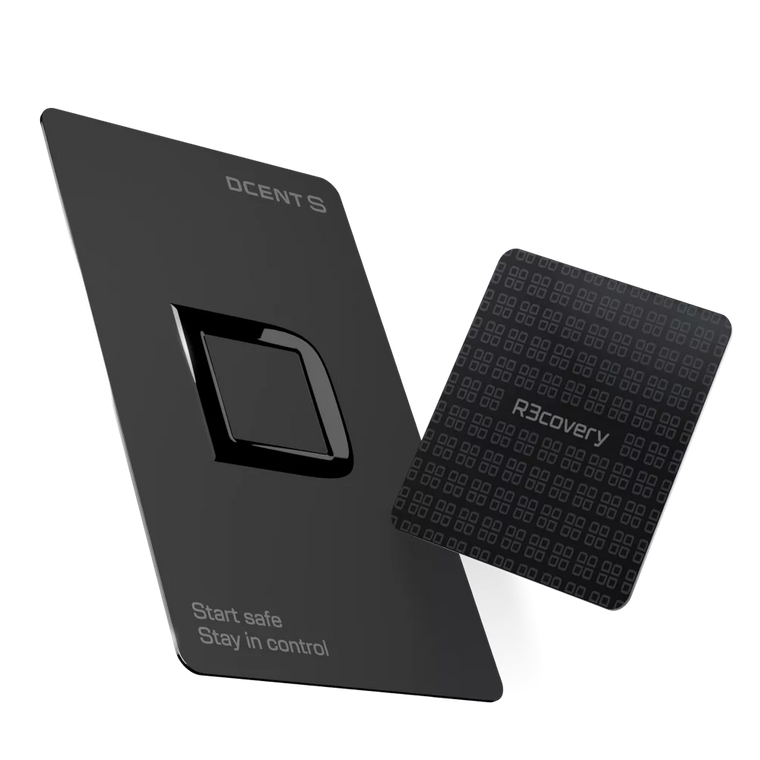
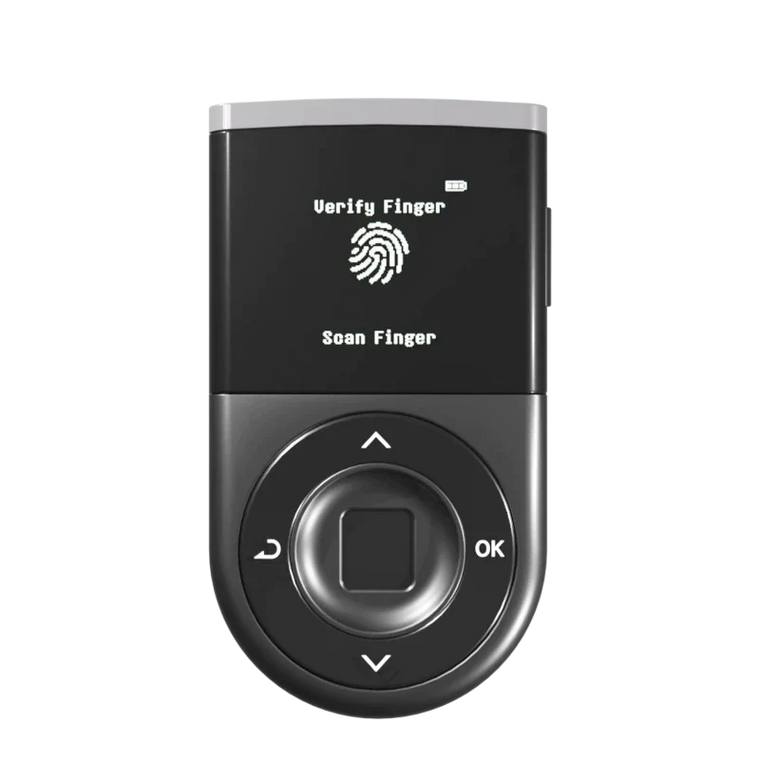
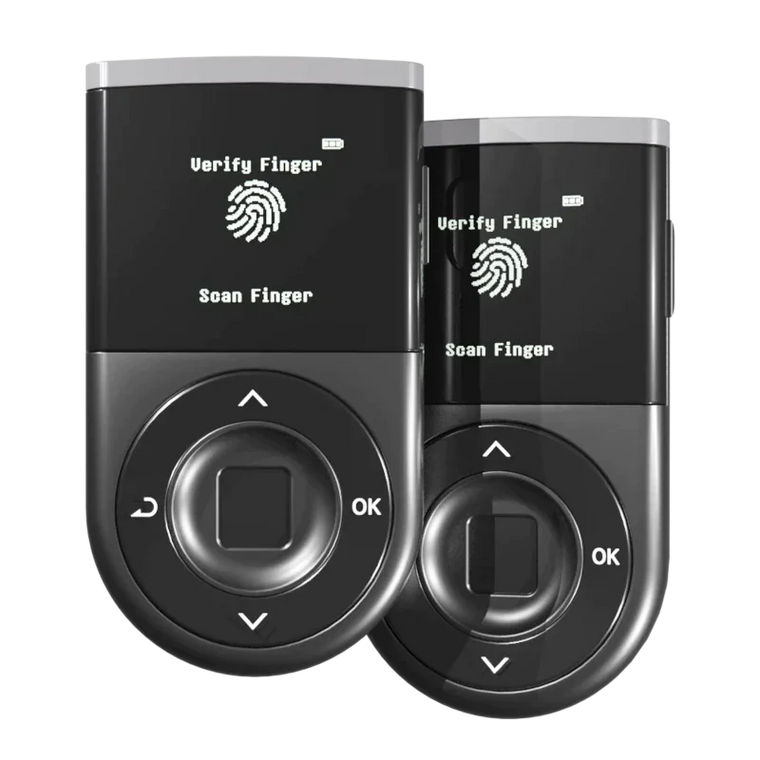
When you hold XRP on Coinbase, it's Coinbase that manages the account and holds the private keys. With your D'CENT Wallet, you create your own XRP account and hold the keys yourself — protected by an EAL5+ Secure Element and unlocked with your fingerprint.
Moving XRP from one to the other takes about five minutes. XRP just has two small quirks that Bitcoin and Ethereum users don't run into, so we'll cover those first, then walk through the transfer in two steps.
Hardware wallets reduce key-theft risk. But signing a wrong transaction can still cost you. Verifying on-device is the final firewall.
Before you start — two things to know about XRP
XRP works a little differently from Bitcoin or Ethereum. These two small things are where most first transfers go wrong — so they're worth knowing before you open Coinbase.
1. The activation reserve
Every wallet on the XRP Ledger has to hold at least 1 XRP just to exist (XRP Ledger documentation). Your brand-new D'CENT XRP account starts at zero, so if you try to send less than 1 XRP, Coinbase will let you know the destination wallet isn't activated yet, and the transfer won't go through.
The fix: Send at least 2 XRP on your first transfer — 1 XRP to activate the account, plus a little extra to hold.
2. The destination tag
Most exchanges require a destination tag (a small number) when you send XRP to them — it tells the exchange which user the deposit belongs to. Your D'CENT Wallet doesn't need one. Because D'CENT gives you your own personal XRP address, there's no routing to do.
When sending XRP to D'CENT: leave the destination tag field blank. (Or enter 0 if Coinbase requires a value.)
Step 1 — Get your XRP deposit address from D'CENT
Before opening Coinbase, you need somewhere for the XRP to land — your D'CENT XRP deposit address.
Open the D'CENT Wallet app.
If you're using a D'CENT hardware wallet, connect it over Bluetooth or USB-C.
Add a new XRP account.
Tap + Add Account → search XRP → pick XRP (XRPL) from the list. Not XRPL EVM, XRP Testnet, or any wrapped version — those are different networks.

D'CENT app — XRP account creation. Once added, your XRP account appears on the home screen with a 0 XRP balance, ready to receive.
Copy your XRP deposit address.
Tap your new XRP account → tap Receive. The app shows your deposit address with a QR code — confirm it matches the address on your D'CENT device screen, then tap Copy.

D'CENT app — the XRP receive address with QR code. Verify it matches the address shown on your D'CENT device before copying.
Step 2 — Send the XRP from the Coinbase app
Open the Coinbase app.
Tap Transfer → Send Crypto.
From the home screen, tap Transfer, then choose Send Crypto.
Paste your D'CENT XRP address.
Paste the XRP address you copied from D'CENT into the recipient field.
Choose XRP, click Skip for the destination tag, enter the amount, and tap Preview.
Select XRP as the asset, keep the destination tag blank, enter the amount you want to send, then tap Preview.

Coinbase app — Transfer → Send Crypto → paste D'CENT address → select XRP → Skip memo → amount → Preview.
Heads up — "A Memo may be required" prompt. Somewhere during this send, Coinbase shows an XRP Tag (Memo) input field. Tap Skip. D'CENT doesn't use destination tags when receiving — entering one here is the most common first-timer mistake.
Reminder: If this is your first transfer to this D'CENT XRP account, send at least 2 XRP. Otherwise the transfer fails at activation.
Verify your destination wallet.
Tap Self-custody wallet, then check "Sending to myself". If Coinbase asks for your full name and country of residence, fill those in to continue.
First-time sending? Coinbase will verify your D'CENT Wallet. If this is your first XRP withdrawal to this D'CENT address, Coinbase will pause here and ask you to confirm you actually own the destination wallet. This is a one-time regulatory step (it applies in regions where the Travel Rule is in force). Walk through the grey box below — or skip it if your D'CENT Wallet is already verified with Coinbase.
First-time verification — skip if already verified
Verify your D'CENT Wallet (one-time)
To prove you own the destination wallet, Coinbase asks you to send a small payment from D'CENT back to Coinbase. Coinbase tells you exactly what to send.
Heads up — destination tag IS required here. Earlier we said your D'CENT address doesn't need a destination tag. That's only when receiving. For this verification step you're sending to Coinbase (an exchange), so use the destination tag Coinbase shows you — exactly as written.
In Coinbase, choose Small deposit test.
Coinbase shows you three things to copy: an XRP receiving address, a destination tag (memo), and an exact amount of XRP.
In D'CENT, send the verification deposit.
Tap your XRP account → Send. Paste the Coinbase address, the destination tag, and the exact amount.
Sign on your D'CENT hardware device.
Verify the address, tag, and amount on the OLED screen, then confirm with your fingerprint.

Sending the verification deposit from D'CENT to Coinbase.
Coinbase confirms the verification in seconds and emails you within a few minutes. When the email arrives, repeat steps 1–5 above. This time Coinbase will skip verification and take you straight to the review screen.
Review the transaction details.
Check the recipient address, amount, and total one last time.
Tap Send Now. Done.
XRP transactions settle on the XRP Ledger in about 3–5 seconds. The balance usually shows up in your D'CENT XRP account within a couple of minutes — open the XRP account in D'CENT to see the received balance, and scroll down to view the transaction history.
Pro tip — send small first. Even after verification, send a small test amount (2–3 XRP) before moving your full balance. Two small transaction fees is a cheap price for certainty.
What's next — put your self-custody XRP to work
Getting your XRP off the exchange is the first half of the story. Now that it lives in a wallet you control, it doesn't have to sit idle. XRPFi — the fast-growing ecosystem of yield, staking, and DeFi products built around the XRP Ledger — lets you earn on holdings you keep in self-custody, without handing the keys back to an exchange.
New to XRPFi? Start here → What Is XRPFi? A Beginner's Guide (2026). It breaks down what XRPFi is, how it works, and the main ways to put self-custody XRP to work — all without giving up control of your keys.
FAQ
Q. Can I send XRP directly from Coinbase to D'CENT, or do I need an intermediary?
Direct. Coinbase supports XRP withdrawals to any external XRP Ledger address, including self-custody wallets like D'CENT. Just paste your D'CENT XRP receive address into the To field and set the network to XRP Ledger.
Q. What if Coinbase says my D'CENT XRP account isn't activated?
It means you tried to send less than 1 XRP to a brand-new account, which doesn't meet the XRP Ledger's activation reserve. Coinbase returns the amount minus a small network fee. Send at least 2 XRP on your next try — that's enough to activate the account and leave a little buffer.
Q. Do I need a destination tag when sending to D'CENT?
No — when XRP is going to your D'CENT address, no tag is needed. Leave the field blank, or enter 0 if Coinbase requires a value. The exception is the one-time verification step, where you send from D'CENT to Coinbase — in that direction the tag is required, and Coinbase gives you the exact one to use.
Q. Why does Coinbase want me to verify my D'CENT Wallet first?
It's tied to the Travel Rule — a regulatory framework that asks exchanges to confirm the owner of any self-custody wallet receiving a withdrawal, and to share sender/recipient details on larger transfers. Coinbase's small deposit test is how they collect proof of ownership: by sending a specified amount from D'CENT back to Coinbase, you're showing you control the destination wallet. It only happens the first time you withdraw to a new address.
Q. What's the dollar amount that triggers Travel Rule rules on Coinbase?
In the United States, Travel Rule data sharing kicks in at $3,000 or more per transfer (FinCEN guidelines). Even below that threshold, Coinbase may still ask for wallet ownership verification — like the small deposit test — as part of its own first-time compliance check on any self-custody address. Above $3,000, Coinbase shares the required sender/beneficiary information with the receiving institution through TRUST (the Travel Rule Universal Solution Technology, which Coinbase co-founded).
Thresholds in other major regions: EU (MiCA/TFR) €1,000 for unhosted wallet verification, Singapore (MAS) SGD 1,500, South Korea (FSC) KRW 1 million. Exact rules depend on the Coinbase entity that services your account — for specifics, see Coinbase's Travel Rule help docs.
Q. My D'CENT XRP account is empty. How do I complete the small deposit test?
The verification deposit has to come from the destination wallet, so you'll need a small amount of XRP in your D'CENT XRP account first. The easiest path is to fund it with a few XRP from another exchange or wallet you already control — enough to cover the verification deposit (often less than 1 XRP) plus the 1 XRP activation reserve, plus the small network fee. Once verified, all future Coinbase withdrawals to that D'CENT address go through directly.
Q. How long does the XRP take to show up in D'CENT?
XRP Ledger transactions settle in 3–5 seconds on-chain. The balance typically refreshes inside the D'CENT app within a couple of minutes.
Q. Is it actually safer to keep XRP in D'CENT than on Coinbase?
Coinbase carries counterparty risk — withdrawal freezes, account restrictions, exchange solvency. D'CENT shifts that onto you: you control the keys, but you're also responsible for protecting your recovery phrase and verifying each transaction. Hardware wallets reduce key-theft risk; they don't remove the risk of signing a wrong transaction. For long-term holdings, most security-conscious XRP holders prefer self-custody.
Q. Can I cancel a withdrawal after I click Send?
No. Once a transaction is broadcast and confirmed on the XRP Ledger (a few seconds), it's irreversible — this is true for all blockchains. There's no undo. That's why sending a small test amount first is non-negotiable.
Q. Now that my XRP is in D'CENT, can I earn on it?
Yes. Self-custody XRP can be put to work through XRPFi — the ecosystem of staking, lending, and yield products built on the XRP Ledger — while you keep control of your own keys. If you're just getting started, our XRPFi beginner's guide walks through how it works and the main ways to earn.
Wrapping up
The three things that prevent 99% of first-transfer mistakes — ① send at least 2 XRP on the first try, ② leave the destination tag blank when sending to D'CENT, ③ test with a small amount before the full balance. Once you've done it once, the next time is genuinely a 30-second job.
📬 Coming up next
With your XRP now in self-custody, the series finally gets to the fun part — actually putting it to work in XRPFi. In the next post, we'll walk through the main XRPFi products mentioned in Part 1 (Flare's Monarq vault, Doppler, Soil) and how to participate using your D'CENT-held XRP. That's when XRPFi onboarding really begins.
Ready to move your XRP?
If you already have a D'CENT Wallet, open the app, add an XRP account if you haven't, and start with a small test transaction. Once it lands in D'CENT, the rest of your balance is a single Send away.
Open D'CENT → tap + Add Account → search XRP → tap Receive. Five taps to the address you'll paste into Coinbase. Five minutes to self-custody.
D'CENT Biometric Wallet
Your XRP. Your keys. Your final say.
Native XRP Ledger support, hardware-signed.
EAL5+ Secure Element · 100+ Blockchain Networks · Biometric Authentication · WYSIWYS Trusted Display · Zero Security Breaches Since 2018
Buy D'CENT Wallet →