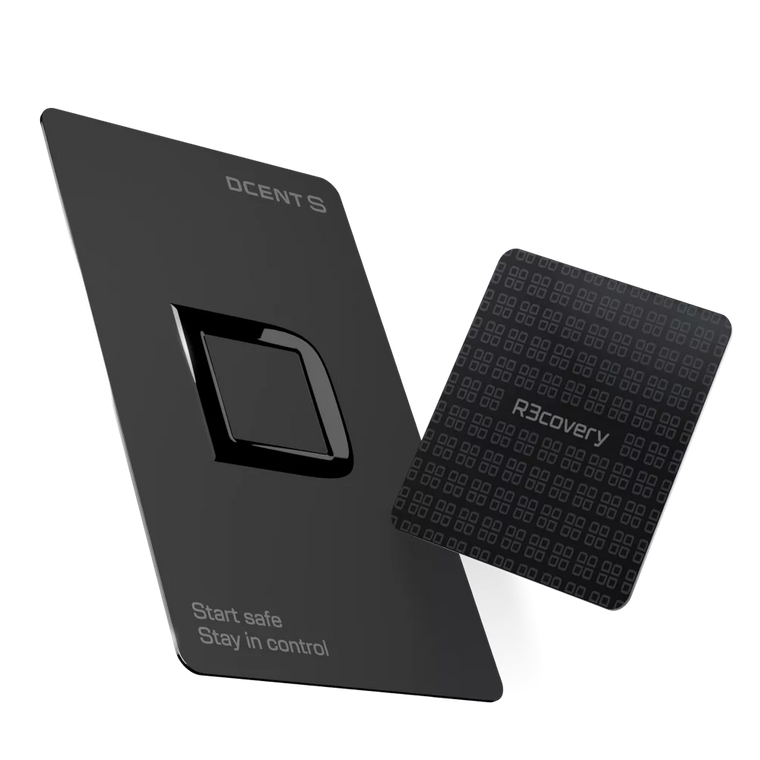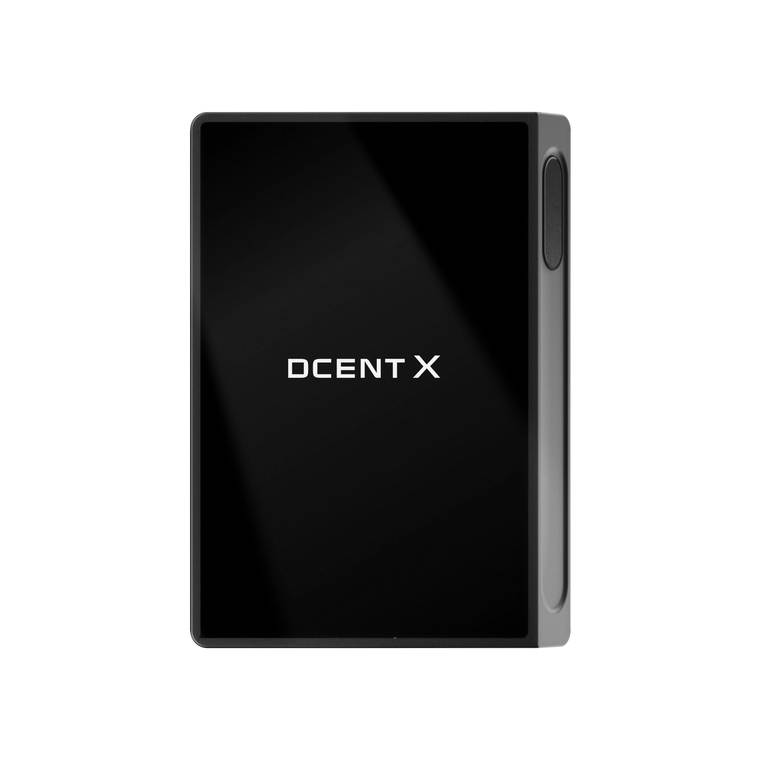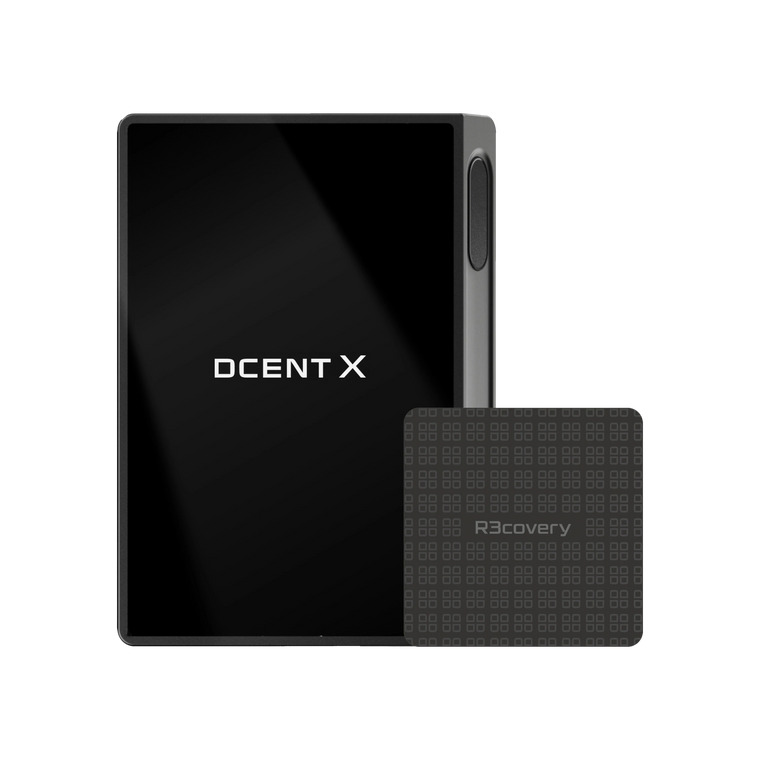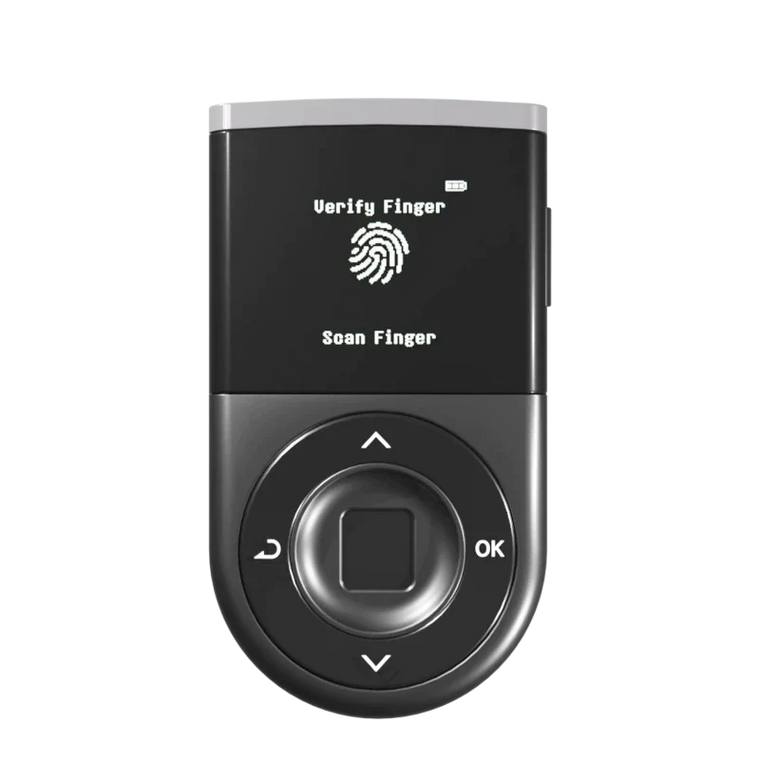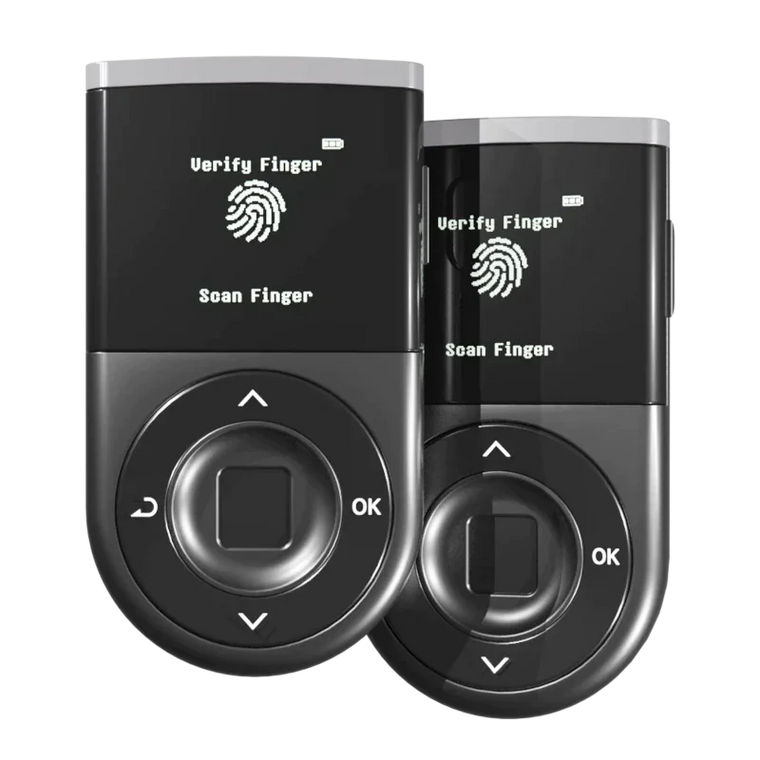




Key Answer: Swapping crypto safely requires private key isolation and transaction verification on an independent device screen. A hardware wallet with built-in DEX integration significantly reduces the risk of key theft during swaps, but if a user signs a malicious transaction or selects the wrong token, losses can still occur.
Executive Summary
- Offline Security: Crypto swaps expose your private keys to significant risks including fake DEX sites, unlimited approval exploits, and slippage manipulation
- Built-in Aggregators: Hardware wallets with built-in DEX aggregators keep your keys offline while providing access to competitive swap rates
- Real-time Protection: WYSIWYS technology allows you to verify recipient address, amount, and network directly on the device screen before signing
- Broad Network Support: D'CENT supports 39 networks for swaps through integrated aggregators (OKX, ChangeNOW, 1inch, Changelly)
- Regular Maintenance: Hardware wallets reduce risk but cannot eliminate all threats—always verify transaction details and set appropriate slippage tolerance
Why Are Crypto Swaps Risky?

Token swapping has become a routine activity for crypto users managing portfolios across multiple networks. You might swap ETH for USDC to lock in gains, exchange BNB for project tokens on BSC, or rebalance assets across chains. Each swap, however, introduces security vulnerabilities that centralized exchanges don't have.
Fake DEX Websites and Phishing
According to Chainalysis, phishing attacks targeting DeFi users resulted in hundreds of millions in losses during 2024-2025. Attackers create convincing clones of popular DEX interfaces—identical visual design, similar URLs (uniswap-finance.com instead of uniswap.org), and functional swap interfaces.
When you connect your wallet to a fake DEX and approve a transaction, the malicious contract can drain approved tokens immediately. The transaction looks legitimate on your screen, but the actual smart contract address points to the attacker's wallet.
The problem intensifies with mobile browsing. Small screens make it harder to verify URLs. A single character difference in a domain name becomes nearly invisible.
Unlimited Approval Exploits
Most DEX protocols require token approval before swapping. You grant the DEX contract permission to move your tokens on your behalf. The standard request looks like this: "Allow this contract to spend your USDT."
Many users approve unlimited amounts for convenience—clicking "Max" or "Unlimited" to avoid repeated approvals. This creates a permanent vulnerability. Even after you complete your swap and close the browser, that approval remains active on-chain.
If the DEX contract has a vulnerability or if you accidentally approved a malicious contract, attackers can drain your entire approved token balance at any time in the future. You don't need to be online. You don't need to sign another transaction. The approval you granted months ago is enough.
Slippage Manipulation and MEV Attacks
Slippage is the difference between expected and executed swap price. In volatile markets or low-liquidity pools, your swap might execute at a much worse rate than displayed.
Maximum Extractable Value (MEV) bots monitor the blockchain mempool for pending swap transactions. When they detect a large swap, they can:
- Front-run: Submit a transaction with higher gas to execute before yours, moving the price against you
- Sandwich attack: Front-run your transaction to push price up, then back-run to sell at profit while you receive the worst price
- Back-run: Execute immediately after your transaction to capture price movements you created
According to research from Flashbots, MEV extraction from DEX trades represents a significant ongoing cost for DeFi users. Setting a reasonable slippage tolerance (typically 0.5-1%) reduces your vulnerability to these attacks, but also increases the chance your transaction will fail during high volatility.
Transaction Masking and Display Manipulation
Software wallets display transaction details on the same device that might be compromised. Malware can modify what appears on your screen while sending different data to the blockchain.
You see: "Swap 1 ETH for 2,000 USDC"
Blockchain receives: "Transfer 1 ETH to attacker address"
This type of attack is particularly effective because the user verification happens on a compromised device. You're checking details on a screen the attacker controls.
What Makes a Swap Safe?

Safe swapping isn't about eliminating risk entirely. It's about layering protections so that multiple things must go wrong before you lose funds. Here's what actually matters.
Private Key Isolation
Your private key should never touch internet-connected memory during a swap. This is the fundamental principle that separates hardware wallets from software wallets.
When you swap using a browser wallet, your private key exists in browser memory—the same memory space where malicious extensions or JavaScript can operate. Hardware wallets perform all cryptographic signing inside an isolated secure chip. Transaction data goes in, signed transaction comes out. The key never leaves.
D'CENT uses an ST33 Secure Element with EAL5+ certification—the same chip technology in passport microchips and banking smart cards. Keys are stored encrypted inside the chip and physically cannot be extracted, even with direct physical access to the device.
This matters for swaps specifically because DEX interactions require multiple signatures: approval transactions, swap transactions, sometimes additional transactions for wrapped tokens or multi-step routes. Each signature is an opportunity for key exposure if you're using a software wallet.
Trusted Aggregators vs. Unknown Protocols
DEX aggregators scan multiple decentralized exchanges to find the best swap rate. Instead of manually checking Uniswap, SushiSwap, PancakeSwap, and others, an aggregator does this automatically and routes your swap through the best option.
The security question is: who built the aggregator?
Established aggregators like 1inch, OKX DEX, and ChangeNOW have undergone extensive security audits and have years of operational history without major exploits. Their smart contracts are verified, open-source, and battle-tested.
Unknown or newly launched aggregators carry additional risk. Even if the code appears legitimate, it might contain hidden malicious functions or have unpatched vulnerabilities. Without an established track record, you're essentially beta-testing with real funds.
D'CENT integrates four established aggregators: OKX, ChangeNOW, 1inch, and Changelly. This provides competitive rate discovery while limiting exposure to untested protocols.
Transaction Verification on Independent Display
This is where hardware wallets create a security boundary that software wallets cannot match.
An independent device screen—separate from your phone or computer—shows transaction data pulled directly from the secure chip. Malware on your computer can modify what appears in your browser, but it cannot modify what appears on the hardware wallet's physical display.
WYSIWYS (What You See Is What You Sign) is D'CENT's implementation of this principle. Before any swap executes, you verify on the device screen:
- The exact token you're sending
- The exact amount leaving your wallet
- The token you're receiving (contract address, not just ticker—important for avoiding fake tokens)
- The network you're transacting on
- Estimated slippage and minimum received amount
Only after visual confirmation on the independent display do you authorize the signature with biometric authentication.
According to Ethereum Foundation security guidelines, transaction verification on a device independent from the signing request is one of the most effective protections against phishing and man-in-the-middle attacks.
Rate Comparison and Slippage Protection
Slippage tolerance is your maximum acceptable price deviation. Set it too high, and you're vulnerable to MEV attacks and poor execution. Set it too low, and your transaction fails during normal market movement.
For swaps on liquid pairs (ETH/USDC, BTC/USDT), 0.5-1% slippage is typically appropriate. For lower-liquidity tokens or volatile markets, you might need 2-3%.
Built-in DEX aggregators help by:
- Comparing rates across multiple DEXes automatically
- Showing estimated price impact before you commit
- Setting a minimum received amount—the transaction fails if you would receive less
This doesn't eliminate slippage risk, but it makes the terms explicit before you sign.
How to Swap Crypto with D'CENT's Built-in DEX

D'CENT integrates four DEX aggregators directly into the mobile app, allowing you to swap tokens across 39 networks while keeping your private keys secured in the device's EAL5+ Secure Element.
Networks Supported for Swaps
The built-in swap function works across major EVM and non-EVM chains including:
- Ethereum, Polygon, Arbitrum, Optimism, Base
- BNB Chain, Avalanche, Fantom
- Solana, Cosmos ecosystem chains
- Layer 2 networks: zkSync, Linea, Scroll
- And 30+ additional networks
Step-by-Step: Executing a Safe Swap
1. Open the D'CENT mobile app and connect your Biometric Wallet
Launch the app and authenticate via Bluetooth. Your phone acts as the interface, but all cryptographic operations happen inside the hardware device.
2. Select the token you want to swap
Navigate to the wallet containing the token you want to exchange. Tap the token, then select "Swap."
3. Choose the destination token and amount
Enter the amount you want to swap and select the token you want to receive. The app will display available aggregators (OKX, ChangeNOW, 1inch, Changelly) and their offered rates.
4. Compare rates and select your preferred route
Different aggregators might offer slightly different rates depending on their routing algorithms and liquidity sources. Select the option that provides the best rate with acceptable slippage.
The app displays:
- Exchange rate
- Estimated price impact
- Network fees (gas)
- Slippage tolerance (adjustable)
- Minimum amount you'll receive
5. Review transaction details on your phone
Before sending the transaction to your hardware wallet, verify on your phone screen: tokens being exchanged, amounts and rates, and total cost including gas fees. This is your first verification layer.
6. Verify transaction on the D'CENT device screen
This is the critical security step. After you confirm on your phone, the transaction details appear on the hardware wallet's independent OLED display.
The device shows:
- Sending: Exact token name and amount
- Receiving: Token contract address and estimated amount
- Network: Which blockchain the transaction executes on
- Contract: The DEX aggregator smart contract address
Check the recipient address carefully. Malware can substitute a fake token with a similar name. The contract address on the device screen is the source of truth.
7. Authorize with biometric authentication
If all details are correct, place your finger on the sensor for 0.5-second biometric authentication. The secure element signs the transaction using your private key, which never leaves the chip.
8. Monitor transaction confirmation
The app displays transaction status. Depending on network congestion, confirmation might take seconds to minutes. Once confirmed on-chain, the new tokens appear in your wallet.
How Blockaid Protection Works During Swaps
D'CENT's integration with Blockaid provides an additional security layer during swap transactions. Before you sign, Blockaid's threat intelligence:
- Simulates the transaction outcome to verify what will actually happen to your tokens
- Scans the destination contract address against a database of known scams and malicious contracts
- Flags suspicious patterns like honeypot tokens (tokens you can buy but not sell)
- Warns about unusual approval requests or high slippage settings
If Blockaid detects a threat, a warning appears before the transaction reaches your hardware wallet. This pre-emptive detection works across 50+ networks and is updated in real-time.
Important limitation: Blockaid significantly reduces exposure to known scams, but it cannot detect brand-new attack patterns that haven't been cataloged yet. Your visual verification on the device screen remains the final security layer.
What D'CENT's Built-in Swap Can and Cannot Do

Understanding the limits of any security tool is as important as understanding its strengths. Here's an honest assessment.
What D'CENT's Built-in Swap CAN Do
Secure key storage during swaps: Your private key remains encrypted inside the EAL5+ Secure Element during all swap transactions. Keys never touch your phone's memory or any internet-connected component.
Verify transaction details on independent display: WYSIWYS technology shows exact swap details on the device screen, creating a security boundary that malware on your phone cannot cross.
Access aggregated rates from trusted sources: Integration with four established aggregators (OKX, ChangeNOW, 1inch, Changelly) provides competitive rate discovery without exposing you to unknown protocols.
Detect known scams in real-time: Blockaid integration scans transactions against updated threat intelligence, blocking access to known malicious contracts and honeypot tokens.
Support swaps across 39 networks: Broad network coverage allows you to rebalance portfolios and access opportunities across major EVM and non-EVM chains without moving funds to centralized exchanges.
What D'CENT's Built-in Swap CANNOT Do
Prevent all slippage: Slippage is a market condition, not a security flaw. Even with the best aggregator, volatile markets and low-liquidity pools can result in worse execution than estimated. The wallet can only enforce your slippage tolerance setting—it cannot change market conditions.
Guarantee the best rate at all times: Aggregators scan multiple DEXes, but they cannot scan every possible liquidity source in real-time. You might occasionally find better rates by manually checking specialized DEXes or using different aggregators. The trade-off is convenience and security vs. exhaustive rate shopping.
Protect against user error in token selection: If you select the wrong token to receive (for example, a fake USDT with a similar name instead of legitimate USDT), and you approve the transaction after seeing it on the device screen, the swap will execute as signed. The hardware wallet verifies you're signing exactly what you intend to sign—it cannot verify your intent was correct.
Eliminate front-running and MEV extraction: These are blockchain-level issues that affect all users. Hardware wallets don't interact with mempool dynamics. Setting appropriate slippage tolerance reduces vulnerability, but determined MEV bots can still extract value from large swaps.
Bypass network congestion or high gas fees: Swap execution speed and cost depend on blockchain network conditions. If Ethereum gas is 200 gwei, your swap will be expensive regardless of which wallet you use.
The core principle remains: A hardware wallet significantly reduces the risk of key theft during swaps, but if a user signs a malicious transaction or selects the wrong token, losses can still occur. Hardware wallets are tools that enforce what you verify and authorize. They cannot replace your judgment.
Common Mistakes When Swapping Crypto
Approving Unlimited Token Amounts
The most common error: clicking "Max" or "Unlimited" when a DEX requests token approval. This grants permanent permission for the contract to move any amount of that token from your wallet.
Why this is dangerous: Even after your swap completes, the approval remains active on-chain. If the DEX contract has a vulnerability discovered later, or if you accidentally approved a malicious contract, attackers can drain your entire token balance without any additional signature from you.
What to do instead: Approve only the specific amount you're swapping. If you're swapping 100 USDC, approve 100 USDC—not unlimited. Yes, you'll need to approve again for future swaps, but the security trade-off is worthwhile.
If you have existing unlimited approvals, use tools like Etherscan's Token Approvals checker or Revoke.cash to review and revoke unnecessary permissions.
Not Verifying Contract Addresses
Token tickers (USDT, LINK, SHIB) are not unique. Anyone can create a token with any name. Scammers deploy fake tokens with names identical to popular tokens, then use phishing sites to trick users into swapping real assets for worthless counterfeits.
The only reliable identifier is the contract address. Each legitimate token has a unique contract address on each blockchain. For example, real USDT on Ethereum is 0xdac17f958d2ee523a2206206994597c13d831ec7. A fake USDT might be 0x1234...fake.
When swapping, verify the token contract address on the hardware wallet screen against a trusted source like CoinGecko, CoinMarketCap, or the token project's official documentation. If the address doesn't match, stop the transaction.
Using Excessive Slippage Tolerance
Setting slippage tolerance too high makes you vulnerable to MEV attacks and poor execution. If you set 5% slippage on a liquid pair like ETH/USDC, you're essentially giving attackers permission to extract 5% through sandwich attacks.
Appropriate slippage settings:
- Liquid pairs (ETH/USDC, BTC/USDT): 0.5-1%
- Medium liquidity: 1-2%
- Low liquidity or volatile tokens: 2-3% maximum
If your transaction fails with low slippage, that's actually the wallet protecting you from poor execution. Wait for better market conditions or accept that the swap will be expensive.
Ignoring Warning Messages
Both the D'CENT app and Blockaid integration display warnings when they detect suspicious activity: unusual contract interactions, known scam addresses, tokens flagged as honeypots, and high-risk approval requests.
Never proceed past a warning message without understanding exactly why it appeared. If you don't understand the warning, stop. Research the contract address, check community discussions, verify with official project channels. Warnings exist to prevent you from signing malicious transactions. Ignoring them defeats the purpose of security tools.
Swapping on Untrusted Networks or Public WiFi
While your private key remains secure in the hardware wallet regardless of network conditions, swapping on compromised networks creates other vulnerabilities: phishing attacks through DNS hijacking, man-in-the-middle attacks that modify transaction data, and session hijacking to monitor your activity.
Use mobile data or a trusted home network for transactions. If you must use public WiFi, use a VPN, and carefully verify you're connected to the legitimate D'CENT app—not a compromised version.
Checklist: Safe Crypto Swapping

Use this checklist before every significant swap transaction:
- ☐ Device and app are legitimate: Download D'CENT app only from official app stores. Verify hardware wallet is new (not purchased used) and arrived with intact tamper-evident seals.
- ☐ Firmware is current: Check for firmware updates in the app. Security patches often address newly discovered vulnerabilities. Apply updates as soon as they're available.
- ☐ Network is trusted: Use mobile data or home WiFi, not public networks. If using public WiFi, use a VPN.
- ☐ URL is correct: If accessing DEX through browser, verify the URL character by character. Bookmark legitimate sites to avoid typosquatting attacks.
- ☐ Token contract address is verified: Check the receiving token's contract address on the hardware wallet screen against official sources (CoinGecko, project documentation, Etherscan).
- ☐ Approval amount is limited: Approve only the exact amount you're swapping, never unlimited. Review existing approvals monthly and revoke unnecessary permissions.
- ☐ Slippage tolerance is appropriate: Set 0.5-1% for liquid pairs. Increase only for low-liquidity or volatile swaps, and understand you're accepting higher risk.
- ☐ Rate is competitive: Compare the offered rate against multiple aggregators or DEXes. If one rate is significantly better than others, investigate why—it might indicate a scam.
- ☐ Transaction details verified on device screen: Check sending token, amount, receiving token contract address, and network on the hardware wallet's independent display. Do not rely solely on what appears on your phone.
- ☐ Blockaid warnings reviewed: If any security warning appears, research the flagged issue before proceeding. When in doubt, cancel the transaction.
- ☐ Gas fees are reasonable: Verify the transaction fee matches current network conditions. Unusually high gas might indicate network congestion (wait) or an attack (cancel).
- ☐ Recovery phrase is securely stored offline: Verify your recovery phrase backup is intact and stored in a secure, offline location. If your device is lost during a pending transaction, you'll need it for recovery.
FAQ
Q1: Why do I need a hardware wallet for swapping if I'm only moving between tokens?
A: Swaps require signing transactions with your private key. If you're using a software wallet (browser extension or mobile app), that key exists in internet-connected memory where malware can access it. A hardware wallet keeps your key isolated in a secure chip. The key signs transactions but never leaves the chip, reducing exposure during every swap transaction you perform.
Q2: Can hardware wallets prevent all swap scams?
A: No. Hardware wallets reduce the risk of key theft dramatically, but they cannot prevent you from signing a transaction to a malicious contract if you approve it on the device screen. If you verify and authorize a swap to a fake token or approve a scam contract, the transaction will execute. Your visual verification on the independent display is the final security layer—hardware wallets enforce what you verify, not replace your judgment.
Q3: What's the difference between approval and swap transactions?
A: An approval transaction grants permission for a smart contract to move tokens on your behalf. A swap transaction is the actual exchange. Most swaps require two transactions: first you approve the DEX contract to access your tokens, then you execute the swap. Both transactions require signatures from your private key. Approvals remain active until you revoke them, creating ongoing risk if you approved malicious contracts or unlimited amounts.
Q4: Is slippage a security risk or just a cost?
A: Both. Slippage is the natural difference between expected and executed price in volatile markets—this is a cost of trading. Excessive slippage tolerance, however, becomes a security risk because it allows MEV bots to extract more value through front-running and sandwich attacks. Setting 0.5-1% slippage for liquid pairs minimizes both cost and vulnerability.
Q5: How do I know which aggregator to choose?
A: D'CENT displays available aggregators (OKX, ChangeNOW, 1inch, Changelly) and their offered rates for your swap. Generally, choose the aggregator offering the best rate with reasonable slippage and acceptable gas fees. All four integrated aggregators are established protocols with security audits. If one aggregator offers a rate dramatically better than others, verify why before proceeding—it might indicate different routing or it might be an error.
Q6: Can I swap tokens without approving unlimited amounts?
A: Yes, and you should. When the DEX requests approval, manually set the approval amount to match exactly what you're swapping. For example, if swapping 100 USDC, approve 100 USDC only. You'll need to approve again for future swaps, but this prevents a compromised contract from draining your entire balance later. Most DEX interfaces have an "Edit" or "Custom" option in the approval dialog.
Q7: What should I do if Blockaid flags a swap as high-risk?
A: Stop immediately. Research the flagged contract address on Etherscan or the relevant block explorer. Check if it's verified (source code published), read the code if you have technical ability, search for the contract address in community forums and social media for reports of scams. If you cannot verify the contract is legitimate through multiple independent sources, do not proceed with the swap. When in doubt, cancel the transaction.
Q8: How often should I review my token approvals?
A: Monthly for active traders, quarterly if you swap occasionally. Use tools like Etherscan's Token Approvals page (connect your wallet address) or Revoke.cash to see all active approvals across networks. Revoke any approvals for contracts you no longer use or don't recognize. This reduces your attack surface against contract vulnerabilities and phishing.