



Latest Updates
- March 19, 2026: FBI issued a warning about a fake "FBI Token" TRC-20 airdrop scam circulating on Tron — unsolicited tokens with zero legitimate value sent to wallets to lure users to malicious claim sites.
- March 23, 2026: Backpack TGE launched, distributing tokens to 25% of its community. Widespread reports of copycat phishing sites emerged within hours of the official claim window opening.
- Q1 2026: OpenSea SEA token airdrop — approximately 50% allocated to community with ~25% available at first claim — underscored the surge in airdrop claim activity and the parallel spike in scam attempts.
Key Answer: Crypto airdrops come in two types. Automatic airdrops send tokens directly to your wallet with no action required — the risk there is limited to dusting. Claim-based airdrops require you to visit a website, connect your wallet, and sign a transaction — and that is where airdrop scams target you. This guide focuses on claim-based airdrops.
Your core defense: verify the claim URL through official channels and check what your hardware wallet device screen actually shows before pressing approve. One critical caveat: a hardware wallet cannot protect you if you confirm a malicious transaction yourself — which is why reading your device screen matters more than any other single step.
Why Is Airdrop Season 2026 Different?

Airdrop season has always attracted scammers. But 2026 is different in scale and sophistication. Three factors are compounding the risk this cycle.
More high-value airdrops, more targets. OpenSea's SEA token airdrop allocated approximately 50% of supply to the community, with around 25% claimable in the first window. Backpack's TGE — announced in February and launched on March 23, 2026 — distributed tokens to 25% of its community. Hyperliquid Season 2 is ongoing. Each major distribution event creates a window where millions of users are actively searching for claim pages — and attackers launch lookalike sites within hours of official announcements.
Scam losses at historic highs. According to Chainalysis, crypto scam and fraud losses reached $9.9 billion in 2024, with fake airdrops and approval phishing among the fastest-growing categories. That trajectory continued into 2026, with crypto scam and fraud losses across 2025 estimated at over $17 billion.
Government-level scam warnings. On March 19, 2026, the FBI issued an explicit alert about a fake "FBI Token" TRC-20 airdrop scam operating on the Tron network. Attackers sent unsolicited tokens to wallets, then directed recipients to a malicious claim site that drained wallets upon connection. The fact that a federal law enforcement agency is now issuing crypto-specific airdrop scam warnings signals how mainstream — and dangerous — this attack category has become. For more on exchange-level security risks exposed by similar attacks, see The $1.5B Bybit Hack.
The opportunity is real. So is the risk. The question is how to participate without becoming a statistic.
How Do Airdrop Scams Actually Work?

Understanding the mechanics of airdrop scams is the first step to avoiding them. There are three primary attack vectors.
Attack Vector 1: Fake Claim Websites
When a major airdrop is announced, attackers register near-identical domain names within hours — often swapping one character, adding a hyphen, or using a different TLD (e.g., .io instead of .com). These sites are visually indistinguishable from the legitimate claim page. When you connect your wallet, the site immediately prompts a transaction that drains your assets — sometimes before you even see a confirmation dialog.
The fake "FBI Token" claim site flagged by the FBI in March 2026 followed exactly this pattern: unsolicited tokens appeared in wallets, and a spoofed site offered to let recipients "claim" their associated reward.
Attack Vector 2: Malicious Token Approvals
This is the most technically sophisticated — and financially damaging — attack vector. First, a quick explainer: a token approval is when you give a smart contract permission to withdraw tokens from your wallet. This is a normal part of swapping tokens or using DeFi services. The problem is that fake airdrop claim sites exploit this mechanism by disguising a malicious approval as a harmless "claim" button.
What you think you're doing: claiming free tokens. What you're actually doing: granting the attacker's contract unlimited permission to spend every token of that type in your wallet — now and in the future. The attacker doesn't even need to execute the drain immediately. They can wait days or weeks before sweeping your balance.
This is why verifying the approval amount on your device screen — not just your browser — matters. The browser UI can be manipulated. The hardware wallet screen cannot. AI-powered scams use a similar deception tactic — see AI Deepfake Scams 2026 for how deepfakes target crypto holders.
Attack Vector 3: Dusting Attacks
A dusting attack involves sending tiny, near-worthless token amounts to your wallet address. The tokens themselves are harmless. Think of it like someone slipping a flyer into your mailbox to see if anyone's home. Attackers observe whether and how you move the dust to track your identity and build a profile for future targeted attacks. In some cases, the "dust" tokens appear with names that link to malicious claim sites when you try to look them up.
The correct response to unexpected tokens in your wallet: do not interact with them, do not try to swap or transfer them, and do not visit any websites printed in the token name.
Claim airdrops without the anxiety.
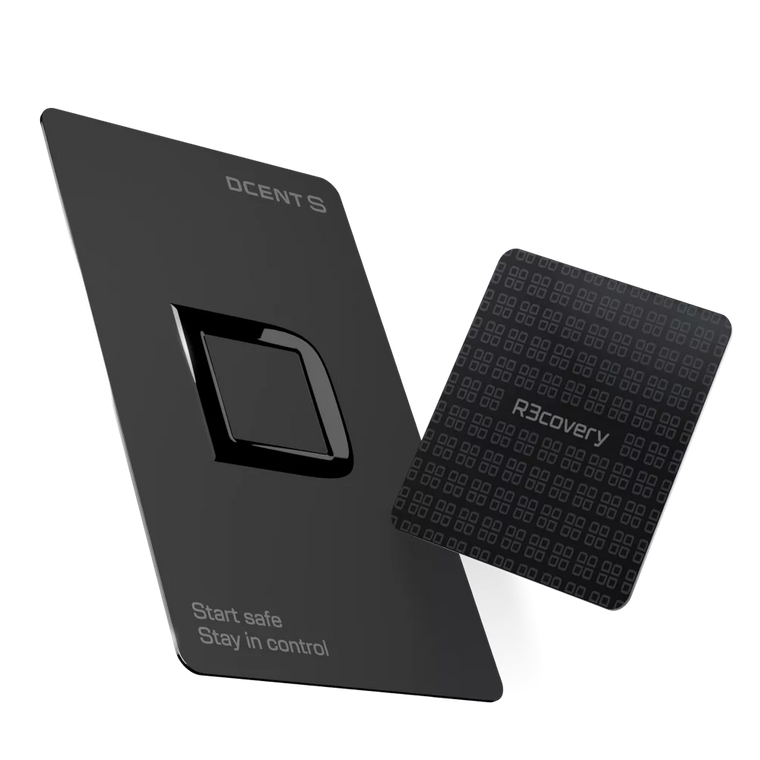
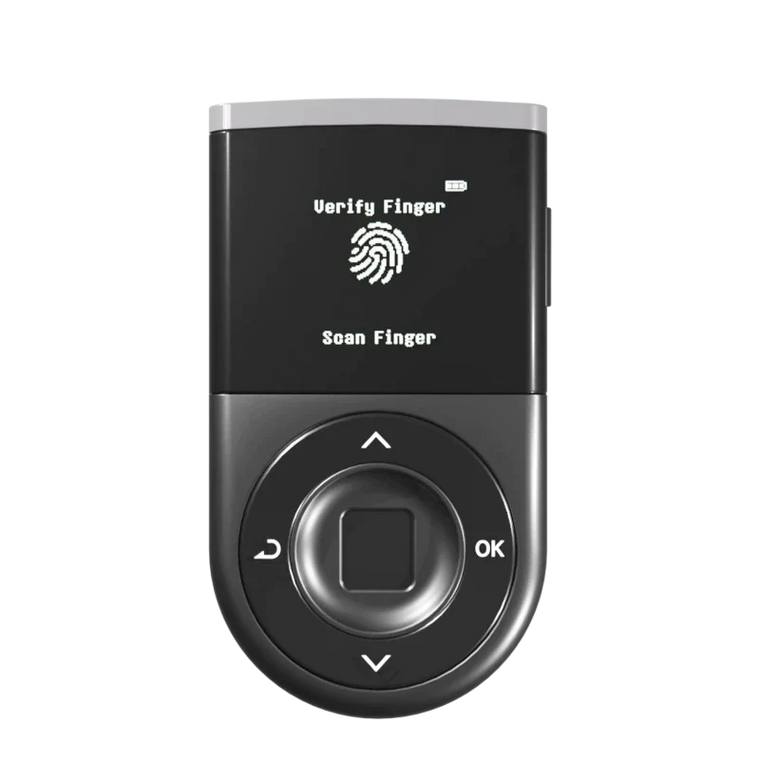
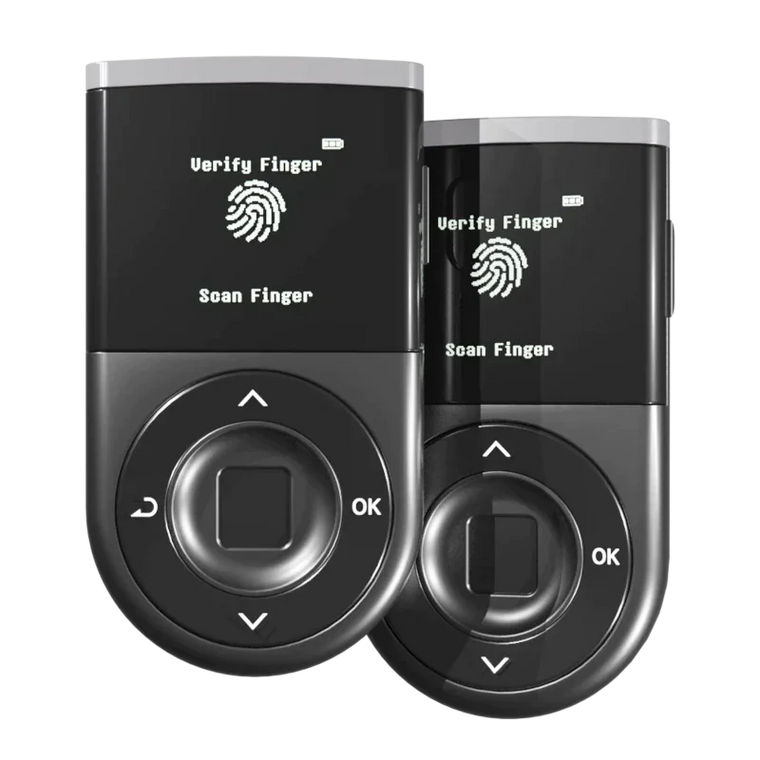
D'CENT Biometric Wallet — WYSIWYS clear signing · Blockaid threat detection · Built-in DApp browser · 100+ blockchains.
How Do You Claim Safely with a Hardware Wallet?

Step 1: Verify the Claim URL
Before visiting any airdrop claim page, find the URL through the project's own verified sources: their official website (not a Google ad), their verified X/Twitter account with the blue checkmark, or their official Discord's announcement channel (not DMs). Type the URL manually — do not click links in emails, DMs, or Telegram messages. Compare the exact URL character by character, including the TLD.
⚠ Common mistake: Clicking airdrop links from DMs, emails, or Telegram messages. No legitimate airdrop reaches you first through a direct message — official distributions are announced publicly through verified channels.
Step 2: Confirm You're on the Right Site Before Connecting
Some airdrops let you check eligibility by entering your address before connecting. Use that option when available. But many legitimate claim-based airdrops — including in-wallet campaigns run by wallet providers themselves — do require a wallet connection as part of the process. The key question isn't whether a site asks you to connect. It's whether you arrived at that site through a verified official channel (Step 1). If yes, proceed. If you're not sure how you got there, stop and re-verify.
Step 3: Connect Through D'CENT DApp Browser
Connect to the claim page via D'CENT's built-in DApp browser or WalletConnect. This routes the connection through a controlled, sandboxed environment rather than a general browser with arbitrary extensions that can manipulate what you see. When you connect, D'CENT's integrated Blockaid threat detection scans the destination contract against a continuously updated database of known malicious addresses across 50+ chains — if the contract is flagged, you receive a warning before the signing prompt even appears on your device.

Step 4: Review Your Device Screen Before Approving
This is the critical step. D'CENT's WYSIWYS (What You See Is What You Sign) clear signing displays the actual contract address, the approval scope, and the destination on its own screen — independent of what the browser shows. Before pressing approve on your D'CENT device:
- Confirm the contract address matches the official contract published by the project
- Check the approval scope — "unlimited" approvals for a simple claim are a red flag
- Verify the network — Ethereum mainnet vs. a Layer 2 vs. Tron are very different
- If anything on the device screen differs from what the browser shows, reject the transaction
Example: a browser might show "Claim 250 SEA tokens" while your D'CENT device reveals "Approve unlimited USDC to 0x4f2c…a81b." The device is correct. The browser is lying.
⚠ Common mistake: Approving transactions based only on what your browser shows. Browser UIs can be manipulated by malicious websites and injected scripts — your device screen is the verification layer that matters.
One more layer worth noting: D'CENT's EAL5+ certified secure element means your private keys are generated and stored in a tamper-resistant chip. Even if you interact with a malicious contract and reject the transaction, your keys remain isolated — no software vulnerability in a connected app can extract them.
And a reminder that no tool can replace: your recovery phrase (= seed phrase, 24-word backup) is never required to claim an airdrop. Any site, person, or prompt asking for your recovery phrase is attempting to steal your wallet entirely. No legitimate project requires it under any circumstances.
Attack ↔ Defense at a Glance
| Attack | Defense | How it works |
|---|---|---|
| Fake claim site | Blockaid | Scans the contract before the signing prompt appears; warns if the address is flagged |
| Malicious approval | WYSIWYS | Shows the actual approval data on the device screen, not what the browser claims |
| Dusting | No action needed | Don't interact — the tokens are harmless bait designed to lure you to malicious sites |
Airdrop Safety Checklist
- 1Find the claim URL from the project's official website or verified social channels — never from DMs or search ads
- 2Check eligibility by entering your address first, without connecting your wallet
- 3Connect via D'CENT DApp browser or WalletConnect — stop if Blockaid flags the contract
- 4On your device screen: verify contract address, approval amount, and network before approving
- 5Do not interact with unexpected tokens in your wallet — leave dusting tokens alone
- 6Never share your recovery phrase — no legitimate airdrop requires it
FAQ
Is it safe to claim airdrops with a hardware wallet?
It depends on the type of airdrop. Automatic airdrops — where tokens are sent directly to your address — require no signing and carry minimal risk beyond dusting. Claim-based airdrops — where you connect your wallet to a website and sign a transaction — are where a hardware wallet matters most. Your keys never leave the secure chip, but the wallet cannot protect you if you manually confirm a malicious transaction. Always verify what your device screen shows before pressing approve.
What is a crypto airdrop scam and how does it work?
Airdrop scams typically take three forms: (1) Fake claim websites that mimic legitimate airdrop pages and drain your wallet when you connect; (2) Malicious token approvals that grant attackers unlimited spending access to your tokens — disguised as a simple "claim" action; (3) Dusting attacks where tiny token amounts are sent to your wallet to track your on-chain activity and profile you for further targeting. The FBI warned about one such scam in March 2026 involving fake "FBI Token" TRC-20 tokens airdropped on Tron.
What is WYSIWYS and why does it matter for airdrops?
Picture this: you click "Claim 500 SEA tokens" on what looks like the official OpenSea page. Your browser shows a clean confirmation. But your D'CENT device screen shows something completely different — "Approve unlimited USDC to 0x4f2c…a81b." That mismatch is exactly what WYSIWYS ("What You See Is What You Sign") is designed to reveal. The device displays the raw transaction data — the actual contract, the real approval scope, the true destination — independent of what any connected software shows. During airdrop season, this gap between what the browser promises and what the device reveals is often the difference between claiming safely and losing your balance.
What is Blockaid and how does it protect airdrop claimers?
Blockaid is a real-time threat detection system integrated into D'CENT Wallet that scans transactions before you sign them. It checks the destination contract against a continuously updated database of known malicious addresses, phishing sites, and exploit patterns across 50+ blockchains. If you connect to a fake airdrop claim page, Blockaid flags the transaction as malicious before your hardware wallet even prompts you to approve — giving you a clear warning to stop.
How do I verify a legitimate airdrop versus a scam?
Verify through the project's official channels: the official website (check the URL carefully — one character off is enough), their verified Twitter/X account, and their official Discord announcement channel. Legitimate airdrops do not require you to send crypto first, do not ask for your recovery phrase or private key, and do not expire in minutes. Use a fresh browser session, type the URL manually rather than clicking links, and check the claim transaction on your hardware wallet screen before approving.
What should I do if I accidentally approved a malicious airdrop transaction?
Act immediately: (1) If the transaction already drained funds, those unfortunately cannot be recovered. (2) Move remaining assets to a new wallet address with a fresh recovery phrase immediately. (3) Report the scam to the project's official team and to relevant authorities. Speed matters — the longer you wait, the more exposure your remaining assets have.
Can I claim airdrops on multiple chains with one hardware wallet?
Yes. D'CENT Biometric Wallet supports 100+ blockchains and 4,800+ tokens, so you can claim airdrops on Ethereum, Solana, Arbitrum, Optimism, Base, Tron, and many other networks from a single device. The built-in DApp browser and WalletConnect compatibility let you connect directly to airdrop claim pages. Each chain's transaction details — contract address, amount, network — are shown on the device screen for verification before you approve.
What is a token approval and why is it risky during airdrops?
A token approval (ERC-20 approve function) grants a smart contract permission to spend tokens from your wallet — sometimes an unlimited amount. Many legitimate DeFi interactions require approvals, but fake airdrop claim sites exploit this by disguising a malicious unlimited approval as a harmless "claim" button click. Once an approval is granted, the approved contract can drain that token from your wallet at any time, even days later. Always check the approval amount on your hardware wallet screen before confirming.
The Bottom Line
The FBI's March 2026 fake token warning, the wave of copycat sites after Backpack's TGE, and the ongoing Hyperliquid Season 2 scam campaigns all point to the same conclusion: if you're claiming airdrops in 2026, your claim routine matters more than any single tool.
Every airdrop claim should follow two steps — no exceptions:
- Verify — Find the claim URL from the project's official channel only. Type it manually. Never trust a link from a DM, email, or search ad.
- Check your device — Before pressing approve, read what your hardware wallet screen actually shows: the contract address, the approval scope, and the network. If it doesn't match what the browser promised, reject it.
This two-step habit is what separates airdrop participants who keep their assets from those who don't. The tools help — but the routine is what protects you.
Sources & References
- Chainalysis 2025 Crypto Crime Report — $9.9 billion in scam and fraud losses in 2024; airdrop phishing and fake approval attacks among the fastest-growing categories
- CoinTelegraph — 10 Signs an Airdrop Is a Scam and How to Stay Safe — analysis of the most common airdrop attack vectors and red flags
- MetaMask Help Center — How to Tell the Difference Between a Regular Airdrop and Airdrop Phishing Scams — guidance on identifying fake claim sites and malicious token approvals
- FBI Warning: Fake "FBI Token" TRC-20 Airdrop Scam (March 19, 2026) — FBI New York alert on the fake FBI Token airdrop targeting Tron wallet users with phishing sites
Claim Airdrops with Confidence
Claim Multi-Chain Airdrops from One Device — With Scam Detection Built In
See exactly what you're approving before you sign · Auto-flag malicious contracts before the prompt · Built-in DApp browser for safe connections · Claim on Ethereum, Solana, Arbitrum, Tron, and 100+ more
See D'CENT Biometric Wallet →