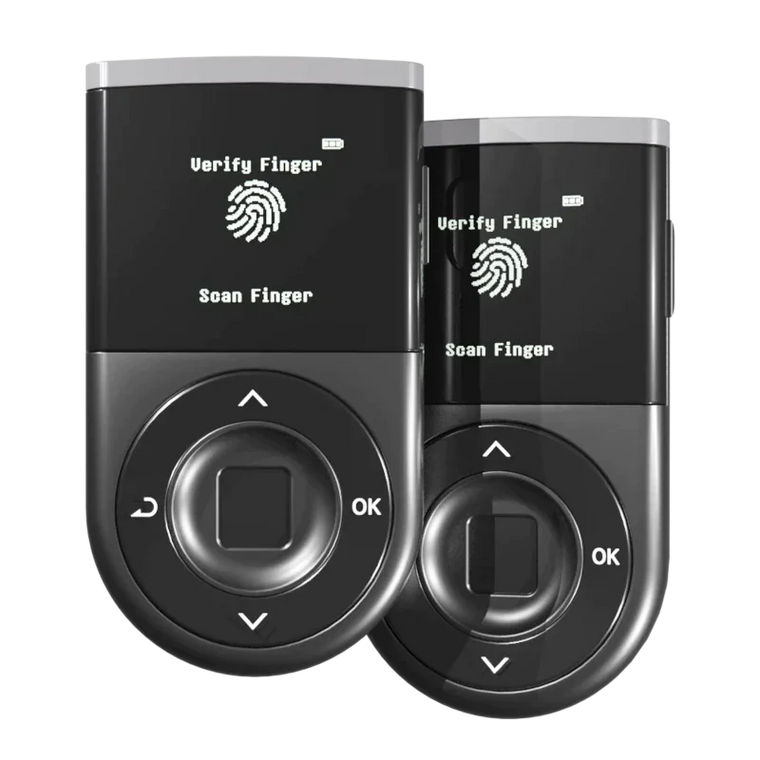




Key Answer: Blind signing is the practice of approving a crypto transaction without seeing its full details—only an abstract hash is displayed, making it impossible to verify what you're actually signing. Clear signing (WYSIWYS - What You See Is What You Sign) displays the complete transaction data—recipient address, amount, and network—on your device screen before approval. A hardware wallet significantly reduces the risk of key theft, but if a user signs a malicious transaction, losses can still occur.
Executive Summary
- Blind Signing Risk: Blind signing shows only cryptographic hashes, forcing users to approve transactions without knowing the actual recipient, amount, or contract function
- Clear Signing Protection: Clear signing (WYSIWYS) displays full transaction details on the device screen, enabling visual verification before approval
- Attack Statistics: According to Chainalysis, phishing and approval-based attacks accounted for over $300 million in crypto losses in 2023
- Direct Data Path: D'CENT's Direct Data Path sends transaction data from the secure chip to the screen, bypassing tamperable software layers
- Final Security Layer: Your eyes are the final security layer—malware can fake your phone screen, but it cannot alter what appears on an independent hardware display
Why: What is blind signing and why is it dangerous?

Blind signing occurs when a hardware wallet displays only a cryptographic hash (a long string like 0x7a3f9b2c...) instead of showing the actual transaction details. The user is asked to approve the transaction without knowing the recipient address, the amount being sent, which smart contract function is being called, or what permissions are being granted.
Why wallets use blind signing
Some transactions—especially complex smart contract interactions—contain data that is difficult to decode and display in human-readable format. Rather than investing in decoding infrastructure, some wallet manufacturers default to showing the raw hash and asking users to "trust" that the connected application is legitimate.
The security problem
This creates a critical vulnerability. If malware compromises the host device (your computer or phone), it can display a fake transaction on your screen showing "Send 0.1 ETH to your friend" while sending a completely different transaction to your hardware wallet (e.g., "Approve unlimited token withdrawal to hacker address"). Your hardware wallet shows only a hash: 0x3a7f2b9.... You approve, thinking you're sending 0.1 ETH. The actual signed transaction drains your entire wallet.
Real-world examples
Approval phishing attacks are the most common exploitation of blind signing. According to Chainalysis research, these attacks work by a fake DApp website requesting token approval, the user seeing "Approve USDT spending" on their browser while the hardware wallet shows only a hash, and the actual transaction granting unlimited withdrawal rights to a drainer contract. Days or weeks later, the attacker executes the withdrawal.
In 2023 alone, over $300 million in crypto assets were stolen through approval-based phishing—attacks that rely on users blind signing malicious transactions.
What: What is clear signing (WYSIWYS)?

Clear signing, also known as WYSIWYS (What You See Is What You Sign), is a transaction verification method that displays the complete, human-readable transaction details on the hardware wallet screen before you approve.
What you actually see
With clear signing, the device screen shows the full recipient address (not abbreviated), the exact amount and token type being sent, the network (which blockchain the transaction is on - Ethereum, Polygon, etc.), and the contract function when applicable (what the smart contract will do - e.g., "Approve", "Transfer", "Swap").
How it works
Clear signing requires the wallet to decode transaction data (parse the raw transaction bytes into human-readable format), display on trusted screen (show the decoded information on the device's own display, not the host computer/phone screen), and wait for user verification (require the user to review and manually approve after seeing the details).
The security difference
The key protection comes from the independent display. Even if malware controls your computer or phone screen, it cannot alter what appears on the hardware wallet's screen. Your visual verification on the trusted display is the final security checkpoint.
As stated in Ethereum's official security documentation, hardware wallets with clear signing provide significantly stronger protection against phishing attacks because "the user can verify the exact transaction details on a device the attacker cannot compromise."
Blind signing vs clear signing: Side-by-side comparison

Feature Comparison
What you see:
- Blind Signing: Cryptographic hash (e.g., 0x3a7f2b9...)
- Clear Signing (WYSIWYS): Full transaction details (address, amount, network)
Can verify recipient?
- Blind Signing: No
- Clear Signing (WYSIWYS): Yes
Can verify amount?
- Blind Signing: No
- Clear Signing (WYSIWYS): Yes
Can verify network?
- Blind Signing: No
- Clear Signing (WYSIWYS): Yes
Can verify contract function?
- Blind Signing: No
- Clear Signing (WYSIWYS): Yes (when supported)
Protection from screen malware:
- Blind Signing: None - you cannot verify if the hash matches what's on your computer screen
- Clear Signing (WYSIWYS): High - independent display shows truth regardless of host device compromise
User decision-making:
- Blind Signing: Forced to trust the host application
- Clear Signing (WYSIWYS): Informed decision based on visible data
Phishing vulnerability:
- Blind Signing: High - approval attacks succeed easily
- Clear Signing (WYSIWYS): Low - malicious transactions are visible before signing
Which approach protects you better?
Clear signing provides objectively stronger security because you can make informed decisions (you know exactly what you're approving), malware cannot hide attacks (even if your phone/computer is compromised, the truth appears on the hardware screen), and phishing becomes detectable (if a website says "Approve 100 USDT" but your device shows "Approve unlimited USDT", you catch the fraud before signing).
How: How does D'CENT's WYSIWYS work?

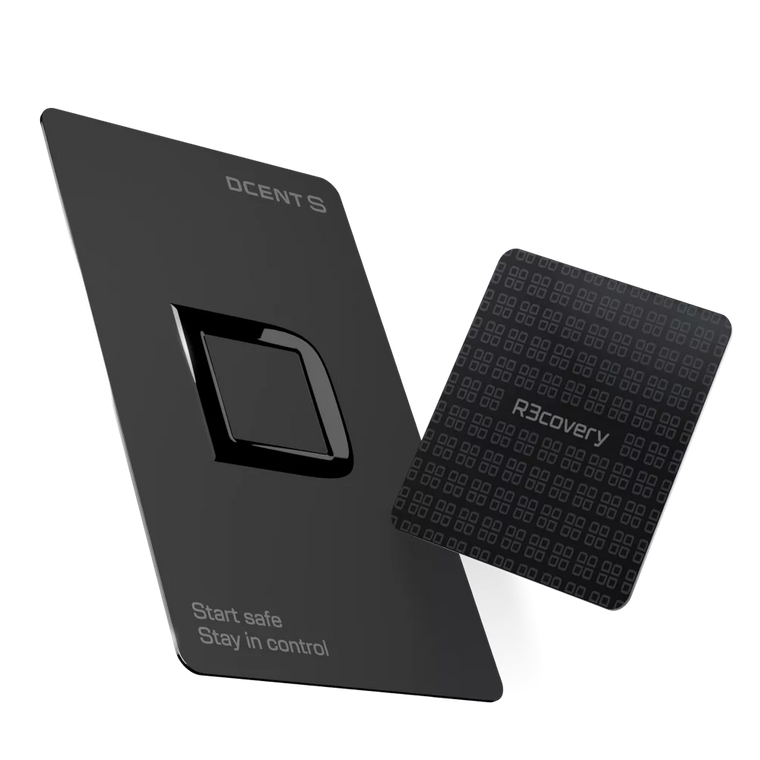
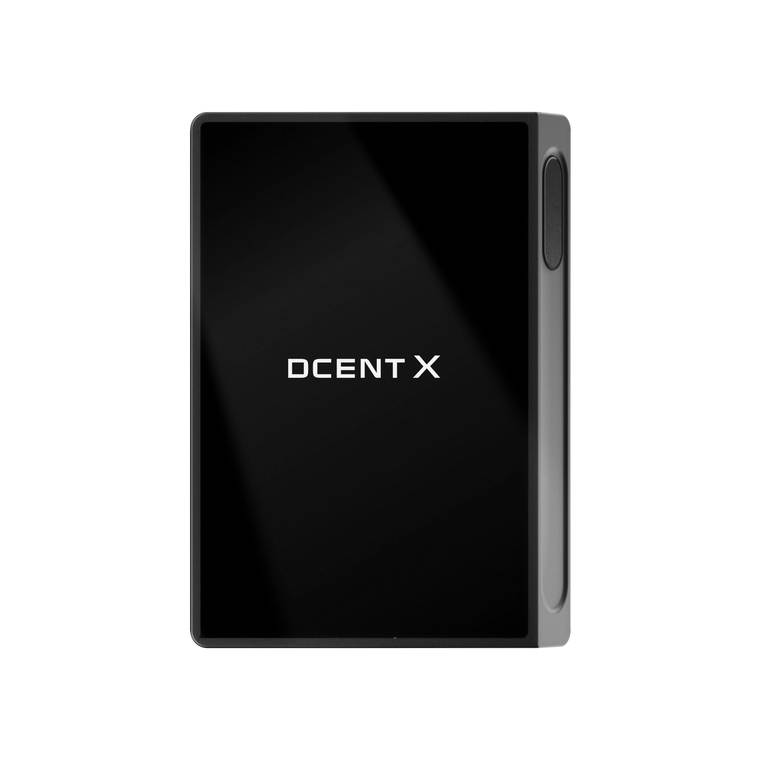
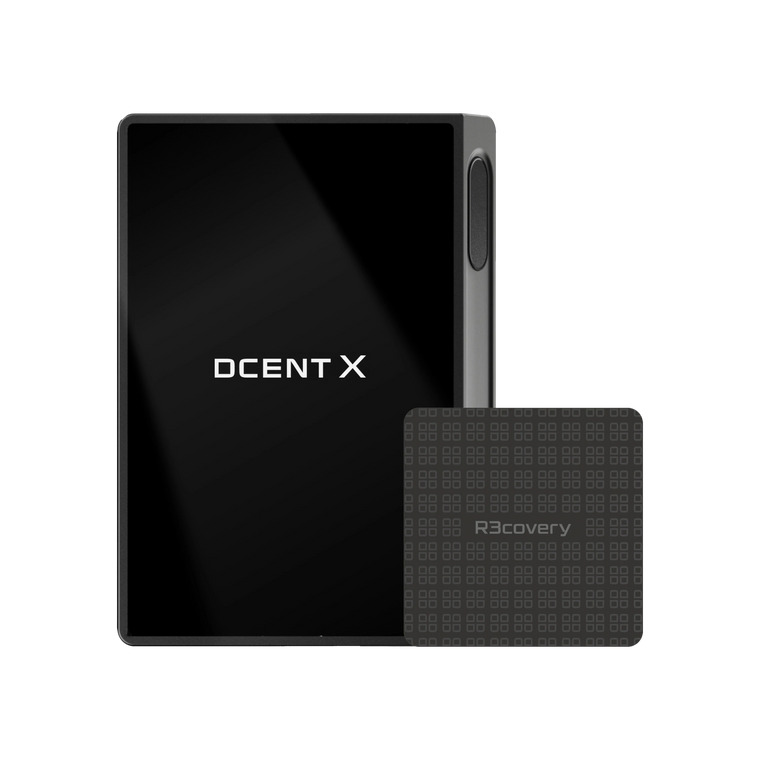
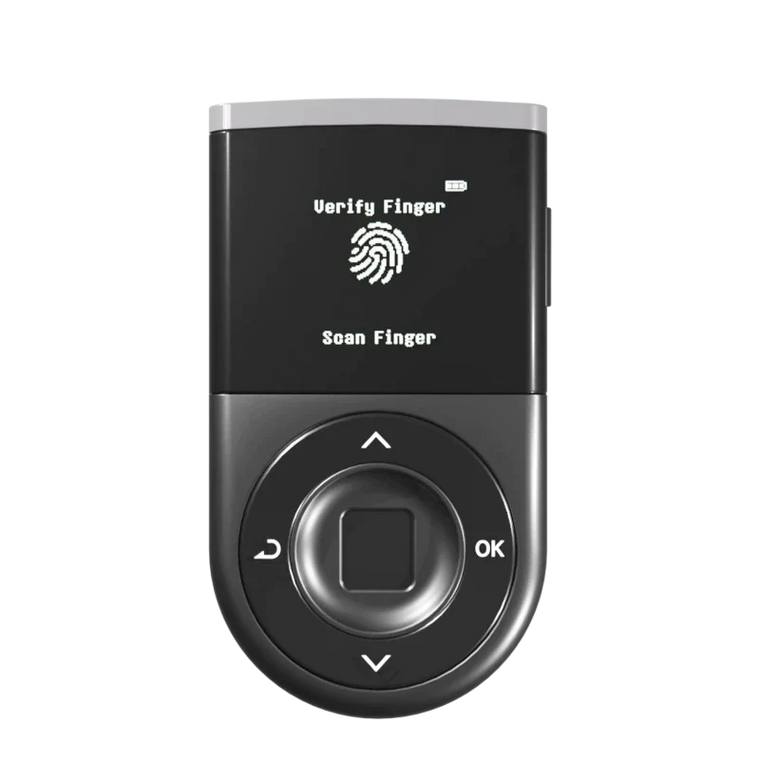
D'CENT implements WYSIWYS (What You See Is What You Sign) through a security architecture called Direct Data Path combined with Trusted Display.
Direct Data Path
Transaction data flows directly from the EAL5+ certified Secure Element (ST33 chip) to the device screen, bypassing all software layers that could be compromised.
The path:
- Transaction arrives at D'CENT via Bluetooth or USB
- Data enters the ST33 Secure Element (the same chip used in passport microchips and banking smartcards)
- The secure chip decodes the transaction into human-readable format
- Decoded data is sent directly to the OLED display
- The display shows: recipient address, amount, network, and contract function (when applicable)
Why this matters: Even if malware compromises the D'CENT firmware or the connected phone/computer, it cannot alter the data path between the secure chip and the screen. The truth is mathematically guaranteed to reach your eyes.
Human Verification Layer
Your visual confirmation is the final security control. Before signing, you must read the recipient address on the screen, verify the amount and token type, confirm the network (Ethereum, Polygon, BSC, etc.), and match these details against what you intended to approve.
If anything looks wrong—an unfamiliar address, an unexpected amount, a different network—you reject the transaction immediately. Malware can fake what's on your phone screen, but it cannot hide the truth on D'CENT's independent display.
Supported networks
D'CENT's WYSIWYS works across 100+ blockchain networks, including Ethereum and all EVM-compatible chains (Polygon, BSC, Arbitrum, Optimism, etc.), Bitcoin and Bitcoin-based chains, Cosmos ecosystem chains, Ripple (XRP), Cardano (ADA), and 90+ more mainnets.
Important limitation
D'CENT's WYSIWYS significantly reduces the risk of signing malicious transactions, but it cannot prevent losses if the user intentionally approves a harmful transaction. For example, if you are socially engineered into believing a scammer is a legitimate service, if you approve an "unlimited approval" transaction thinking it's necessary for a legitimate DApp, or if you send funds to the wrong address due to your own error.
A hardware wallet significantly reduces the risk of key theft, but if a user signs a malicious transaction, losses can still occur. WYSIWYS gives you the information to make the right decision—but the final decision is still yours.
Mistakes: Common mistakes when verifying transactions

Even with clear signing enabled, users can still make critical errors. Here are the most dangerous mistakes:
1. Not reading the full address
Mistake: Only glancing at the first few characters of the recipient address.
Why it's dangerous: Attackers use "address poisoning" to generate fake addresses that match the first 4-6 characters of legitimate addresses. If you only check 0x742d..., you might miss that the full address is completely different.
How to avoid: Always verify the first 8+ characters and the last 6+ characters. Better yet, compare against a saved address or use the D'CENT address book feature.
2. Approving "unlimited" token permissions
Mistake: Approving unlimited spending limits when connecting to DApps.
Why it's dangerous: Even if the DApp is legitimate today, if its smart contract is later exploited (or if you accidentally connect to a fake clone), the attacker can withdraw all your tokens—not just the amount you intended.
How to avoid: Only approve the specific amount needed for the transaction. D'CENT displays approval amounts clearly—if you see "Approve unlimited USDT", stop and revise the transaction to a specific amount.
3. Ignoring the network field
Mistake: Not checking which blockchain network the transaction is on.
Why it's dangerous: Scammers often deploy fake tokens on cheaper networks (like BSC or Polygon) with the same name as valuable tokens on Ethereum. You might think you're buying ETH on Ethereum mainnet, but you're actually sending funds on a test network.
How to avoid: Always verify the network matches your intention. D'CENT displays the network name clearly—confirm it before approving.
4. Trusting the host screen over the hardware screen
Mistake: If the phone app shows different information than the hardware wallet screen, trusting the phone.
Why it's dangerous: Malware can easily compromise phone displays. The hardware wallet screen is the trusted source of truth.
How to avoid: If there is ANY mismatch between what your phone shows and what your D'CENT shows, reject the transaction immediately and investigate.
5. Rushing through approvals
Mistake: Approving transactions quickly without careful review, especially during high-stress situations (market crashes, NFT mints, etc.).
Why it's dangerous: Attackers exploit urgency. Fake NFT mint sites, fake "emergency withdrawal" prompts, and fake "claim airdrop" scams all pressure you to approve quickly.
How to avoid: Set a personal rule: "I will read every field on my hardware wallet screen before approving, no matter how urgent it seems." The 15 seconds you spend reviewing could save thousands of dollars.
Transaction safety checklist
Use this checklist every time you sign a transaction with your hardware wallet:
- ☐ Verify recipient address: Check first 8+ and last 6+ characters against your intended recipient
- ☐ Verify amount: Confirm the exact number and token type (e.g., 0.5 ETH, not 5 ETH)
- ☐ Verify network: Ensure the blockchain network matches your intention (Ethereum, Polygon, BSC, etc.)
- ☐ Check approval type: If it's an approval transaction, ensure it's a specific amount, not "unlimited"
- ☐ Compare hardware screen to host screen: Confirm both displays show identical information
- ☐ Trust the hardware display: If there's any discrepancy, trust the hardware wallet screen and reject the transaction
- ☐ Review contract function (if available): Understand what the smart contract will do (Swap, Transfer, Approve, etc.)
- ☐ Pause if rushed: If you feel pressured to approve quickly, stop and investigate the source
- ☐ Use address book: For frequent recipients, save verified addresses in your D'CENT address book
- ☐ Check for typos: Even one wrong character sends funds to an unrecoverable address
- ☐ Review regularly: Check your active token approvals monthly and revoke unnecessary permissions
- ☐ Update firmware: Keep your D'CENT firmware updated to get the latest security features and transaction decoding improvements
FAQ
Can a hardware wallet with clear signing still be hacked?
A hardware wallet with clear signing (like D'CENT's WYSIWYS) significantly reduces the risk of remote hacking because your private keys are stored in an EAL5+ certified secure chip and never leave the device. However, it cannot prevent losses if you intentionally sign a malicious transaction. Clear signing gives you the information to detect fraud—but you must actually read and verify the transaction details before approving.
What's the difference between blind signing and clear signing?
Blind signing shows only a cryptographic hash (e.g., 0x3a7f2b9...) on your hardware wallet screen, making it impossible to verify the recipient, amount, or contract function. Clear signing decodes the transaction and displays full details—recipient address, amount, network, and contract function—so you can make an informed decision. Clear signing provides vastly stronger protection against phishing and approval attacks.
How do I know if my wallet supports clear signing?
Check if your hardware wallet displays the full recipient address, amount, and network on its screen before asking for approval. If it only shows a long hexadecimal hash, it's using blind signing. D'CENT's WYSIWYS displays complete transaction details across 100+ blockchain networks, enabling full verification before every signature.
Can malware change what I see on my hardware wallet screen?
No. D'CENT's Direct Data Path ensures transaction data flows from the EAL5+ secure chip directly to the screen, bypassing software that malware could compromise. Even if your phone or computer is infected, the attacker cannot alter what appears on the D'CENT display. This is why visual verification on the hardware screen is the final security layer.
Should I approve unlimited token permissions for DApps?
No. Only approve the specific amount needed for your immediate transaction. Unlimited approvals allow smart contracts to withdraw tokens from your wallet at any time—even after your initial interaction. If a DApp is later exploited or if you accidentally connect to a fake clone, attackers can drain all your tokens. D'CENT clearly displays approval amounts so you can reject unlimited permissions and set specific limits.
What should I do if my phone shows different information than my hardware wallet?
Reject the transaction immediately. If there is any discrepancy between your phone/computer screen and your D'CENT screen, it indicates potential malware or a man-in-the-middle attack. The hardware wallet display is the trusted source of truth. Disconnect, scan your phone/computer for malware, and only proceed once the discrepancy is explained.
How often should I review my token approvals?
Review your active token approvals at least once per month. Use tools like Revoke.cash (for Ethereum) or the D'CENT app's approval management feature to check which contracts have permission to access your tokens. Revoke any approvals for DApps you no longer use or don't recognize. This monthly hygiene significantly reduces your attack surface.
Does WYSIWYS work with all smart contracts?
D'CENT's WYSIWYS supports transaction decoding for the vast majority of standard transactions and smart contract interactions across 100+ networks. However, some highly complex or custom contracts may display partial information. In those cases, D'CENT will show as much decoded data as possible and flag any unrecognized fields. If you cannot verify all transaction details, it's safer to reject and investigate further.
Conclusion
Blind signing is one of the most dangerous vulnerabilities in crypto wallets—it forces you to approve transactions without seeing what you're actually signing. This gives attackers a free pass to execute approval phishing, token draining, and fraudulent transfers while you remain unaware.
Clear signing (WYSIWYS - What You See Is What You Sign) solves this problem by displaying full transaction details—recipient address, amount, network, and contract function—on your hardware wallet's trusted display. D'CENT implements this through Direct Data Path architecture, where transaction data flows from the EAL5+ secure chip to the screen, bypassing tamperable software layers. Malware can fake your phone screen, but it cannot hide the truth on D'CENT's independent display.
Your eyes are the final firewall. Even with the strongest hardware security, you must visually verify every transaction detail before approving. Check the recipient address, confirm the amount, verify the network, and reject unlimited approvals. These 15 seconds of attention can prevent thousands of dollars in losses.
Next steps
- Review your current wallet: Check if your hardware wallet supports clear signing (WYSIWYS). If it only shows hashes, consider upgrading to a device with trusted display verification.
- Audit your token approvals: Use Revoke.cash or your wallet's approval management tool to check and revoke unnecessary permissions.
- Practice verification: Before approving any transaction, make it a habit to read every field on your hardware wallet screen—recipient, amount, network.
- Enable firmware updates: Keep your D'CENT wallet updated to receive the latest security features and transaction decoding improvements.
- Save verified addresses: Use the D'CENT address book to store frequently-used addresses, reducing the risk of typos and address poisoning.
Remember: A hardware wallet significantly reduces the risk of key theft, but if a user signs a malicious transaction, losses can still occur. Clear signing gives you the power to detect fraud before it happens—use it.