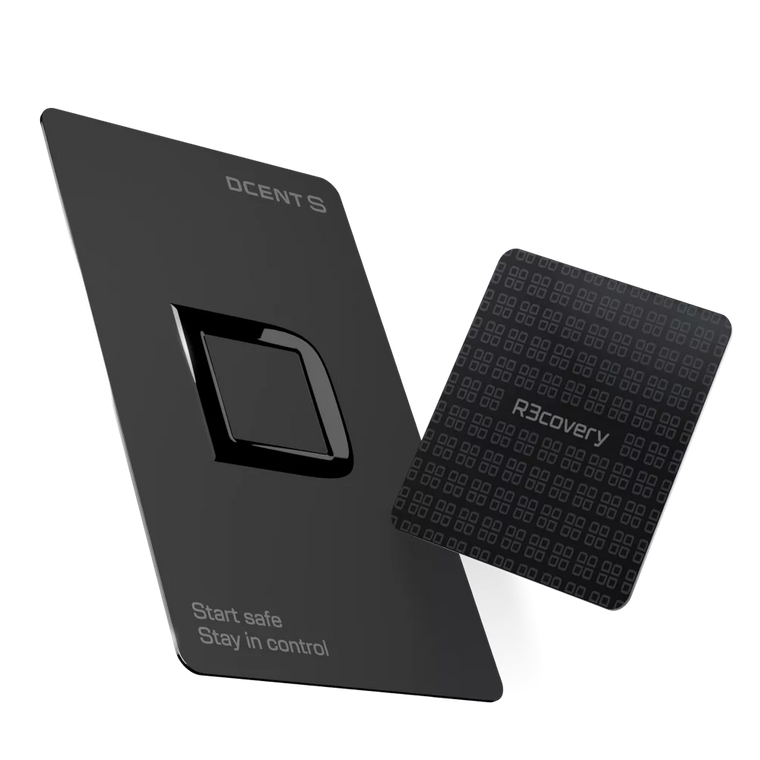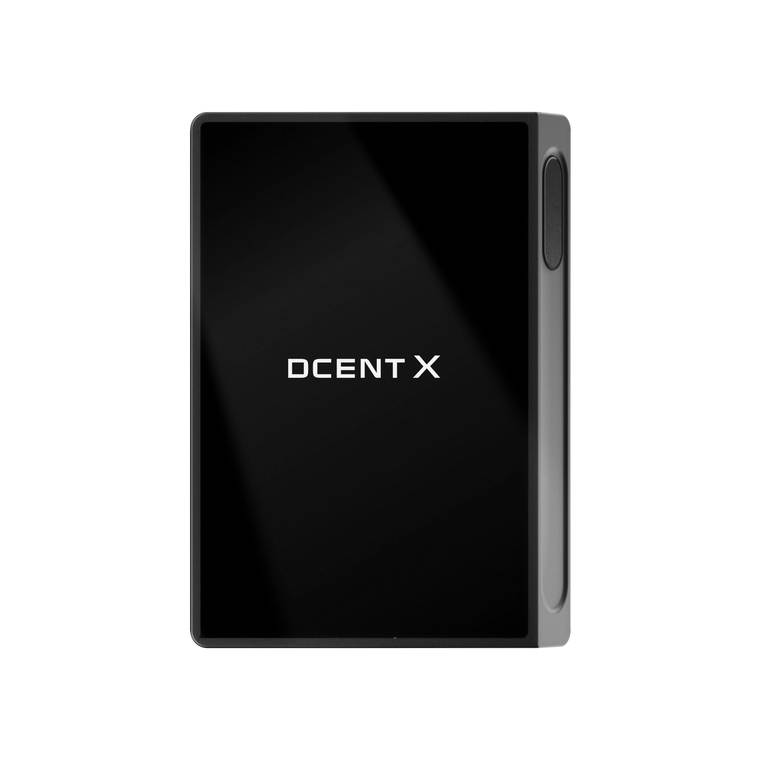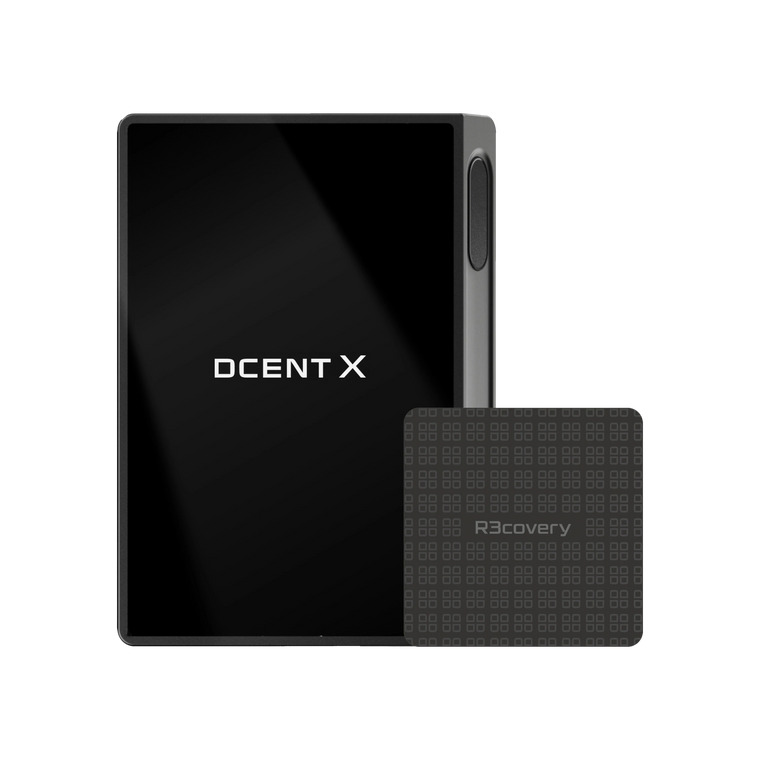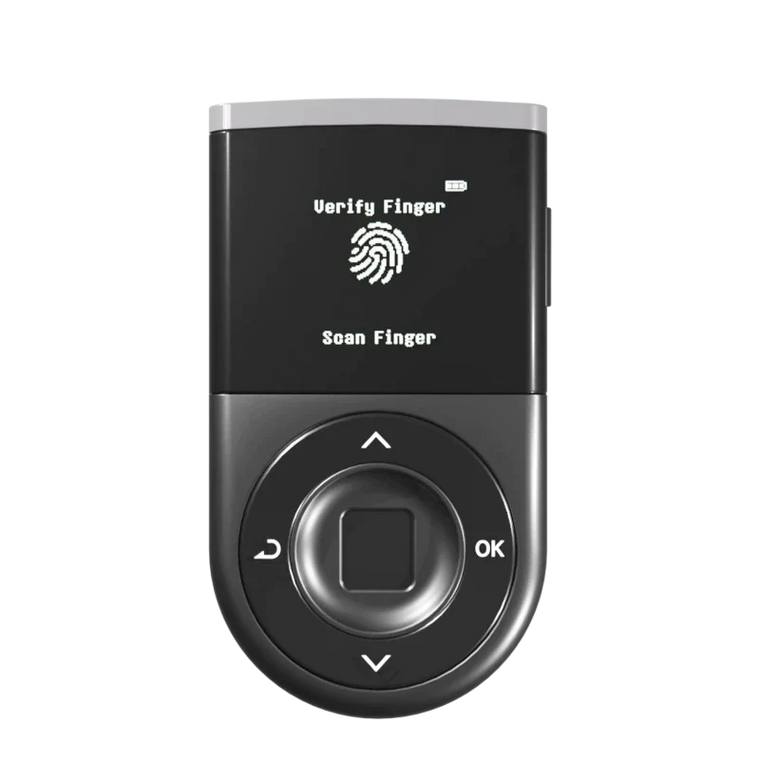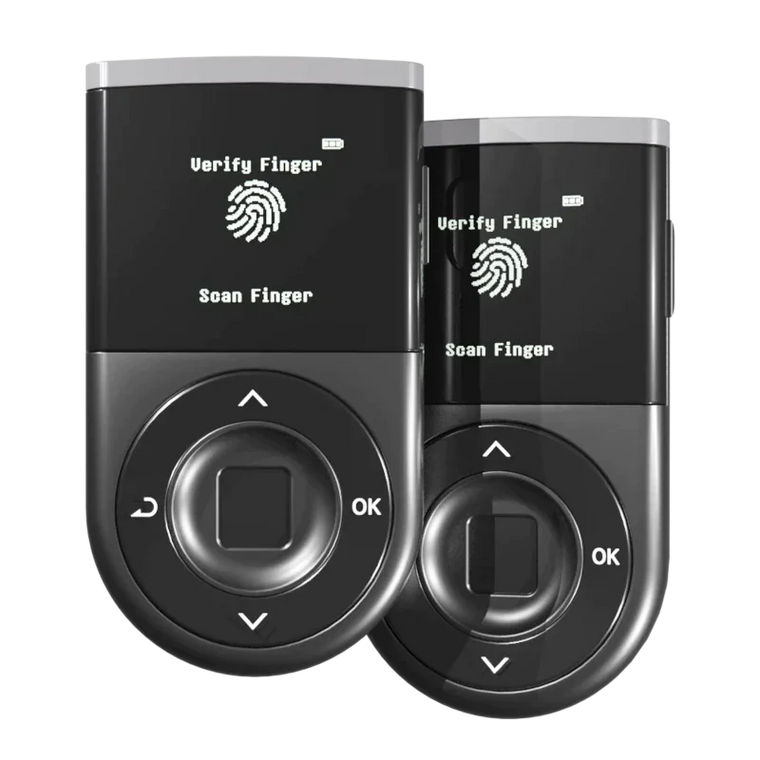




D’CENT Wallet now integrates Uniswap’s Trading API directly inside the Swap feature.
This means you can access one of the most widely used decentralized exchanges in DeFi — without leaving your D’CENT app, and without compromising self-custody.
Onchain liquidity. More tokens. A smoother swap experience — secured by your D’CENT biometric wallet.
What is Uniswap?

Uniswap Labs builds products for users to safely and more easily access DeFi, including an API, the Uniswap Interface and Uniswap Wallet, which collectively serve millions of users.
Uniswap Labs also contributes to the development of the Uniswap Protocol, a peer-to-peer system for swapping digital assets that has processed over $4 Trillion in all-time volume.
For additional information about Uniswap Labs visit About, X/Twitter or LinkedIn.
Why This Matters for D’CENT Users

The integration is not just about adding another name. This integration directly improves your swap experience inside D’CENT.
- Access to Uniswap liquidity: This integration ensures users are receiving competitive execution on every swap.
- More token options: Swap a wider range of ERC-20 and EVM-compatible tokens directly inside the app.
- No need for external browser DApps: You can swap inside D’CENT without opening additional websites or connecting through WalletConnect.
- Self-custody remains the priority: Your private keys stay securely stored in your D’CENT biometric wallet. You review and confirm each transaction directly on your device.
Why Swap Inside D’CENT?
There are many ways to swap tokens in DeFi. What makes this integration different is the combination of liquidity and hardware-backed security in one place.
- Convenience: Swap directly inside your wallet — no extra tabs, no searching for the correct website.
- Reduced phishing risk: Avoid interacting with look-alike or fake DApp sites by staying inside the D’CENT app.
- Hardware-backed confirmation: Every transaction must be reviewed and confirmed on your biometric wallet.
- Control: You remain in full control of your assets at every step.
How to Start
Open the D’CENT app, go to the Swap tab, select your tokens, review the details, and confirm the transaction on your biometric wallet.

As always, carefully review what you approve. While hardware wallets significantly reduce private key risks, users should always verify transaction details before confirming.
Start Exploring
👉 Update to the latest D’CENT app and try Uniswap-powered swaps directly inside your wallet.