






Key Answer — With this update you can send NFTs, check your DeFi positions, and add new networks without ever leaving the D'CENT app. The final call on any DeFi position or signature is still yours — the app's job is to put everything you need for that call in one place.
- Send NFTs right from the app — detail view, transfer history, and quantity selection, all inside D'CENT.
- See your DeFi positions on one screen — the new DeFi tab gathers what used to be scattered across sites.
- Add the networks you want — register EVM networks that aren't on the default list in a few taps.
- Use dApps on more chains — Stellar and Solana dApp browsers, plus XRPL WalletConnect support.
- Security stays exactly the same — every new feature signs through the EAL5+ secure element.
If you use a hardware wallet, you know these moments.
You want to move an NFT, but your wallet app can only display it — so you end up connecting to another wallet to send it. You want to check on assets you've put into DeFi, so you bounce between bookmarked sites. A new chain launches, and you wait for your wallet to add it to the supported list.
You chose a hardware wallet for security. But if convenience keeps pushing you outside the wallet, that's not a good sign for security either — every step outside adds risk. This update removes those reasons to leave, one by one.
Send NFTs Right From the App
The NFT experience in D'CENT has been rebuilt.
Detail view and transfer history
tap an NFT to see its details along with a record of where it has moved.
Send without leaving the app
enter the recipient, pick a quantity if you own more than one, sign, done.
Gas coupons work here too
the in-app coupons that cover network fees can be applied to NFT transfers.
Pull to refresh
drag the NFT tab down and the list updates.
 Real D'CENT app — tap Send on the NFT detail screen, enter quantity and address, sign on your D'CENT device. The whole flow lives in one app.
Pre-send verification and hardware signing apply exactly as they do for regular transfers. Being an NFT doesn't skip any security steps.
The New DeFi Tab — Scattered Positions, One Screen
The app now has a DeFi tab. Positions that used to live across different protocols are gathered into a single view, including the D'CENT-dedicated Doppler XRPfi Prime vault.
 Real D'CENT app — total value, positions by protocol, and principal at a glance in the DeFi tab.
One thing worth stating plainly: the DeFi tab is a window into your positions, not a promise of returns. The judgment and risk of using DeFi remain yours — D'CENT simply puts the information you need for that judgment in one place.
Curious what's happening in the XRP ecosystem specifically? Start with What Is the XRP Alliance?
Add Networks That Aren't on the List
You can now add EVM networks (chains that work the same way Ethereum does) that aren't on the supported list — directly, yourself.
- Turn on Settings → Lab → 'Custom Networks' to add and manage EVM networks that aren't in the default list.
- Chain details are cross-checked against a public database (chainlist) and filled in automatically; networks that can't be verified are flagged with a warning after you save them.
- Networks you add can be shown or hidden freely.
 Real D'CENT app — Settings → Lab → Custom Networks. Add and manage EVM networks that are not in the default list.
Less waiting for the supported list to catch up with new chains. That said, this is a Lab feature — verify the source of any network details before you register them.
dApp Support Opens Up in Four Directions
Stellar (XLM) dApp browser
connect to Stellar ecosystem dApps through the in-app browser and sign with your hardware.
Solana (SOL) dApp browser
Solana dApps open the same way.
XRPL WalletConnect
connect XRP Ledger dApps via WalletConnect, the standard for wallet-to-app connections.
Algorand and Cardano, always on
two networks that used to hide behind a Lab toggle are now available by default.
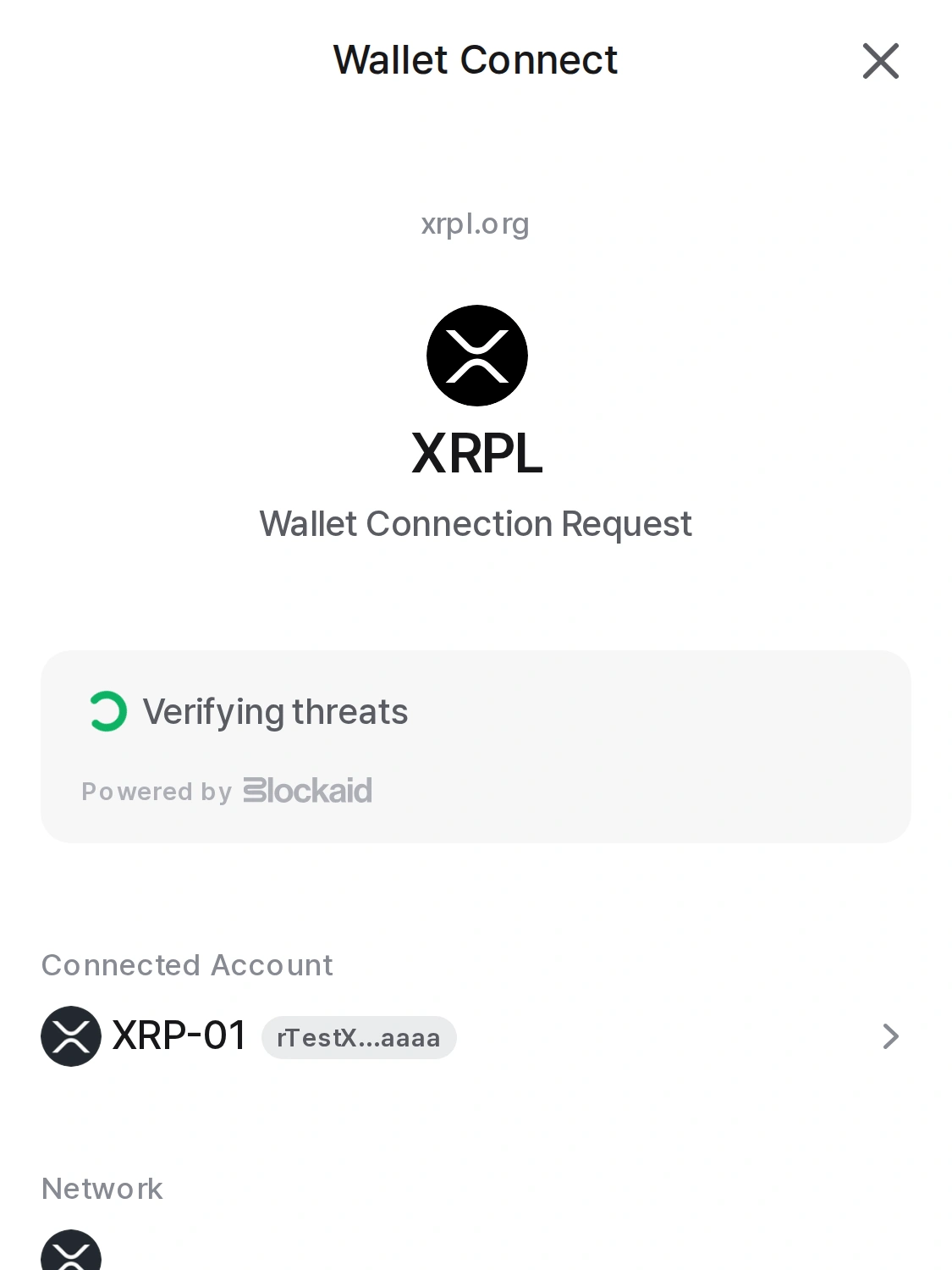 Real D'CENT app — the connection request shows the account and network, with Blockaid verification running alongside.
Everything That Touches Your Assets, Inside the Place That Guards Your Keys
Convenience has always been the weak spot of hardware wallets. And when convenience falls short, users drift toward less secure places — NFTs to software wallets, DeFi checks to browser bookmarks.
This update moves in one direction: NFT transfers, DeFi tracking, new chains, dApps — all of it happens inside the environment where the EAL5+ secure element holds your keys. It's the same direction as bringing token approval revokes into the app earlier this year.
FAQ
Do I still sign with my hardware when sending an NFT?
Yes. NFT transfers are signed on your D'CENT device, exactly like a regular transfer.
Does the DeFi tab show all my DeFi assets?
It shows positions from connected protocols, and the coverage keeps expanding.
What's a gas coupon for NFT transfers?
An in-app coupon that covers the network fee (gas) for you. It applies to NFT transfers just as it does to regular sends.
Is adding a custom network risky?
Adding a network with wrong details can distort balances or expose you to phishing. The app cross-checks against a public database and warns you, but the final check is yours.
Is it safe to turn on Lab features?
Lab is where experimental features live first. Features there — like Custom Networks — are used at your own judgment, so read the notice and enable only what you need.
Does any of this change the existing security model?
No. Signing, recovery, and the secure element work exactly as before, and every new feature goes through the same signing flow.
How to Get It
Update to the latest version on the App Store or Google Play and everything above is included. You'll find the NFT and DeFi tabs right on the main screen.
The rest of this release-notes series: spam & phishing address detection, and backup reminders & HD multi-address.
The reasons to leave your wallet keep disappearing, one by one.
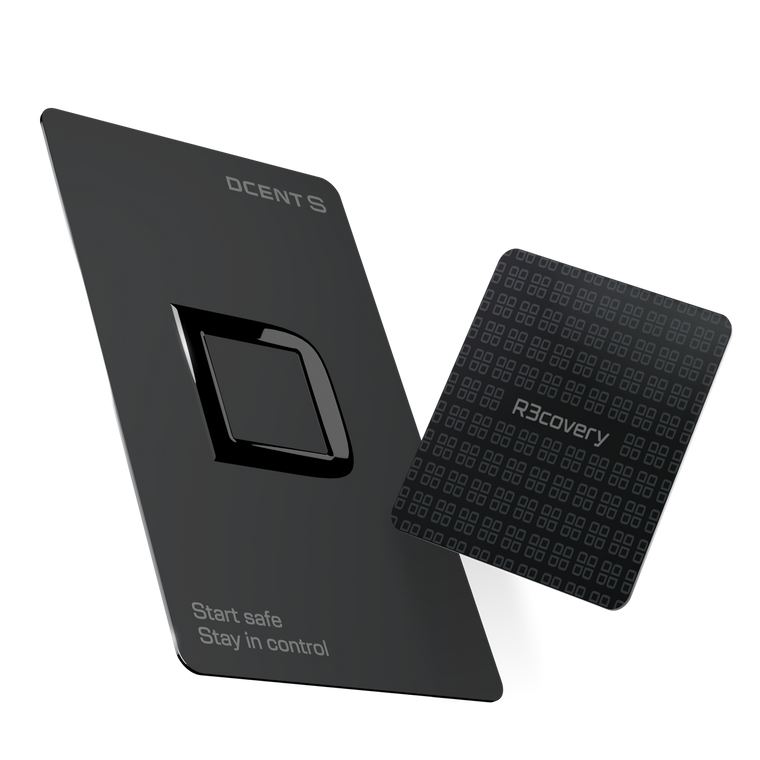
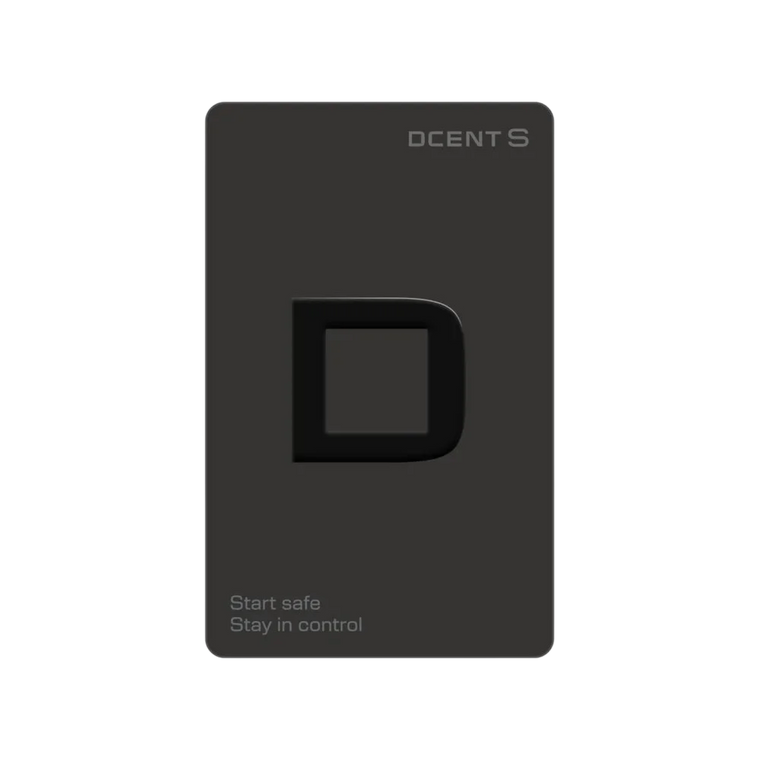
DCENT S · Card-type cold wallet
Carry it daily, Recover it always
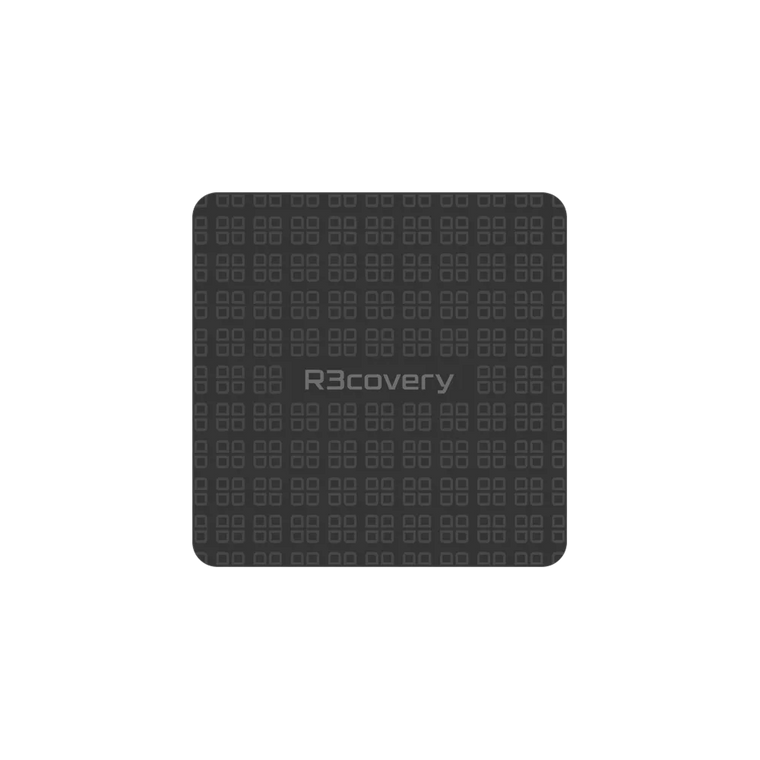
Seedless setup · R3covery backup card included · 100+ networks · 4,900+ assets
Meet DCENT S →Keep it safe. Use it freely.