



📖 Before You Begin
Flare recently launched the Monarq Yield Vault, adding another option for how XRP holders can put their assets to use.
To participate in the Monarq Yield Vault, users access it through Flare Smart Accounts (FSA), and this document explains how to use FSA for that purpose.
In short:
- Monarq Yield Vault = the XRP yield vault curated by Monarq Asset Management
- Flare Smart Accounts (FSA) = the interface used to access it
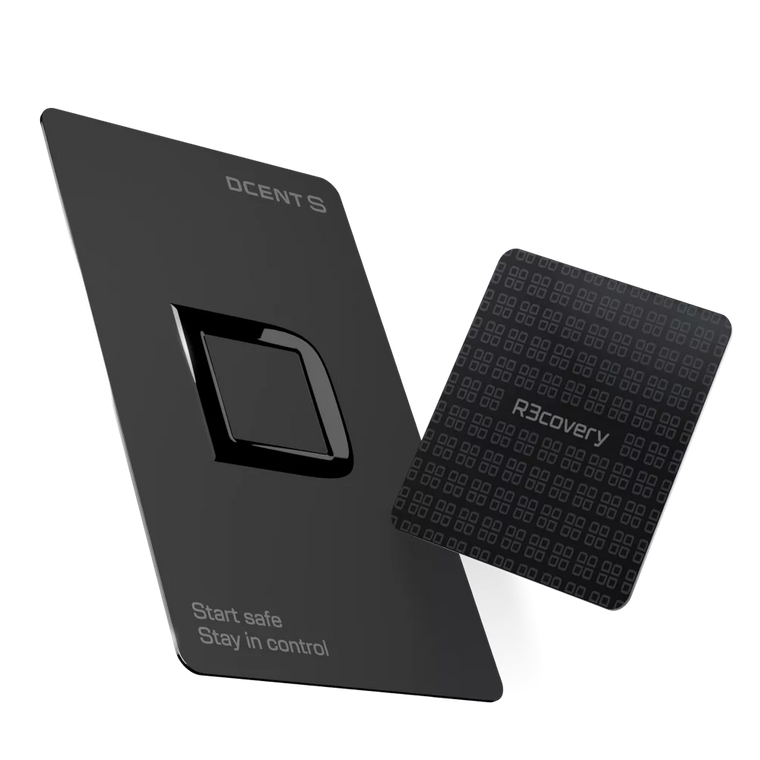
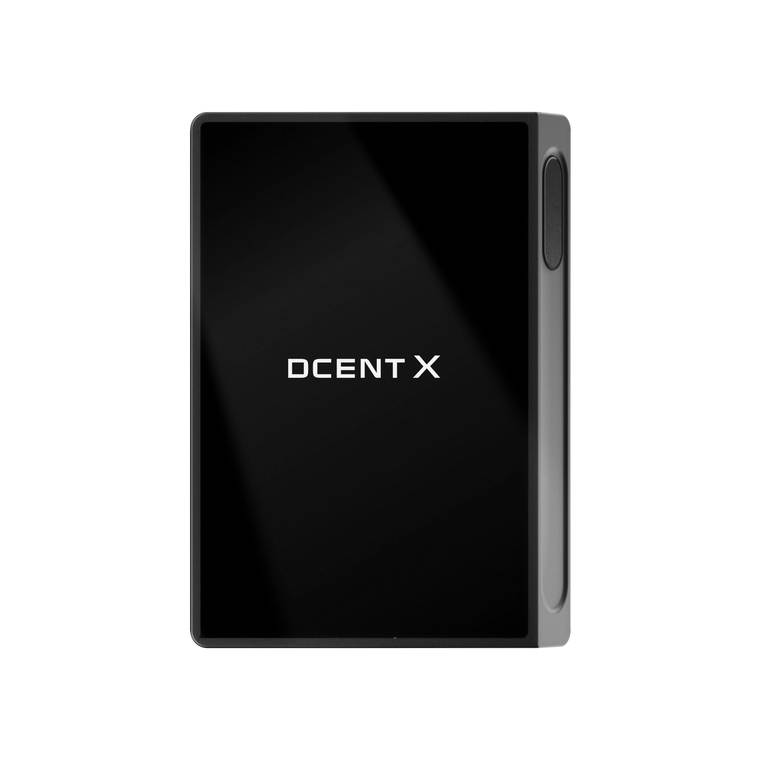
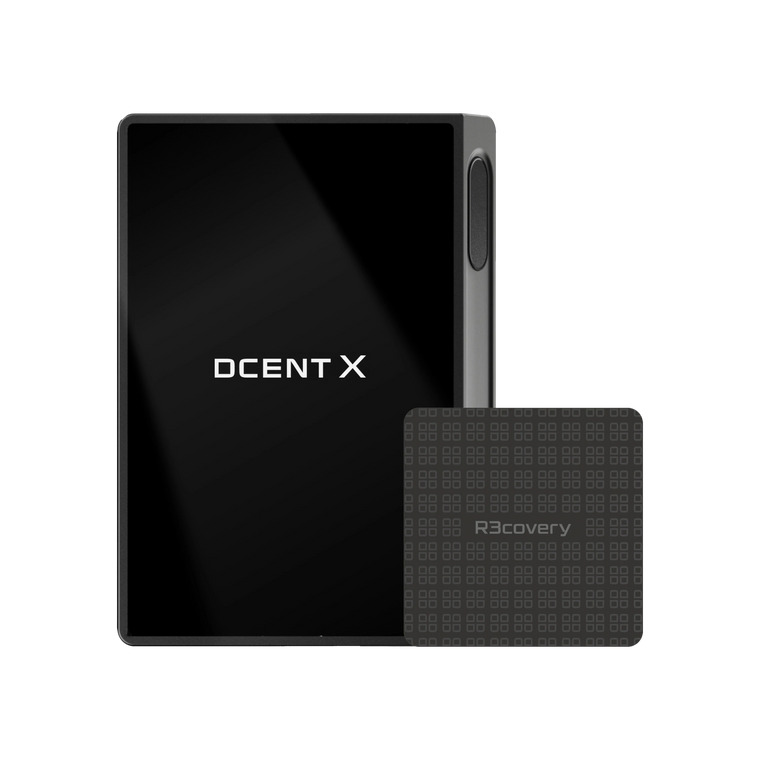
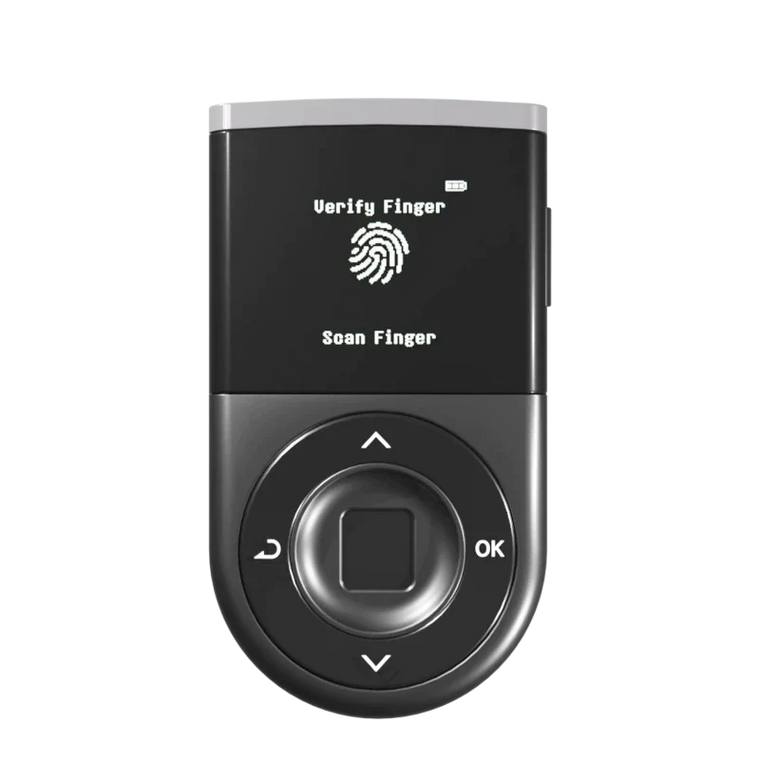
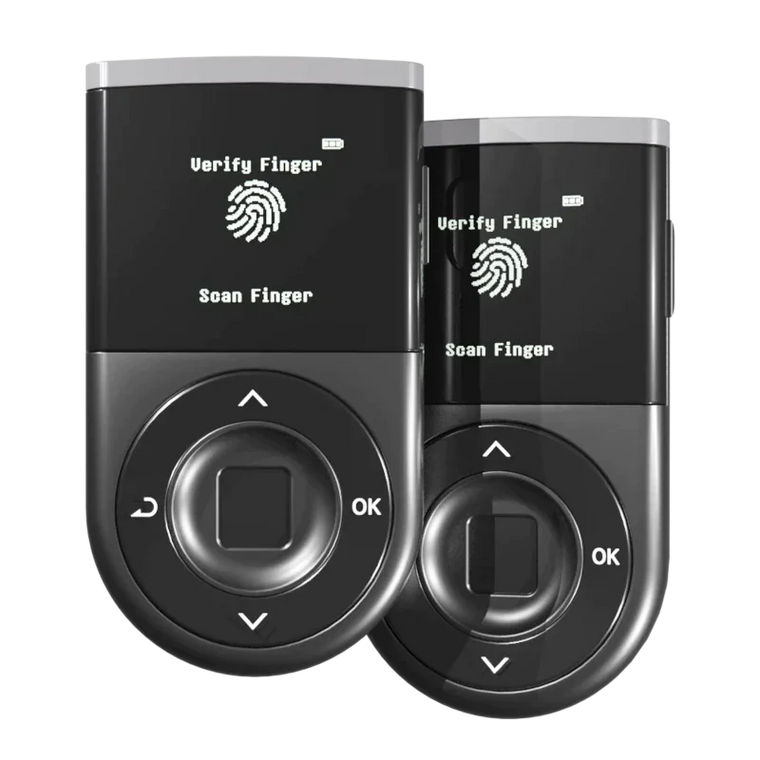
D'CENT is an integration partner for Flare Smart Accounts, enabling D'CENT users to access XRP vaults directly from within the wallet app.
This document is intended for first-time users of FSA and walks through the deposit-to-withdrawal screen flow step by step.
🔗 What is Flare Smart Accounts (FSA)?
FSA is an interface that connects XRP held on XRPL with products available on the Flare network.
- The original XRP remains held on XRPL
- On Flare, a 1:1 representation called FXRP is used
- The product covered in this guide is one such option: the Monarq Yield Vault
📋 What You'll Need
| Wallet | D'CENT mobile app (with an XRP account) |
| Holdings | XRP (deposits accepted in minimum units of 10 XRP) |
| Gas | No separate gas token (such as FLR) is required. All fees are auto-deducted from the XRP balance of your connected XRP account |
💰 Part 1. How to Deposit
Step 1
Access the FSA Site from the D'CENT App
We recommend completing this process through the D'CENT mobile app's built-in browser.
[Access steps]
- Open the D'CENT mobile app
- From the bottom menu, tap 'Discovery'
- On the Discovery screen, tap the Flare (FSA) banner at the top


In the connection request popup, confirm your XRP account (e.g., XRP-01) and tap the green "Connect" button at the bottom.
Once connected, the Smart Accounts dashboard appears. Scroll down to find the Monarq Yield Vault under Available Vault(s), then tap the Deposit button on the vault card to proceed to the amount entry screen.


Step 2
Enter the Amount of XRP to Deposit

- Enter the amount of XRP you wish to deposit
- The minimum unit is 10 XRP (enter in increments: 10, 20, 30 ...)
- Fees are shown automatically — no separate payment is needed; they are auto-deducted from your XRP at the time of deposit
When done, tap the pink "Mint & Deposit" button.
Step 3
First Signature in the D'CENT App

A "Confirm Signature" popup will automatically appear in the D'CENT app. After reviewing the details, tap the green "Sign" button.

Once signed, the FSA site will automatically move to the next step. A countdown will appear on the screen, and the second signature request will arrive shortly in the D'CENT app.
Step 4
Second Signature

The signature popup will appear again in the D'CENT app. Tap "Sign" in the same manner as the first signature. Second signature must be made within 10 minutes of the first signature, otherwise the funds may be lost.
Step 5
Completion

After a short while, the message "Mint & deposit successful" will appear on the screen, indicating that the deposit procedure is complete.
→ Try Mint & Deposit in D'CENT
🔍 How to Check Your Assets
Once deposited, the MXRPY token serves as your deposit receipt is how your yield accrues.
How yield works
- Your MXRPY token balance stays the same over time
- Each MXRPY token grows in value as the vault earns yield - meaning the amount of FXRP (and ultimately XRP) redeemable per token increases over time
- Yield does not arrive on day one. It accrues gradually and follows a "sawtooth" pattern — some weeks up, some flat — and compounds over time
How to track your yield:
Once you've deposited, your earnings are displayed directly on the Monarq vault page in the FSA dApp — no need to navigate away.
In the "Your Vault Position" section, you'll see your deposit position (the amount of XRP you've deposited, with USD value), your earnings (yield accrued to date, shown in both USD and FXRP) and realized APY (your actual annualized yield rate).

💸 Part 2. How to Withdraw
Step 1
Go to the Main FSA page
Click on the red Deposit button on the FSA screen.

Step 2
Click on the Withdraw Tab
Find and tap the Withdraw tab at the top.

Step 3
Enter the Withdrawal Amount

- Enter the amount manually, or tap "Max" to withdraw the full balance
- As with deposits, fees are auto-deducted from your XRP
- Tap the pink "Withdraw" button at the bottom
Step 4
Sign in the D'CENT App

A signature popup will appear in the D'CENT app. Tap "Sign" in the same manner as during deposits.
Step 5
Wait Up to 6 Days, Then Receive

Once signed, the screen will display:
- ✅ Withdrawal announcement successful (withdrawal request completed)
- ⏳ Time Remaining: a live countdown of the remaining wait time
- 📅 Your funds will be ready on [Date/Time]: the exact time funds will become available (shown in your local time)
Once the displayed time passes, the announcement screen switches to Ready for withdrawal — from here you can release your funds out of the vault, as shown in Step 6 below.
Step 6
Withdraw to FXRP (when funds are ready)
When the wait period ends, the Withdraw screen moves to Step 4/6: Funds are unlocked and a green Ready for withdrawal badge appears next to the Announcement. Tap the pink Withdraw to FXRP button at the bottom to release your funds from the vault.

A Signature Confirmation popup will appear in the D'CENT app. After reviewing the transaction details, tap the green Sign button.

The FSA screen then moves to Step 5/6: Complete XRP transaction to withdraw from Vault with a short countdown. Wait until the countdown finishes and the Success screen appears.

Step 7
Check Available FXRP in Your Position
When the FXRP withdrawal is complete, return to the main Smart Accounts page. In Your Position, the released amount appears under Available FXRP, along with three action buttons: Mint, Redeem and Transfer.

🔁 Part 3. How to Redeem FXRP to XRP
The FXRP you now hold can stay on the Flare network for other uses, or be redeemed back into the original XRP at any time.
Step 1
Tap Redeem on Your Position
From the Your Position section, tap the Redeem button next to your Available FXRP balance.
Step 2
Enter the Amount and Confirm
On the Redeem screen (Step 1/3 — "Enter the amount you would like to redeem"), choose how many Lots of FXRP to convert.

- The receive field shows the XRP amount you will get back, after fees
- Tap the pink Redeem button at the bottom
→ See the Round 1 Flare Quest Guide
❓ Frequently Asked Questions
Q. Do I need to prepare gas fees separately?
A. No. All fees are auto-deducted from your XRP. You do not need to prepare a separate token such as FLR.
Q. What are the fees?
A. Fees apply to both deposits and withdrawals, and are all auto-deducted from your XRP.
▸ Deposit Fees (example based on a 10 XRP deposit)
- Operator Fee: approximately 0.95 XRP (fixed)
- Minting Fee: approximately 0.12% of the deposit amount (about 0.01 XRP for a 10 XRP deposit)
▸ Withdrawal Fees (example based on a 10 XRP withdrawal)
- Operator Fee: approximately 0.5 XRP (fixed) + approximately 0.2% of the withdrawal amount
D'CENT does not charge any additional fees during this process. The above are operational fees from the Flare side, and exact amounts are displayed in real time on the deposit/withdrawal screens for users to review before proceeding.
※ The fee policy may be changed in the future at the operator's discretion.
Q. What are the minimum and maximum deposit amounts?
A. Deposits are accepted in minimum units of 10 XRP (in increments of 10), and there is no individual maximum deposit limit per address - you can deposit as much as you like. The vault does have an overall capacity cap Vault Cap (the total amount the vault can accept) shared across all depositors. The initial cap is 5 million FXRP and is expected to be adjusted by the curator as the vault scales. If the vault reaches its cap, deposits may be temporarily restricted. Please check the remaining capacity on the screen before proceeding.
Q. How is yield generated?
A. The Monarq Yield Vault is operated by Monarq Asset Management and, according to materials published by the operator, is structured to pursue returns through various operational strategies. For specific operational strategies and yield mechanics, please refer directly to the official materials from Monarq and Flare.
Q. What is the MXRPY token?
A. It is a receipt token that represents the amount you have deposited into the vault. It represents your share of the vault, and the amount of FXRP redeemable per MXRPY token grows over time as the vault earns yield. It is automatically reclaimed during withdrawal, so no separate management is required.
Q. Can I withdraw immediately after depositing? (Lock-up, timing, restrictions)
A. Based on what is verifiable in this guide:
- No lock-up period applies (withdrawal can be requested immediately after deposit)
- A wait period of up to 6 days typically applies after a withdrawal request (you are still earning yield during that time).
- No withdrawal fees currently apply
- The curator may provide a separate instant-redemption option, which may incur an additional fee
Q. Is my XRP safe?
A. Control of your assets always remains with you. All deposits and withdrawals require direct signing in your D'CENT wallet, and neither D'CENT, Flare, or Monaqr Asset Management can move your assets without your authorization.
Q. Where can I check transaction history?
A. You can directly verify transactions on the blockchain explorer via the "view transaction" link shown on each completion screen.
⚠️ Important Notices (Please Read Carefully)
- This guide is not investment advice and does not guarantee returns. It is a simple informational document explaining how to use a yield vault curated by Monarq Asset Management, accessed through Flare Smart Accounts
- D'CENT does not participate in the custody, operation, or brokerage of assets in any way; your assets always remain under your control
- Flare Smart Accounts and the Monarq Yield Vault are operated non-custodially on Flare network and the vault is curated by the Monarq Asset Management, and users must directly verify the associated risks through the official materials published by Monarq and Flare
- Digital assets involve various risks, including price volatility, smart contract risk, and operational risk
- All investment decisions and the consequences thereof are the sole responsibility of the user
- For detailed product information, terms, and risks, please refer to Vault's official materials
🚀 Open FSA in D'CENT
Flare Smart Accounts is one tap away inside the D'CENT mobile app. Head to Discovery → Flare (FSA) banner to start, or join the ongoing Round 1 campaign to earn rewards while you learn the flow.
See XRP Alliance Round 1 — Flare Quest Guide · Get D'CENT
Wake up your idle XRP. Self-custody since 2018.