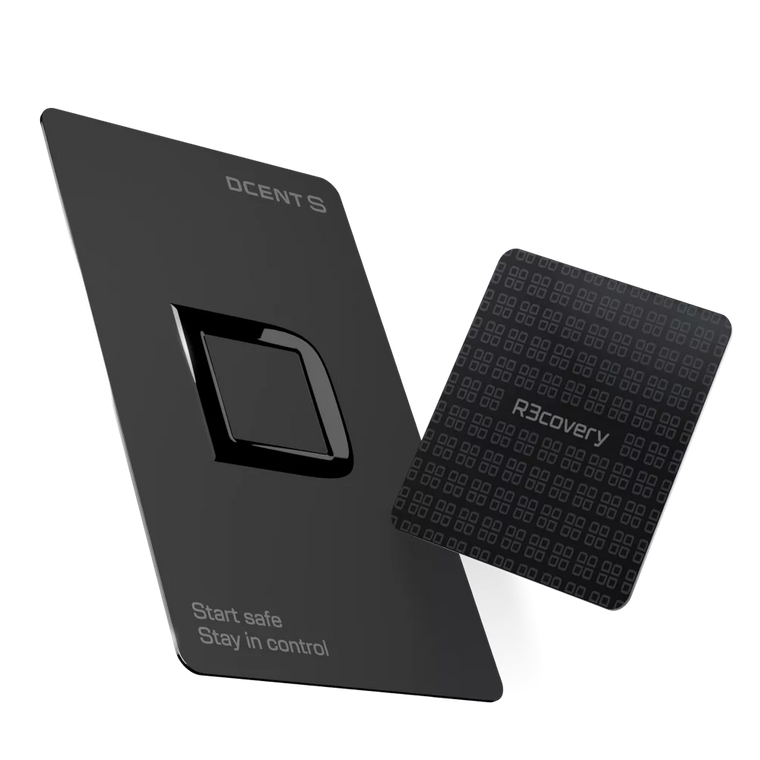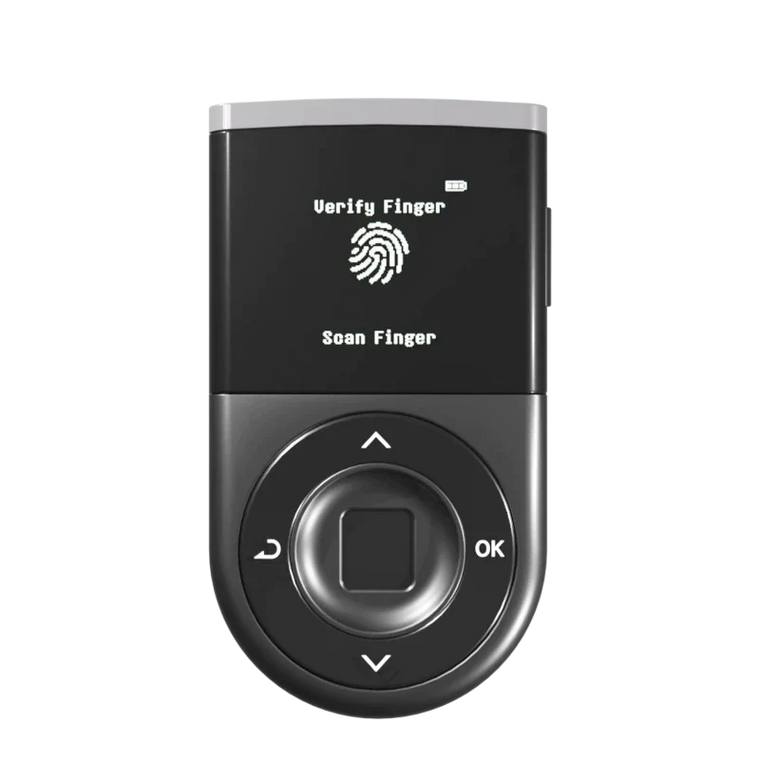




We are excited announce Non-Fungible Tokens (NFTs) on the Polygon network is now supported on D’CENT Wallet’s Collectibles Tab. This update brings to total of 3 different blockchain networks (Polygon, Ethereum, and Klaytn) that D’CENT Wallet users can manage NFTs to Receive, Showcase, and Send from the Collectibles Tab.
We’d like to briefly mention and give a special thank you to Covalent, which provides a unified API to bring full transparency and visibility to assets across all blockchain networks. Polygon-based NFT information displayed from the D’CENT Wallet’s Collectibles Tab is retrieved via Covalent.

Managing NFTs on the Polygon Network
How to Receive NFTs
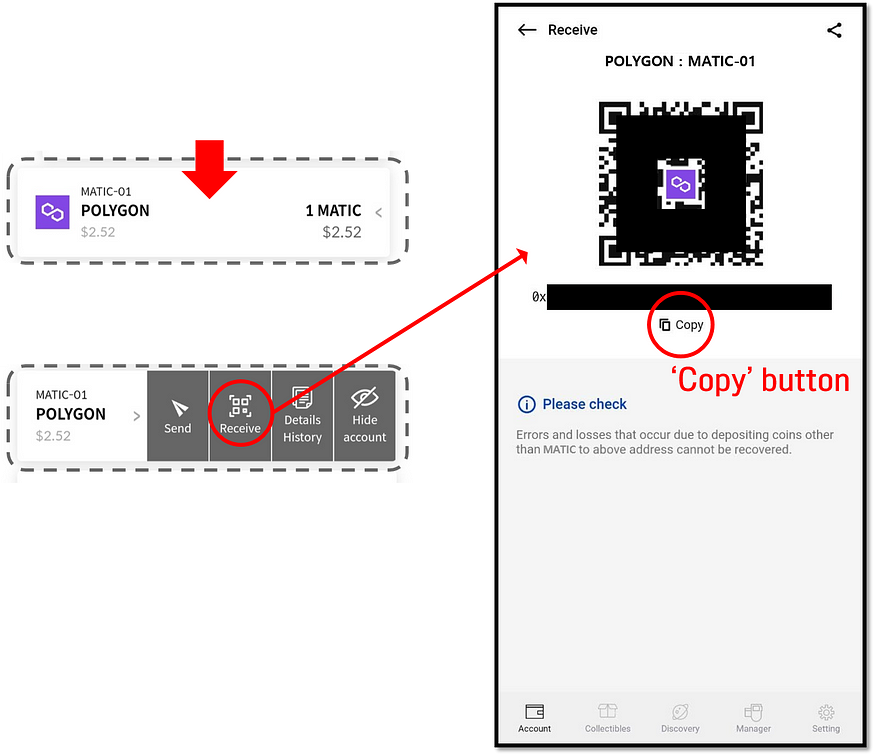
Click on your Polygon account and click the ‘Receive’ option. Use the QR code or click on the ‘Copy’ button. From the NFT marketplace, send the NFT to your Polygon address.
How to View NFTs
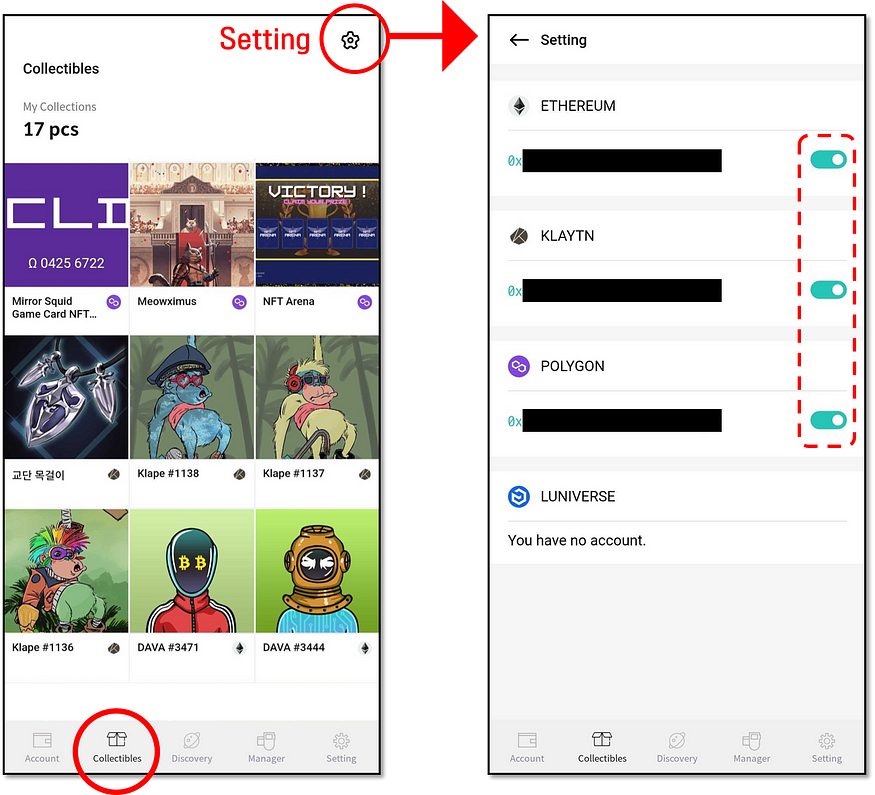
When you receive NFT tokens to your address, they will appear at the ‘Collectibles’ Tab. You can also enable or disable view of NFTs from the setting.
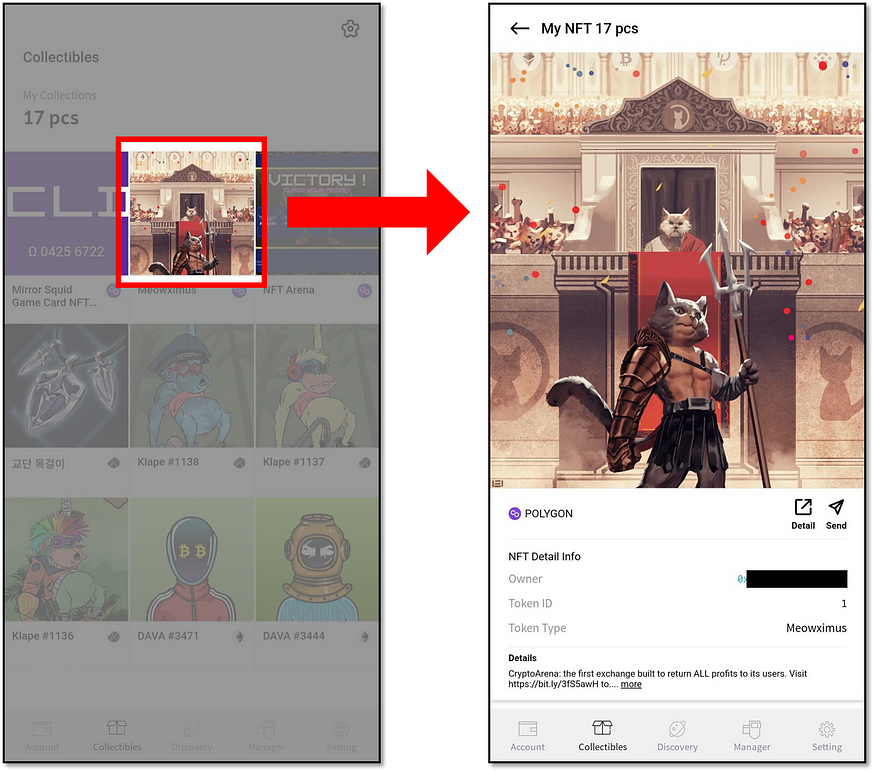
To get detailed view and information of your collection, click on an NFT item.
How to Send an NFT to another address
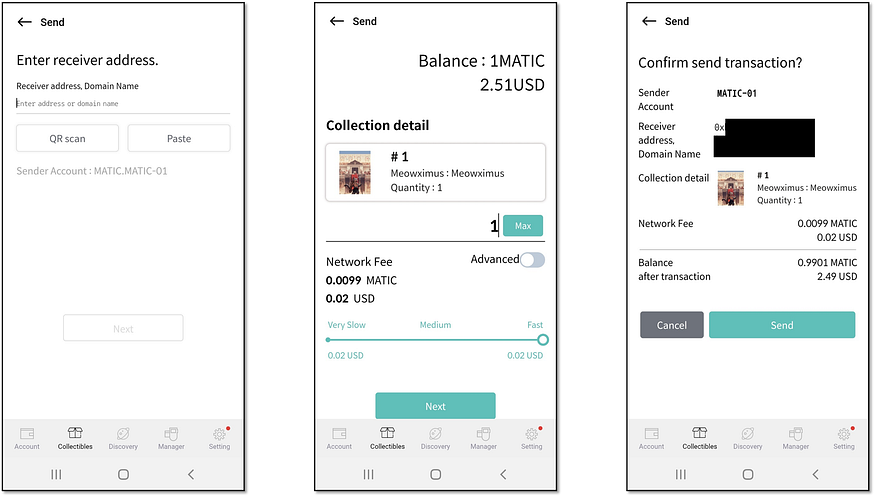
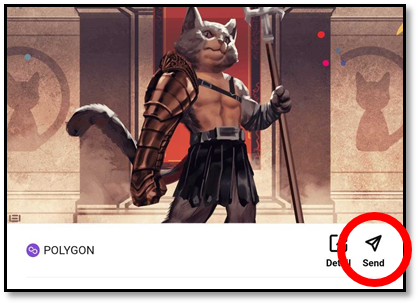
To transfer an NFT collection to another address, go to the detailed view of the collection and click on the ‘Send’ button.
Enter the recipient address, set the transaction fee and confirm to authorize the send transfer.