



Key Answer: Yes, if you hold more than you can afford to lose. Hardware wallets keep your private keys offline, significantly reducing the risk of remote theft. However, they cannot prevent losses if you approve malicious transactions—always verify what you sign on your device screen.
Executive Summary
- Offline Security: Private keys never touch the internet, reducing remote attack risk
- 2025 Theft Stats: Over $2.7B stolen in crypto hacks (TechCrunch)
- Largest Hack: Bybit lost $1.5B in February 2025 (FBI)
- Cost Threshold: Worth considering once holdings exceed $500
- Key Limitation: No wallet is foolproof—verify every transaction before signing
Why: Do I Really Need a Hardware Wallet in 2026?

In 2025, hackers stole over $2.7 billion in cryptocurrency. The Bybit exchange alone lost $1.5 billion in a single attack—the largest crypto theft in history. These weren't small operations; they were sophisticated attacks targeting centralized platforms and hot wallets connected to the internet.
If your crypto holdings have grown beyond what you'd be comfortable losing, a hardware wallet moves your private keys offline. This eliminates the most common attack vector: remote access to your keys through malware, phishing, or exchange breaches. However, hardware wallets cannot protect you if you approve a malicious transaction yourself—always verify transaction details on your device screen before confirming.
What: When Do You Actually Need One?

Get a hardware wallet if you:
- Hold more than $500 in crypto assets
- Plan to hold for 6+ months (long-term storage)
- Interact with DeFi protocols, NFTs, or dApps
- Want reduced exposure to exchange failures or hacks
Software wallets may suffice for:
- Small learning amounts you can afford to lose
- Frequent trading where speed matters more than maximum security
How: Getting Started Safely

Step 1: Buy from Official Sources Only
Purchase directly from the manufacturer's official website, Amazon or authorized retailers. Never buy used or third-party hardware wallets—they may be compromised.
Step 2: Write Your Recovery Phrase Offline
When setting up, write your Recovery Phrase on paper. Never type it into any website, app, or store it digitally. This phrase is the master key to all your funds.
Step 3: Test with a Small Amount First
Send a small test transaction before transferring larger amounts. Confirm you can receive and send successfully.
Mistakes: Common Errors to Avoid

- Storing Recovery Phrase digitally: No photos, cloud storage, or password managers
- Buying from unofficial sources: Risk of pre-compromised devices
- Entering Recovery Phrase online: Legitimate services never ask for this
- Ignoring device screen: Always verify transaction details on the hardware wallet itself
- Approving unknown transactions: If unsure, reject and verify the source
Decision Checklist
Answer these questions to decide if you need a hardware wallet:
- Do you hold over $500 in crypto?
- Are you planning to hold for 6+ months?
- Do you use DeFi, NFTs, or connect to dApps?
- Do you want reduced risk from online attacks?
- Are you willing to invest $100-150 for security?
If you answered yes to 3 or more: A hardware wallet is a practical investment for your situation.
Why D'CENT?

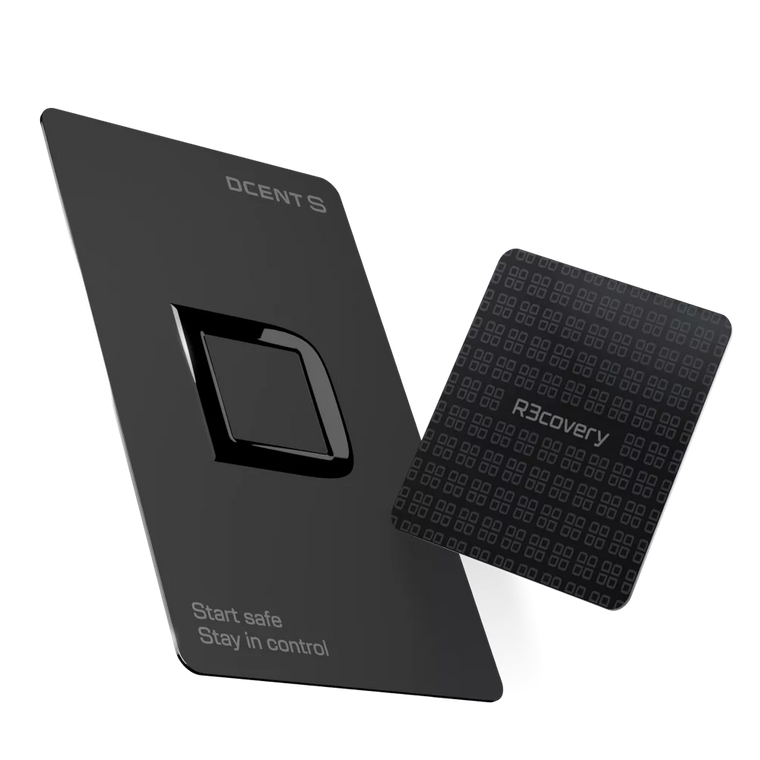
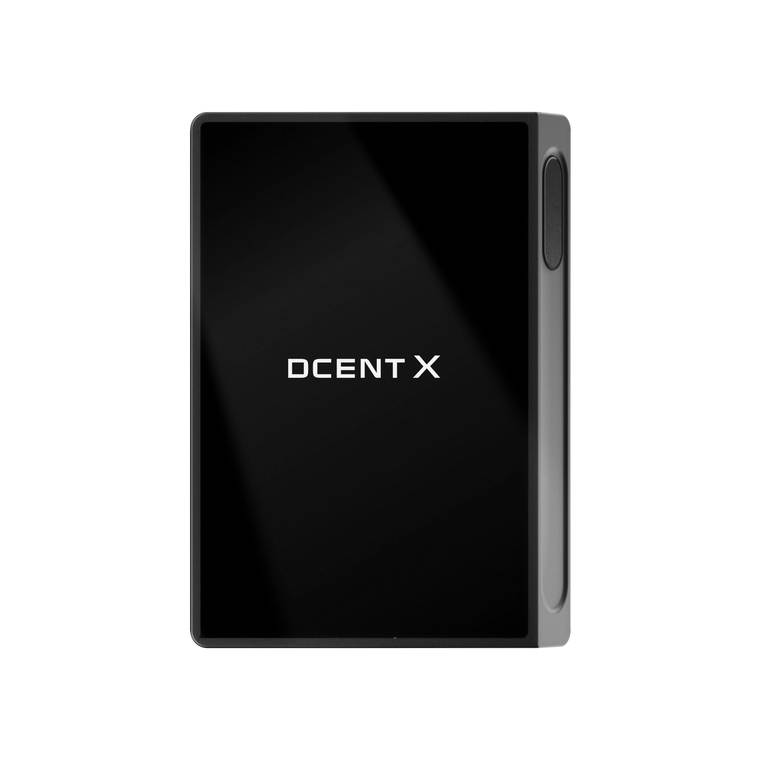
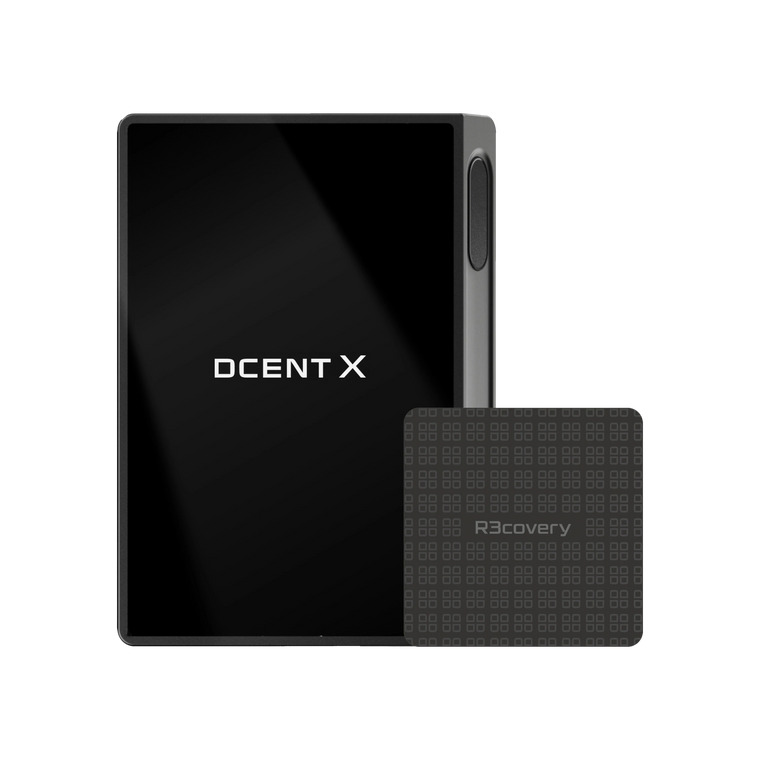
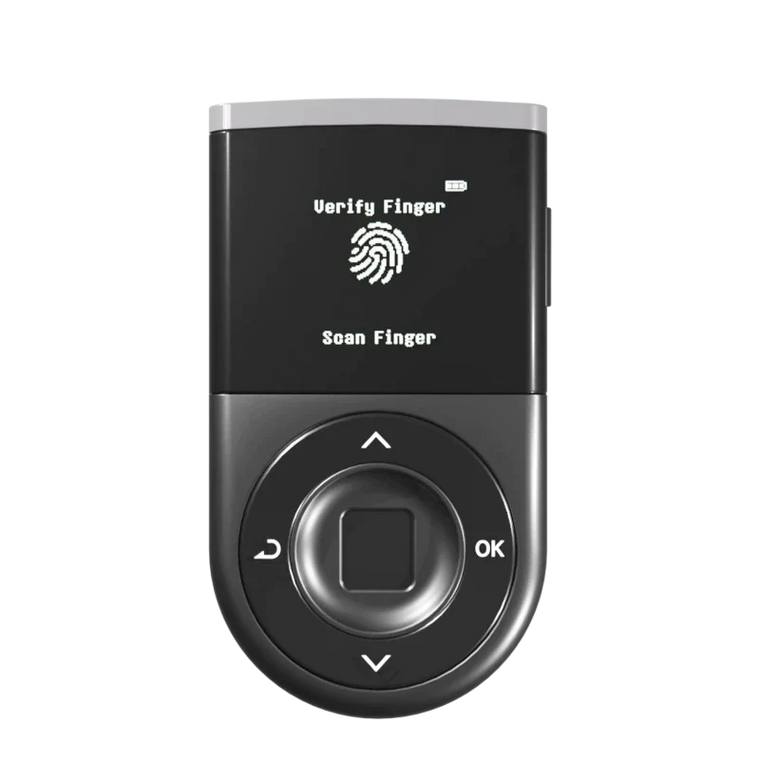
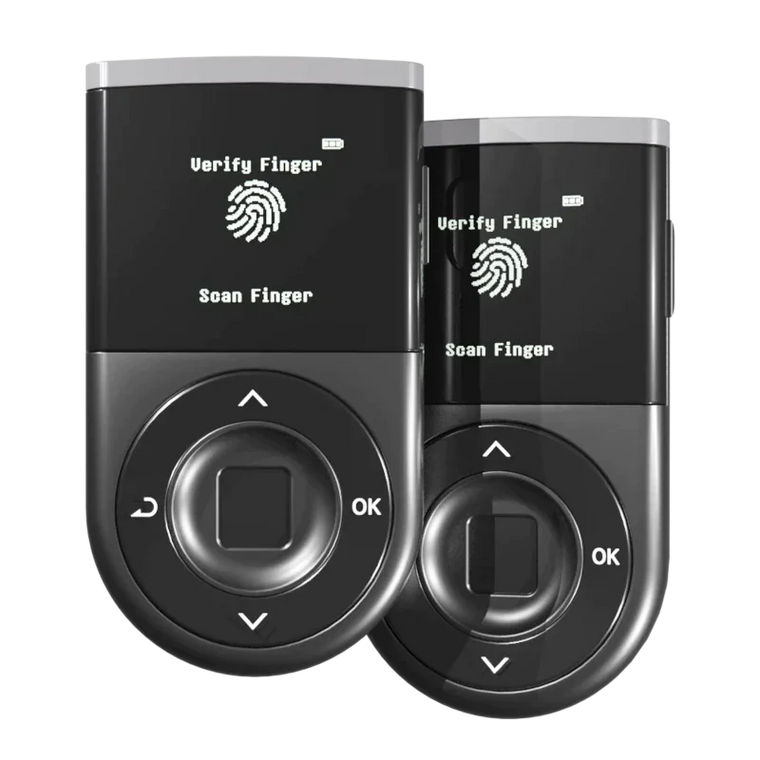
D'CENT Wallet combines biometric authentication with Blockaid real-time scam detection to help flag suspicious transactions before you sign. No system catches everything, but these features add layers of protection beyond basic hardware security. Multi-chain support and mobile connectivity make it practical for both beginners and experienced users.
Explore Secure Self-Custody with D'CENT (Click!)
See how easy safe self-custody can be.
FAQ
Q1: Is a hardware wallet worth the cost?
A: Yes, for holdings over $500. The cost of a hardware wallet ($100-150) is minimal compared to potential losses from exchange hacks or malware.
Q2: Can hardware wallets be hacked?
A: Remote hacking risk is greatly reduced since keys stay offline. However, signing risks remain—always verify transactions on your device screen before approving.
Q3: What if I lose my hardware wallet?
A: You can recover all funds using your Recovery Phrase on a new device. This is why secure offline storage of your Recovery Phrase is critical.
Q4: Hardware wallet vs software wallet—which is better?
A: Hardware wallets offer stronger security for significant holdings. Software wallets are convenient for small amounts and frequent transactions.
Q5: When should beginners get a hardware wallet?
A: When your holdings reach a point where losing them would hurt financially. For most, this is around $500 or when moving beyond exchange storage.
Q6: What are 2026 crypto security best practices?
A: Use a hardware wallet for significant holdings, verify every transaction before signing, store your Recovery Phrase offline, and regularly review token approvals.