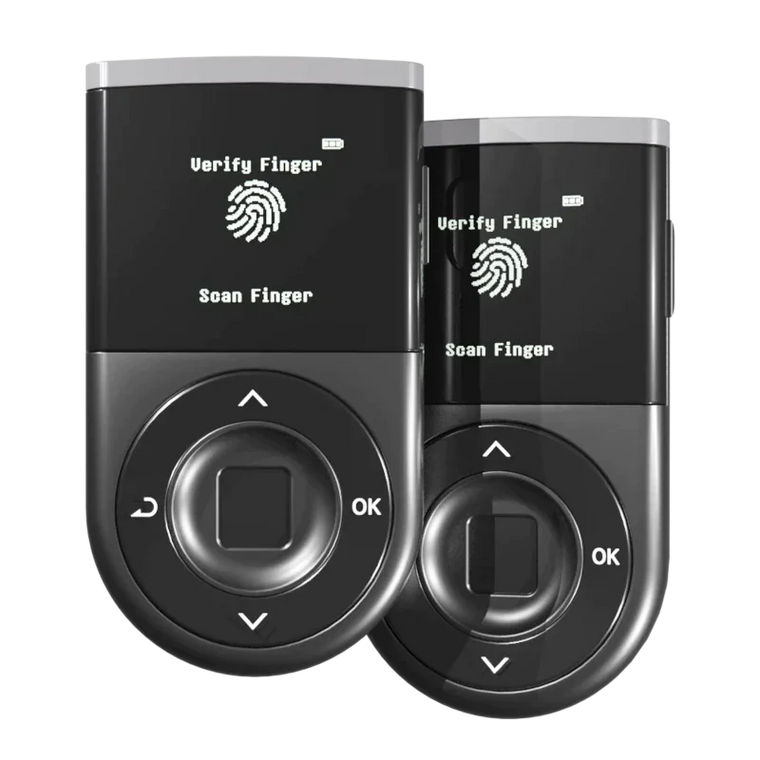




Key Answer: Switching hardware wallets keeps your private keys secure when migrating from Ledger, Trezor, or Tangem. However, improper migration can expose your recovery phrase to attackers—always verify you're using official apps and never enter your seed phrase online.
Executive Summary

- Two Methods: Import recovery phrase (fast, no network fees) or transfer assets to a new wallet (more secure, costs gas fees)
- BIP-39 Compatible: D'CENT supports standard 24-word BIP-39 recovery phrases from Ledger, Trezor, and newer Tangem wallets that use seed phrases (asset visibility may vary by coin, network, and derivation path)
- Tangem Exception: Classic Tangem wallets created with TRNG (no seed phrase) require direct asset transfer
- Security First: Never photograph or digitally store your recovery phrase
- Verification: Always confirm all assets arrived before wiping your old wallet
Why Safe Migration Matters

Your crypto isn't stored on the hardware wallet—it lives on the blockchain. The device only protects your private keys. When switching wallets, one mistake with your recovery phrase could mean losing everything.
According to SlowMist, fake migration apps and phishing sites commonly target users during wallet transitions. Scammers create counterfeit manuals instructing users to enter their 24-word phrase for "migration," then steal funds immediately.
Two Migration Methods Compared

Method 1: Transfer Assets (Recommended)
- Security: High - generates new keys
- Cost: Gas fees per transaction
- Speed: Slower
- Best for: Maximum security or if old phrase may be compromised
Method 2: Import Recovery Phrase
- Security: Medium - same keys
- Cost: No blockchain/network fees for the import itself
- Speed: Fast
- Best for: Quick switch when you fully trust your existing backup
How to Migrate: Step-by-Step

From Ledger to D'CENT
Option A: Import Recovery Phrase
- Set up D'CENT and select "Recover Wallet"
- Enter your 24-word Ledger recovery phrase
- Re-add your cryptocurrency accounts in the D'CENT app
- Verify balances match your previous wallet for each supported coin and network
Note: Some coins and networks may use different derivation paths across wallets. If a balance seems missing after import, check D'CENT's supported coin list and account paths or use the transfer method instead.
Option B: Transfer Assets
- Set up D'CENT as a new wallet (generates new recovery phrase)
- Copy your D'CENT receiving addresses
- Send assets from Ledger to D'CENT addresses
- Confirm transactions on both devices
From Trezor to D'CENT
Follow the same process as Ledger. D'CENT supports standard BIP-39 phrases used by many Trezor wallets. If you used a passphrase with Trezor, you'll need to enter it identically to access the same accounts.
Important: If your Trezor wallet uses a 20-word SLIP-39 (Shamir) backup (for example, some Safe 3 / Safe 5 / Safe 7 setups), that backup cannot be imported directly into D'CENT. In that case, create a new BIP-39 wallet on your Trezor, move your funds there, and then migrate to D'CENT using either seed import or on-chain transfers.
From Tangem to D'CENT
Important: Classic Tangem wallets created with TRNG (no seed phrase) cannot be imported. You must transfer assets directly.
- Open Tangem app, select cryptocurrency, tap "Send"
- Enter your D'CENT receiving address
- Confirm and complete transfer
- Repeat for each asset
Newer Tangem wallets that generate or import a BIP-39 seed phrase can be migrated by importing that phrase into D'CENT, but compatibility still depends on which coins and networks are supported and how addresses are derived.
Mistakes to Avoid

Entering your phrase on websites
No legitimate service asks for your full recovery phrase online. Phishing sites commonly mimic official wallet interfaces to steal credentials.
Using unofficial apps
Download only from official sources (dcentwallet.com). Fake apps may transmit your seed phrase to attackers.
Photographing your seed phrase
Cloud backups can be hacked. Write your recovery phrase on paper and store it offline in a secure location.
Buying pre-activated wallets
Always purchase from authorized sellers. Genuine devices arrive uninitialized—if yours comes with a pre-set seed phrase, do not use it.
Migration Checklist

Before Migration
-
Verify new wallet is from an official source
Purchase only from manufacturer, official Amazon or authorized resellers -
Prepare secure environment
Work alone, away from cameras and prying eyes
During Migration
-
Write down new recovery phrase on paper
If creating a new wallet, never store digitally -
Double-check receiving addresses
Verify addresses match before sending any assets -
Start with a small test transaction
Confirm the process works before transferring large amounts
After Migration
-
Confirm all assets arrived
Verify balances before wiping old wallet, including NFTs and tokens on each network -
Update firmware to latest version
Check for security updates on your new device -
Revoke unnecessary token approvals
Clean up old address permissions using Revoke.cash
FAQ
Q1: Can I use my Ledger recovery phrase on D'CENT?
A: Yes. D'CENT supports 24-word BIP-39 recovery phrases from many hardware wallets. For supported coins that use standard derivation paths, your addresses will usually match, but some assets may not appear automatically if a wallet uses different paths or networks.
Q2: Do I need to pay fees when migrating?
A: Network fees apply only when you transfer assets on-chain (for example, sending funds to a new wallet). Importing a recovery phrase itself does not incur blockchain fees.
Q3: What if I lose my recovery phrase during migration?
A: Your funds remain accessible on the old device until you wipe it. Never reset your old wallet before confirming access on the new one.
Q4: Is importing a recovery phrase safe?
A: It's safe if your phrase was never exposed online or to untrusted devices. If you suspect any compromise or are unsure, create a new wallet and transfer assets instead.
Q5: Can I migrate NFTs the same way?
A: Yes. NFTs transfer like other assets—send them to your new wallet's address on the same network where they currently live.
Q6: Should I wipe my old wallet after migration?
A: Only after verifying all assets are accessible on the new device. Consider keeping the old device as a backup if using recovery phrase import and you understand the risks of having multiple devices sharing the same seed.