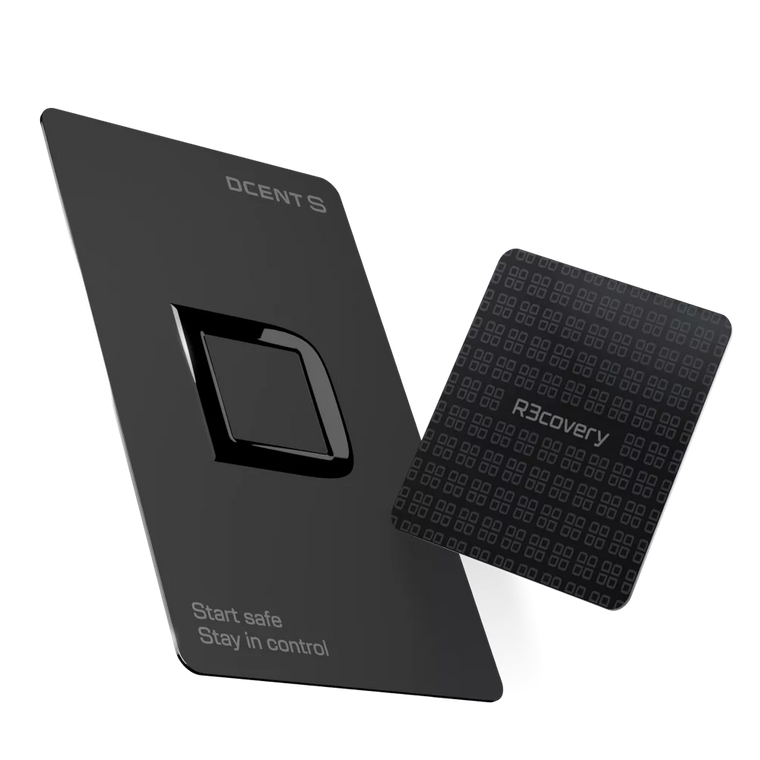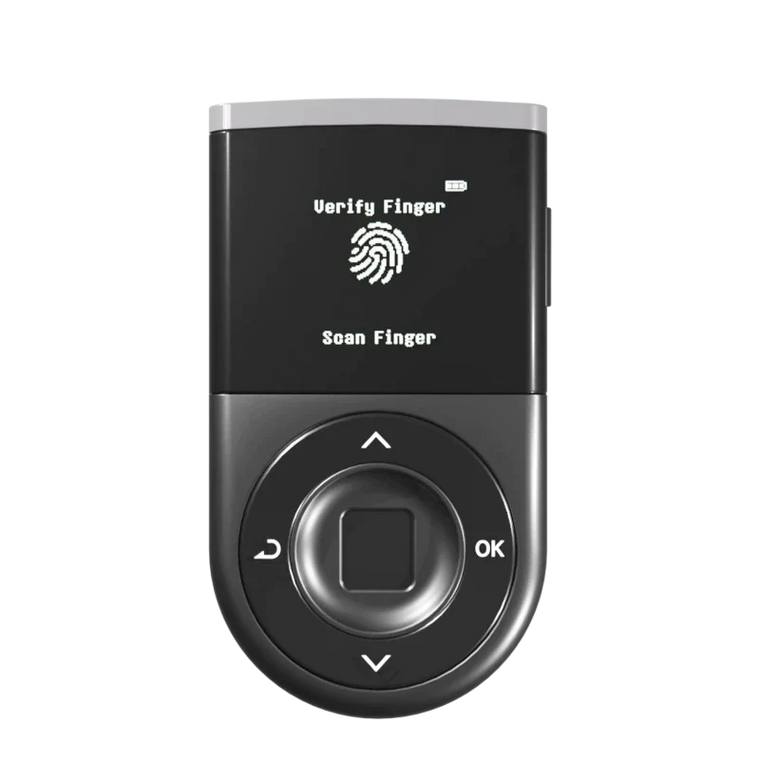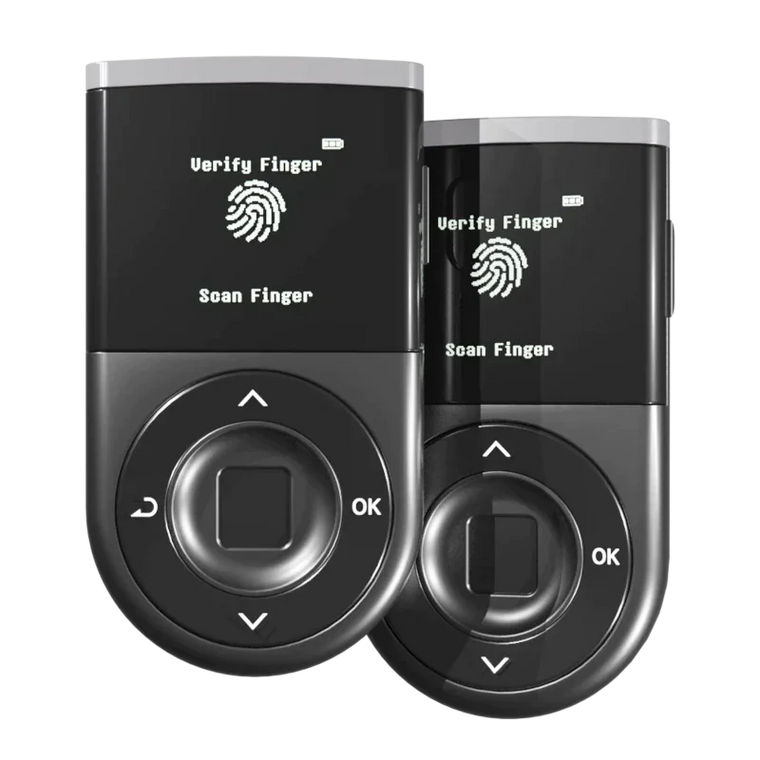




* AI-generated images may be used to help understand the content.
Key Answer: A cold wallet stores your private keys offline, significantly reducing the risk of hacking and phishing attacks. However, hardware wallets reduce key theft risk but cannot prevent losses if users sign malicious transactions—always verify the recipient address and transaction details on your device screen before approving.
Executive Summary
- Offline Security: Cold wallets keep your private keys offline, away from hackers and malware.
- Selection Criteria: Key factors include security features, ease of use, supported coins, and price range ($49-$200).
- Security Certification: Beginners should prioritize EAL5+ or EAL6+ certified secure elements and intuitive interfaces.
- Beginner-Friendly Features: Biometric authentication and real-time scam detection provide additional protection layers for those new to crypto.
- User Responsibility: No wallet provides absolute security—final verification is always your responsibility.
Why Do You Need a Cold Wallet?
If you hold cryptocurrency on an exchange or in a software wallet, your private keys are connected to the internet. This exposure creates opportunities for hackers, phishing attacks, and malware to access your funds.
Hot wallets are convenient for everyday transactions, but they remain connected to the internet. Cold wallets (hardware wallets) store your private keys on a physical device that never exposes them to online threats.
Cold Wallet vs Hot Wallet
| Type | Connection | Best For | Main Risks | Examples |
|---|---|---|---|---|
| Hot Wallet | Always online (mobile, browser, desktop) | Small amounts, daily transactions, DeFi interactions | Exposed to hacking, phishing, malware, and compromised devices | MetaMask, Trust Wallet, Phantom, exchange wallets |
| Cold Wallet | Offline device; signs transactions without exposing keys | Long-term storage, larger balances, long-horizon investors | Physical loss, social engineering, signing malicious transactions |
D'CENT, |
- Hot Wallet: Always online, instant access, vulnerable to online attacks, best for daily transactions (e.g., MetaMask, Trust Wallet)
- Cold Wallet: Offline storage, requires physical device, significantly reduced attack surface, best for long-term storage (e.g., Ledger, Trezor, D'CENT)
When Should You Consider a Cold Wallet?
- You hold more than $500 in cryptocurrency
- You plan to hold assets for months or years
- You want direct control over your private keys
- You are concerned about exchange hacks or platform failures
What Features Should Beginners Look For?
Choosing your first cold wallet can feel overwhelming.
Focus on these five criteria to find the right balance of security and usability.
| Criteria | Why It Matters | What to Look For |
|---|---|---|
| Security Certification | Ensures the secure element chip has been independently tested against attacks. | EAL5+ or EAL6+ certified secure element; strong track record with no hacks reported. |
| Ease of Use | Reduces setup mistakes and day‑to‑day friction, especially for beginners. | Clear display, intuitive navigation, guided setup, and a well-designed mobile or desktop app. |
| Authentication Method | Prevents unauthorized use if someone gets physical access to your device. | Strong PIN plus optional biometric (fingerprint) for quick and private unlocking. |
| Supported Cryptocurrencies | Ensures your current and future assets can all live on one device. | Support for Bitcoin, Ethereum, major L1/L2s, and the tokens/NFTs you care about. |
| Price Range | Helps you match budget with features so you don’t overpay or under‑secure. | Approx. $49–$200 depending on extras like Bluetooth, big screens, or biometrics. |
Top Cold Wallets for Beginners in 2026
- D'CENT Biometric ($139): EAL5+ secure element, 4,800+ coins, fingerprint authentication + real-time scam detection
- Ledger Nano X ($149): EAL5+ secure element, 5,500+ coins, Bluetooth connectivity
- Trezor Safe 3 ($79): EAL6+ open-source secure element, 8,000+ coins, fully auditable firmware
- Tangem ($49-$69): EAL6+ certified, 6,000+ coins, card-based design
-
SafePal S1 ($49): EAL5+ secure element, 10,000+ coins, air-gapped (QR-code based signing workflow / no Bluetooth)
Note: Prices are approximate and may change over time. Please check each manufacturer’s official website or store for the latest pricing and availability.
Why D'CENT Stands Out for Beginners
Among these options, the D'CENT Biometric Wallet addresses two major pain points that beginners face: authentication complexity and transaction verification.
Biometric Authentication: The built-in fingerprint sensor eliminates PIN entry for every transaction. This is more than convenience—beginners often worry about entering PINs in public or forgetting them under pressure. The wallet supports up to two fingerprints, and you can still fall back to PIN if needed.
Real-Time Scam Detection (Blockaid Integration): D'CENT integrates Blockaid's security engine, which analyzes each transaction before you sign. It checks destination addresses against known scam databases, simulates transaction outcomes to reveal hidden risks, flags suspicious approval requests, and warns about malicious smart contracts. For beginners who may not recognize wallet-draining approvals, this pre-signature warning can prevent costly mistakes. This feature does not block 100% of all attacks—always verify transaction details on your device screen before signing.
Additional D'CENT Features: EAL5+ certified secure element with zero hack incidents reported, OLED display for clear transaction verification, Bluetooth and USB dual connectivity, native mobile app with built-in DApp browser, support for 4,800+ coins including Bitcoin, Ethereum, Solana, XRP, and Polygon.
How to Set Up Your First Cold Wallet

Follow these steps to safely initialize your hardware wallet:
Step 1: Purchase from an Official Source
Buy directly from the manufacturer(Official Website or Amazon)or authorized retailers only. Never purchase used or pre-owned hardware wallets—they may contain compromised firmware or pre-generated Recovery Phrases (seed phrases).
Step 2: Verify Package Integrity
Check for tamper-evident seals before opening. If the packaging appears damaged or previously opened, contact the manufacturer before proceeding.
Step 3: Initialize the Device
Power on your wallet and follow the on-screen setup process. The device will generate a new Recovery Phrase during initialization.
Step 4: Write Down Your Recovery Phrase
Your wallet will display a 12-24 word Recovery Phrase. Write this down on paper—never store it digitally. Do not take photos, screenshots, or save it in cloud storage. This Recovery Phrase is the only way to recover your funds if you lose your device. Anyone with access to these words can steal your cryptocurrency.
Step 5: Verify Your Recovery Phrase
Most wallets require you to confirm your Recovery Phrase by selecting words in the correct order. Complete this verification carefully.
Step 6: Set Your PIN or Biometric
Create a strong PIN or register your fingerprint. This protects your wallet if someone gains physical access to the device.
Step 7: Install Companion App
Download the official companion app from the manufacturer's website or official app stores. Verify the developer name before installing.
Step 8: Transfer a Small Test Amount
Before moving significant funds, send a small test transaction. Verify that you can receive and send cryptocurrency successfully.
Common Mistakes to Avoid
Buying Second-Hand Devices
Pre-owned hardware wallets may contain malware or compromised Recovery Phrases. The previous owner could have recorded the seed words, giving them access to any funds you store.
Storing Recovery Phrase Digitally
Photos, screenshots, cloud notes, and password managers connected to the internet create attack vectors. Write your Recovery Phrase on paper and store it securely offline.
Ignoring Transaction Details
Always verify the recipient address and transaction amount on your hardware wallet screen before signing. Malware on your computer can display one address while sending a different one to your wallet for signing.
Approving Unknown Transactions
Wallet drainer scams often trick users into signing approval transactions that grant access to their tokens. If a transaction looks unfamiliar or you did not initiate it, reject it immediately. Wallets with real-time scam detection can help flag these requests, but always verify the details yourself before signing.
Neglecting Firmware Updates
Manufacturers release security patches to address newly discovered vulnerabilities. Check for and install firmware updates regularly, but always download them from official sources.
Sharing Your Recovery Phrase
No legitimate support agent, website, or application will ever ask for your Recovery Phrase. Anyone who requests it is attempting to steal your funds.
Practical Security Checklist
Minimal, Actionable, and Sustainable
Monthly (10 minutes)
-
Review recent transactions and withdrawals
Check your wallet history for any unfamiliar activity. -
Use a third-party tool to remove unnecessary approvals
Tools like Revoke.cash help you manage token permissions. -
Disconnect all connected sites and apps
Minimize your exposure by removing unused connections. -
Visually inspect Recovery Phrase storage
Ensure your backup is legible and protected from damage.
Every 3 Months
-
Review PIN / lock settings for high-value wallets
Confirm your security settings are still appropriate. -
Confirm wallet functionality after OS or browser updates
Test that your wallet connects and operates correctly.
Every 6-12 Months
-
Review emergency recovery plan
Ensure trusted family members know how to access funds if needed. -
Verify Recovery Phrase readability
Check that your written backup is still clear without entering it anywhere.
FAQ
Q1: What is the difference between a cold wallet and a hot wallet?
A: A hot wallet stays connected to the internet through your phone or computer, making it convenient but exposed to online threats. A cold wallet stores private keys on an offline device, significantly reducing the risk of remote attacks. Hot wallets suit small amounts for daily use; cold wallets are better for long-term storage.
Q2: Can a cold wallet be hacked?
A: Cold wallets are highly resistant to remote attacks because they remain offline. However, physical theft, supply chain attacks, and social engineering remain potential risks. The most common way users lose funds is by signing malicious transactions or exposing their Recovery Phrase—not through direct device hacking.
Q3: What happens if I lose my cold wallet?
A: Your cryptocurrency remains safe as long as you have your Recovery Phrase. You can purchase a new hardware wallet and restore your accounts using those words. However, if you lose both the device and the Recovery Phrase, your funds cannot be recovered.
Q4: How many cryptocurrencies can a cold wallet hold?
A: This varies by manufacturer. Some wallets support over 5,000 different tokens and coins, while others focus on major cryptocurrencies. Check the manufacturer's supported asset list before purchasing to ensure compatibility with your holdings.
Q5: Is a cold wallet worth it for small amounts?
A: If you hold less than $100, a hot wallet with strong security practices may be sufficient. As your holdings grow beyond $500, a hardware wallet becomes a worthwhile investment. Consider it insurance for your digital assets—the cost of the device is minimal compared to potential losses.
Q6: How do I know if my cold wallet is genuine?
A: Purchase only from official manufacturers or authorized retailers. Check tamper-evident packaging before opening. During setup, the device should generate a new Recovery Phrase—never use a wallet that comes with pre-written seed words. Verify firmware authenticity through the manufacturer's official verification process.
Q7: What is real-time scam detection and how does it help?
A: Real-time scam detection analyzes transaction requests before you sign them. The system checks against databases of known scam addresses and suspicious patterns, warning you before you approve a potentially malicious transaction. This provides an additional layer of protection, especially for beginners who may not recognize dangerous approval requests. D'CENT is currently the only hardware wallet offering this feature through its Blockaid integration. However, no system catches all threats—always verify transaction details yourself.
Q8: Why choose a biometric wallet over a PIN-only wallet?
A: Biometric authentication offers several advantages for beginners. You cannot forget your fingerprint like you might forget a PIN. Authentication is faster—a quick touch versus entering multiple digits. There is no risk of someone observing your PIN in public. However, biometric wallets typically cost more than PIN-only models, so consider whether these benefits justify the price difference for your needs.