



Key Answer: Moving USDT from Binance to D'CENT takes about 5 minutes in two steps:
- Get your USDT (Tron) deposit address from D'CENT — Add Account → search USDT → pick USDT on TRON → Receive → Copy.
- Withdraw from the Binance app — Withdraw → USDT → set network to TRC20 (Tron) → paste address → Confirm.
The one thing that matters most: the network must match on both sides — TRC20 (Tron) in Binance and a USDT (TRON) account in D'CENT. We'll cover why below.
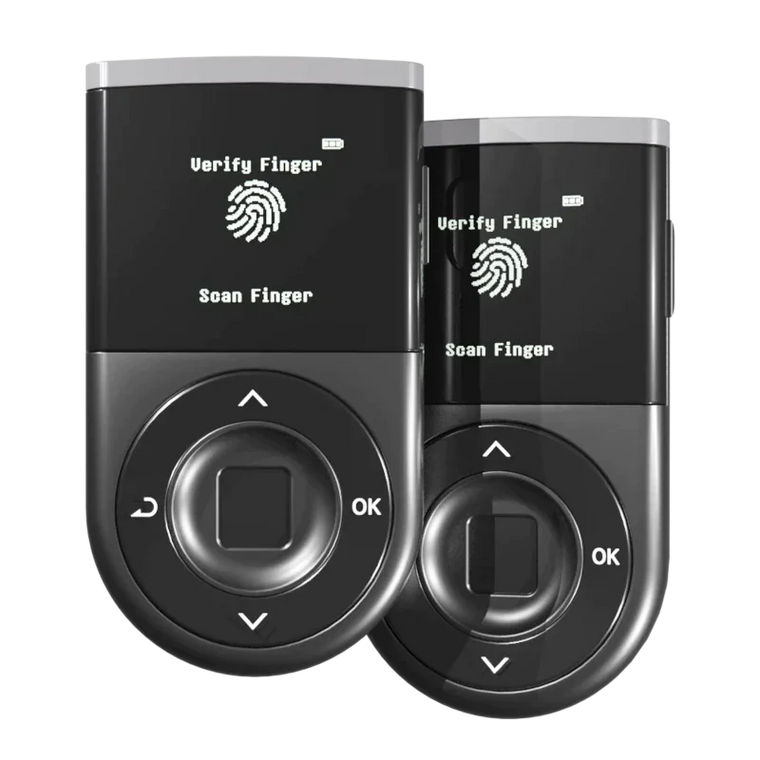
When you hold USDT on Binance, Binance holds the private keys. With your D'CENT Wallet, you create your own USDT account and hold the keys yourself — protected by an EAL5+ Secure Element and unlocked with your fingerprint. The whole move takes about five minutes.
If you're in the EU, the timing is apt: as new rules like MiCA take effect, access to some exchange services is shifting by region. Crypto you hold yourself sits outside all of that — your USDT stays reachable because the keys are yours.
Hardware wallets reduce key-theft risk. But sending on the wrong network can still cost you. Matching the network is the final firewall.
Before you start — the one thing that matters: the network
USDT isn't one coin on one chain — the same Tether token exists on Ethereum, Tron, BNB Smart Chain, Solana, and more, each a separate network. This guide uses Tron (TRC-20) as the example, but you can pick any network Binance supports — the rule never changes: send and receive on the same one. Send to an address built for a different network and the funds won't arrive, with recovery difficult or impossible.
The fix: Make sure both sides say Tron. In D'CENT, add a USDT (TRON) account. In Binance, select the TRC20 network when you withdraw. A TRON address always starts with the letter T — a quick way to sanity-check you're on the right network.
Good to know — TRX for later. Receiving USDT costs you nothing. But when you eventually send USDT out of D'CENT, the TRON network charges a small fee paid in TRX (energy/bandwidth). Keeping a few TRX in the same account means your future sends always go through smoothly. Nothing to do today — just worth knowing.
Step 1 — Get your USDT (Tron) deposit address from D'CENT
Before opening Binance, you need somewhere for the USDT to land — your D'CENT USDT (Tron) deposit address.
Open the D'CENT Wallet app.
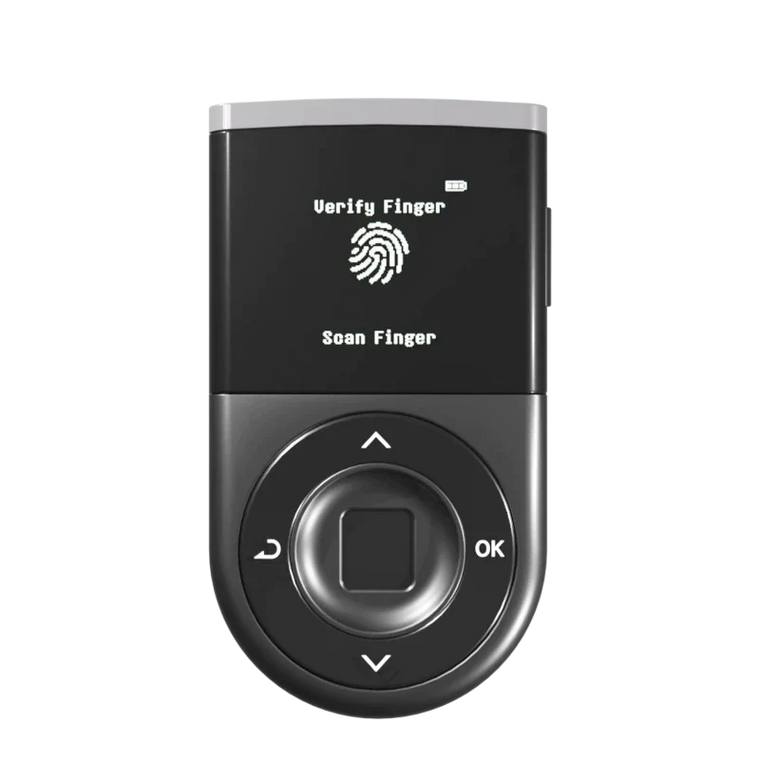
If you're using a D'CENT hardware wallet, connect it over Bluetooth or USB-C.
Add a USDT (TRON) account.
Tap + Add Account → search USDT → pick Tether USD (TRON) from the list. Not USDT (Ethereum / ERC20), not USDT (BNB Smart Chain / BEP20) — those are different networks. D'CENT adds it under your TRON account, and its receive address is a TRON address starting with T.

D'CENT app — USDT (TRON) account creation. Once added, your USDT account appears on the home screen with a 0 USDT balance, ready to receive.
Copy your USDT (Tron) deposit address.
Tap your new USDT account → tap Receive. The app shows your TRON deposit address with a QR code — confirm it starts with T and matches the address on your D'CENT device screen, then tap Copy.

D'CENT app — the USDT (Tron) receive address with QR code. Verify it matches the address shown on your D'CENT device before copying.
Step 2 — Withdraw the USDT from the Binance app
Open the Binance app.
Go to Wallet → Withdraw, and choose USDT.
From your wallet, tap Withdraw, search and select USDT, then choose Send via Crypto Network (on-chain withdrawal).
Paste your D'CENT USDT (Tron) address.
Paste the TRON address you copied from D'CENT into the Address field. Double-check it starts with T.
Select the TRC20 network.
For the Network, choose TRC20 (Tron). Binance often auto-detects the network from your address — but always confirm it reads TRC20 before continuing. This is the single most important field on the screen.

Binance app — Withdraw → USDT → paste D'CENT TRON address → select TRC20 network → enter amount.
Network check — TRC20, not ERC20 or BEP20. If the network shows anything other than TRC20 (Tron), stop and change it. Sending USDT on the wrong network is the most common — and most costly — first-timer mistake. When in doubt, match the address: a T-address is always Tron.
Enter the amount.
Enter how much USDT you want to send. Binance deducts a small flat network fee (typically around 1 USDT on TRC20).
Review the withdrawal details.
Check the recipient address, the TRC20 network, the amount, and the fee one last time.
Confirm with 2FA. Done.
Enter your security verification (2FA / email / SMS code) to authorize the withdrawal.
TRON transactions usually confirm in about 1–3 minutes. Binance may briefly hold the withdrawal for a security review on first sends. The balance shows up in your D'CENT USDT (Tron) account shortly after — open the USDT account in D'CENT to see the received balance, and scroll down to view the transaction history.
Pro tip — send small first. Before moving your full balance, send a small test amount (say 10–20 USDT). Once it lands safely in D'CENT, send the rest. One small network fee is a cheap price for certainty.
FAQ
Q. Can I withdraw USDT directly from Binance to D'CENT, or do I need an intermediary?
Direct. Binance supports on-chain USDT withdrawals to any external TRON address, including self-custody wallets like D'CENT. Paste your D'CENT USDT (Tron) receive address into the Address field and set the network to TRC20.
Q. What happens if I pick the wrong network (ERC20 or BEP20 instead of TRC20)?
The USDT won't appear in your D'CENT USDT (Tron) account, because it was sent on a different blockchain. Recovery is sometimes possible if you control a wallet that supports that network and token — but often it isn't. This is exactly why you confirm the network reads TRC20 and the address starts with T before sending, and why you send a small test amount first.
Q. Why does Binance want me to verify my D'CENT Wallet first?
It's tied to the Travel Rule — a regulatory framework that asks exchanges to confirm the owner of any self-custody wallet receiving a withdrawal, and to share sender/recipient details on larger transfers. Binance's Wallet Ownership Verification is how it collects that proof. It only happens the first time you withdraw to a new address; after that, withdrawals to the same D'CENT address go through directly.
Q. How much is the Binance withdrawal fee for TRC20 USDT?
Binance charges a small flat network fee on TRC20 USDT withdrawals — typically around 1 USDT, though the exact figure can change. The fee is shown on the withdrawal screen before you confirm. TRC20 is usually the cheapest USDT network, which is one reason it's so widely used.
Q. Do I need TRX in my D'CENT Wallet to receive USDT?
No — receiving costs you nothing. You only need a little TRX when you later send USDT out of D'CENT, because the TRON network charges the fee (energy/bandwidth) in TRX. Keeping a few TRX in your TRON account means future sends always go through.
Q. How long does the USDT take to show up in D'CENT?
TRON transactions typically confirm in 1–3 minutes. The balance usually refreshes inside the D'CENT app shortly after. If it's been longer than 15 minutes, copy the transaction ID from Binance's withdrawal history and look it up on TRONSCAN — if the transaction shows as confirmed, the funds are on-chain and a wallet refresh will reveal them.
Q. Is it actually safer to keep USDT in D'CENT than on Binance?
Different risks. Binance carries counterparty risk — withdrawal freezes, account restrictions, exchange solvency. D'CENT shifts that onto you: you control the keys, but you're also responsible for protecting your recovery phrase and verifying each transaction. Hardware wallets reduce key-theft risk; they don't remove the risk of sending on a wrong network or to a wrong address. For long-term holdings, most security-conscious holders prefer self-custody.
Q. I'm in the EU — with the new rules (MiCA), is now a good time to move my USDT to self-custody?
Regulatory transitions like MiCA can change which exchange services are available in a given region, and on what timeline. That's a reasonable moment to make sure at least part of your holdings lives in a wallet you control directly. Self-custody doesn't depend on your region, an onboarding window, or an approval — your USDT stays accessible because the keys are yours, held offline on your D'CENT device. Whether to move all or part of your balance is entirely your call; this guide just shows how, step by step.
Q. Can I cancel a withdrawal after I confirm it?
Binance can sometimes cancel a withdrawal in the brief window before it's broadcast to the network — check your withdrawal history immediately. But once the transaction is confirmed on the TRON blockchain, it's irreversible. There's no undo on-chain. That's why sending a small test amount first is non-negotiable.
Ready to move your USDT?
If you already have a D'CENT Wallet, open the app, add a USDT (TRON) account if you haven't, and start with a small test transaction. Once it lands in D'CENT, the rest of your balance is a single withdrawal away.
Why move now? Platform access can change with the rules — by region, on a deadline, with no notice. Self-custody can't be revoked. Whatever shifts around it, USDT held in your own wallet stays yours and stays reachable — because the keys are yours.
Open D'CENT → tap + Add Account → search USDT → pick TRON → tap Receive. A few taps to the address you'll paste into Binance. Five minutes to self-custody.
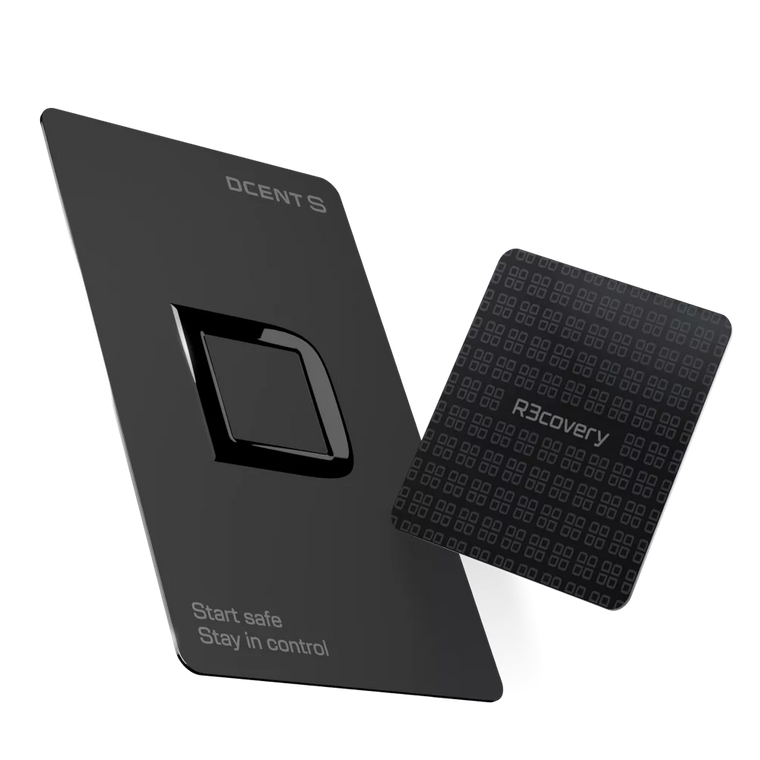
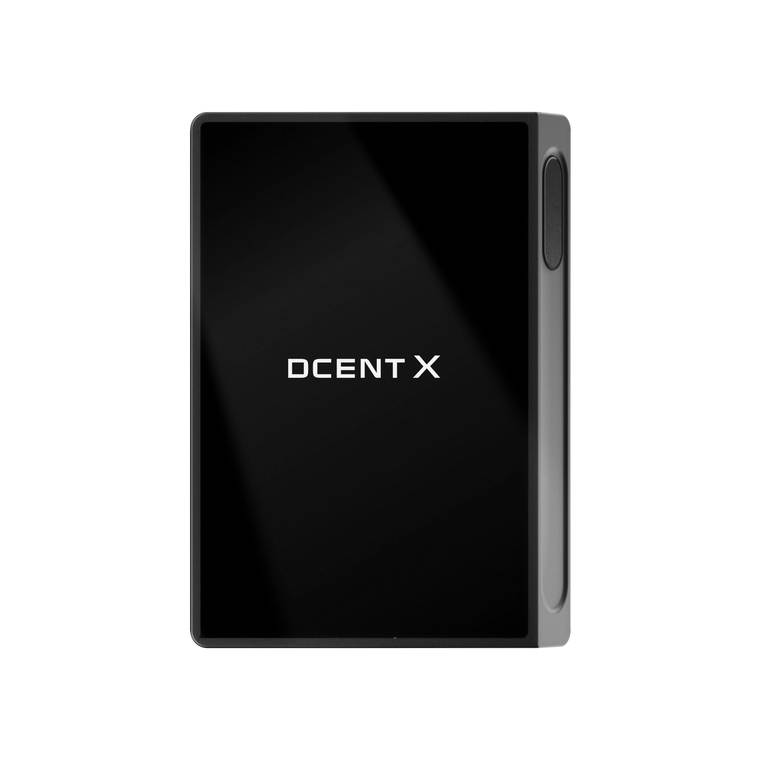
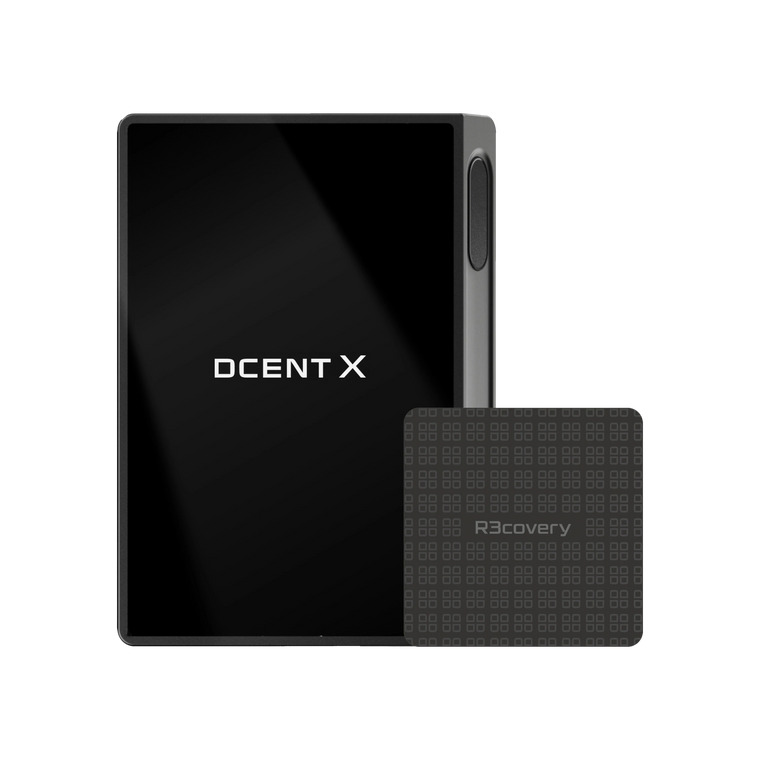
D'CENT Biometric Wallet
Your USDT. Your keys. Your final say.
Native TRON (TRC20) support, hardware-signed.
EAL5+ Secure Element · 100+ Blockchain Networks · Biometric Authentication · WYSIWYS Trusted Display · Zero Security Breaches Since 2018
Buy D'CENT Wallet →