



Key Takeaways
What you need to know
- Same wallet, bigger screen: Use your existing D'CENT hardware wallet address in the browser. No new seed phrase needed.
- Keys never leave the device: The extension is a display layer. Every transaction is signed on your D'CENT device with fingerprint authentication.
- Desktop-grade workflow: Multiple tabs, full-screen charts, and keyboard input make DeFi research and governance voting far more efficient.
- Seamless mobile-PC switching: Check balances on your phone during commute, execute DeFi strategies on your desktop at the office.
- Stay alert on approvals: Hardware security reduces key theft risk, but always review what you're signing on the device screen.
Why Do Existing D'CENT Users Need This?
D'CENT's mobile app has served users well for on-the-go asset management. But certain on-chain activities — comparing DeFi protocol yields across tabs, reading DAO proposals in full, browsing NFT collections — demand more screen real estate than a phone can offer.
The alternative? Creating a separate software extension wallet like MetaMask or Trust Wallet for desktop use. But that means your private keys sit in browser memory — exposed to malware, phishing extensions, and supply chain attacks. In December 2025, Trust Wallet's Chrome extension was compromised via a supply chain attack, resulting in approximately $7 million in stolen assets.
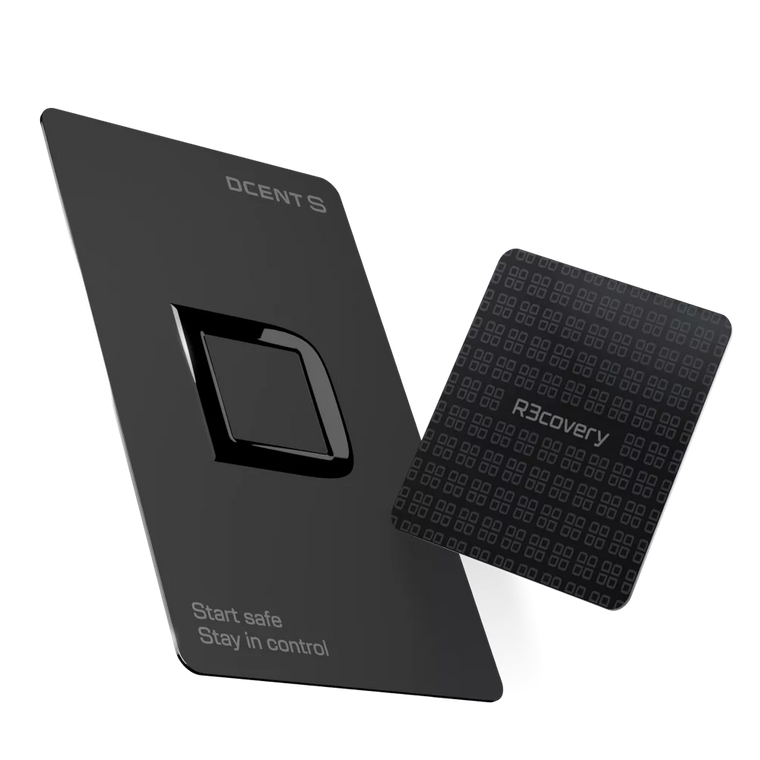
D'CENT Wallet for Chrome eliminates this trade-off. Your private keys stay locked inside the hardware device. The browser simply connects you to dApps and displays the interface.
When Does the Extension Make a Real Difference?
Maya — DeFi Research on a Bigger Canvas
"I check positions on my phone during commute, but when I sit down at my desk, I want to compare protocols side by side."
Maya manages liquidity across multiple DeFi protocols. Comparing APYs, analyzing pool compositions, and executing multi-step strategies is significantly easier with a monitor, keyboard, and multiple browser tabs — all connected to the same hardware wallet address she uses on mobile.
Same wallet, bigger screenJordan — Governance Without Security Compromise
"I need desktop for reading governance proposals. But a software extension wallet doesn't fit my threat model."
Jordan actively participates in DAO governance. Long proposals require careful reading on a large screen. But as a security professional, he won't accept the key exposure risk of software wallets. D'CENT Wallet for Chrome gives him the best of both: analyze on desktop, sign only on D'CENT.
Desktop analysis + device signingMark — Large Transfers Deserve a Large Screen
"When I'm sending a significant amount, I want to double-check the address on a proper screen."
Mark prefers to verify recipient addresses and amounts on his PC monitor first, then confirm again on his D'CENT device's OLED display. Two screens, two confirmations — because the signing always happens on the device.
Monitor + OLED dual verification
How Does It Work?
The principle is simple: the browser is your window; the device is your vault.

Setup
Install D'CENT Wallet for Chrome from the Chrome Web Store.
Connect your D'CENT hardware wallet via USB-B or USB-C.
The extension loads your existing wallet addresses — no new seed phrase required.
On any dApp, click "Connect Wallet" and select D'CENT.

Signing a Transaction

- The dApp sends a transaction request to the extension.
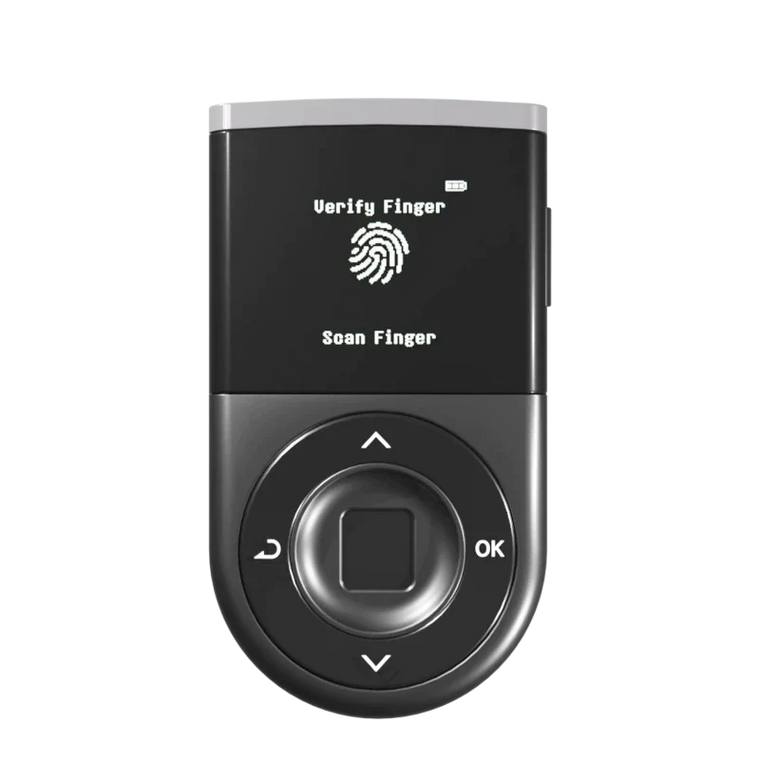
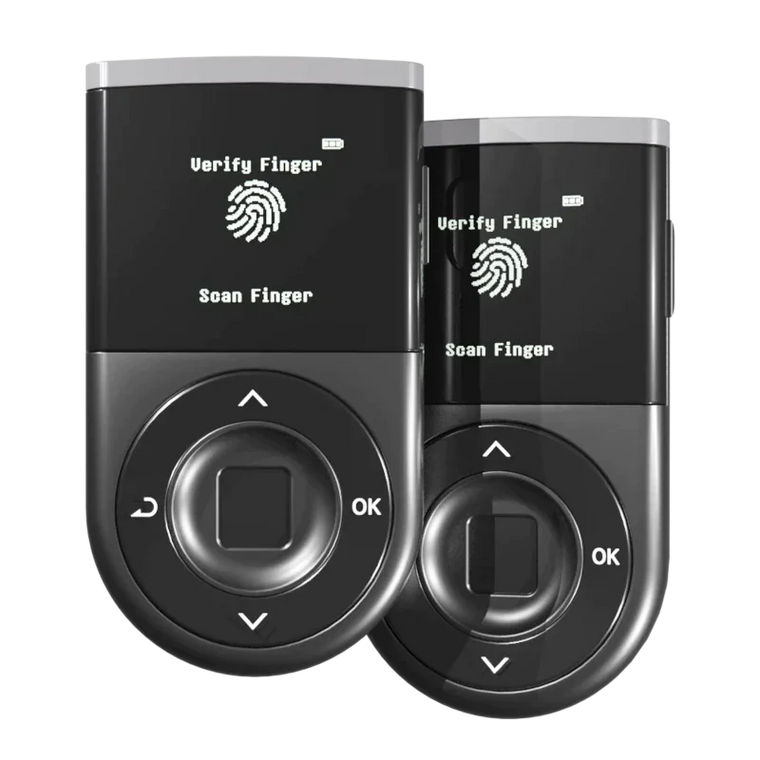
- Your D'CENT device displays the recipient address, amount, and network on its OLED screen.
- You verify the details and approve with fingerprint authentication.
- Only the signed result is sent back to the browser — your private key never leaves the device.
How Is This Different from Software Extension Wallets?
As Ethereum.org's official security guide recommends, hardware wallets provide the strongest key isolation for on-chain interactions.
| Feature | Software Extension | D'CENT Wallet for Chrome |
|---|---|---|
| Private key location | Browser memory / local storage | D'CENT device (EAL5+ Secure Element) |
| Signing process | Software-based, inside the browser | Fingerprint-authenticated, on-device |
| Transaction verification | Monitor only | Monitor + device OLED (dual confirmation) |
| Malware resistance | Key theft risk exists | Keys never in browser — nothing to steal |
| New seed required? | Yes, separate seed needed | No — uses your existing D'CENT wallet |
Already own a D'CENT hardware wallet?
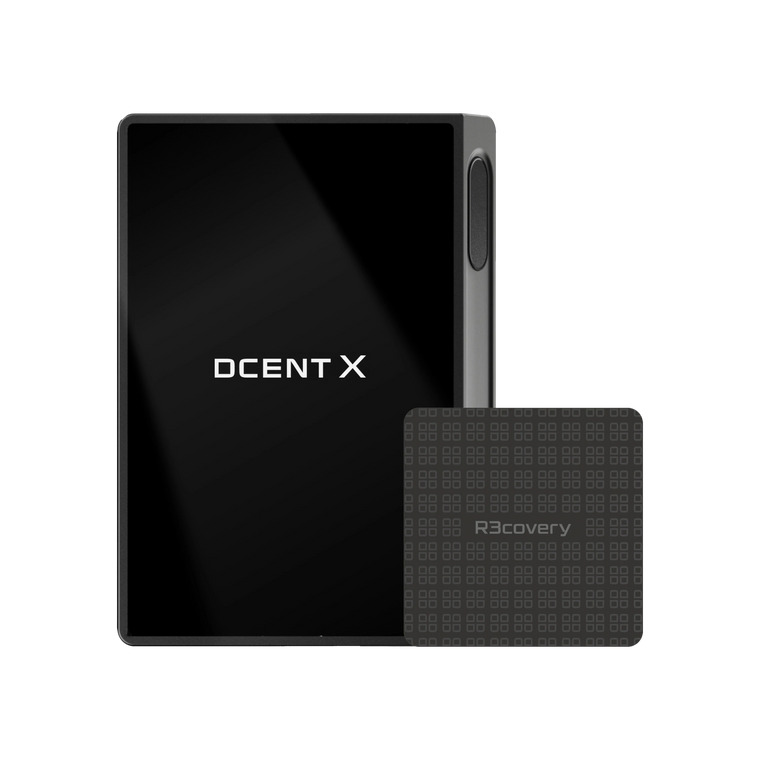
Bring your hardware wallet security to the desktop — same address, same keys, bigger screen.
Install D'CENT Wallet for Chrome →Security Checklist for Extension Users
Even with hardware-level security, your habits determine your actual security level.
10 Essential Security Habits
User Guide
Step-by-step setup: from installation to dApp connection
FAQ
Coins visible in the mobile app not showing in the extension? Here's how to fix it
Frequently Asked Questions
Do I need to create a new seed phrase?
No. The extension connects directly to your existing D'CENT hardware wallet. It references the keys stored on your device — no new seed or Recovery Phrase is generated.
If my browser gets hacked, are my funds at risk?
Your private keys are isolated inside the D'CENT device's EAL5+ Secure Element. Browser-level attacks cannot extract them. However, if a malicious site tricks you into signing a harmful approval transaction on your device, fund loss is possible. Always verify on the device screen before approving.
Can I use the mobile app and extension at the same time?
Yes. Both connect to the same D'CENT hardware wallet address. Check balances on your phone and execute DeFi strategies on your desktop — seamlessly switching between the two.
Which blockchain networks are supported?
The extension supports all networks compatible with your D'CENT hardware wallet — over 100 blockchain networks. EVM-compatible chains (Ethereum, Polygon, Arbitrum, BSC, etc.) work out of the box.
Can I migrate from MetaMask?
D'CENT Wallet for Chrome is a hardware wallet interface, not a software wallet replacement. It doesn't import seed phrases from other wallets. If you already own a D'CENT biometric wallet, simply install the extension and connect your device.
Coins visible in the mobile app are not showing in D'CENT Wallet for Chrome.
Custom tokens you added manually are not synced to the D'CENT Wallet for Chrome extension, because custom token data is stored locally on the device where it was added (your PC or the D'CENT mobile app). To see them, go to [(+) Add Account] > [Custom] in D'CENT Wallet for Chrome and re-register the tokens you previously added. Learn more
What happens if I lose my D'CENT device?
Your funds are not lost. As long as you have your 24-word Recovery Phrase stored safely offline, you can restore your wallet on a new D'CENT device.
Is it safe to use on a shared or public computer?
Not recommended. Even though your private keys stay on the device, a compromised machine could display manipulated transaction details. Use the extension on your personal, malware-free PC only.
Conclusion
The D'CENT Wallet for Chrome bridges the gap between hardware wallet security and desktop convenience. Your private keys remain locked inside the EAL5+ Secure Element — the extension simply connects your existing wallet to PC-based dApps without creating a new seed or exposing sensitive data to the browser.
The extension is a connection tool, not a security guarantee. It controls where you connect, not what you sign.
Keep your keys offline. Trade freely on your PC.
EAL5+ secure element · WYSIWYS clear signing · Blockaid threat detection · No remote key-extraction breaches since 2018
Sources & References
- CoinDesk — Trust Wallet Chrome extension supply chain attack ($7M stolen, December 2025)
- Ethereum.org — Official security guide recommending hardware wallet key isolation
- D'CENT User Guide — D'CENT Wallet for Chrome setup and usage guide
- D'CENT FAQ — Coins visible in the mobile app not showing in the extension