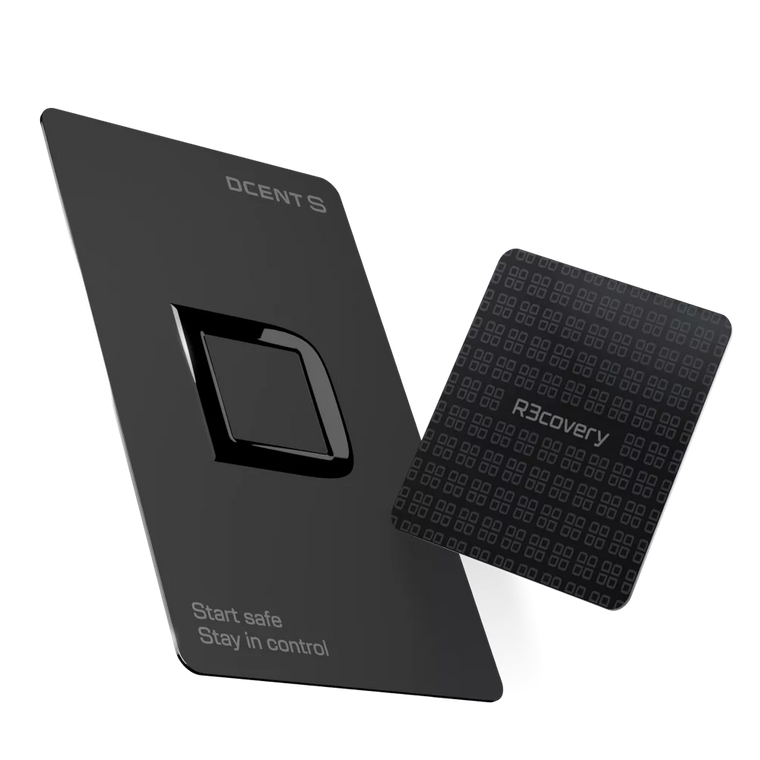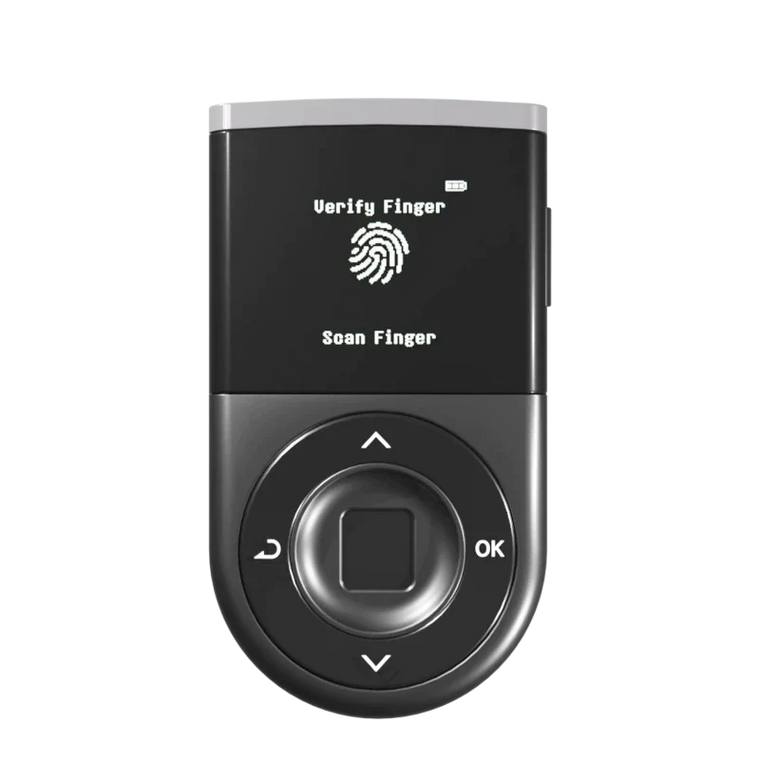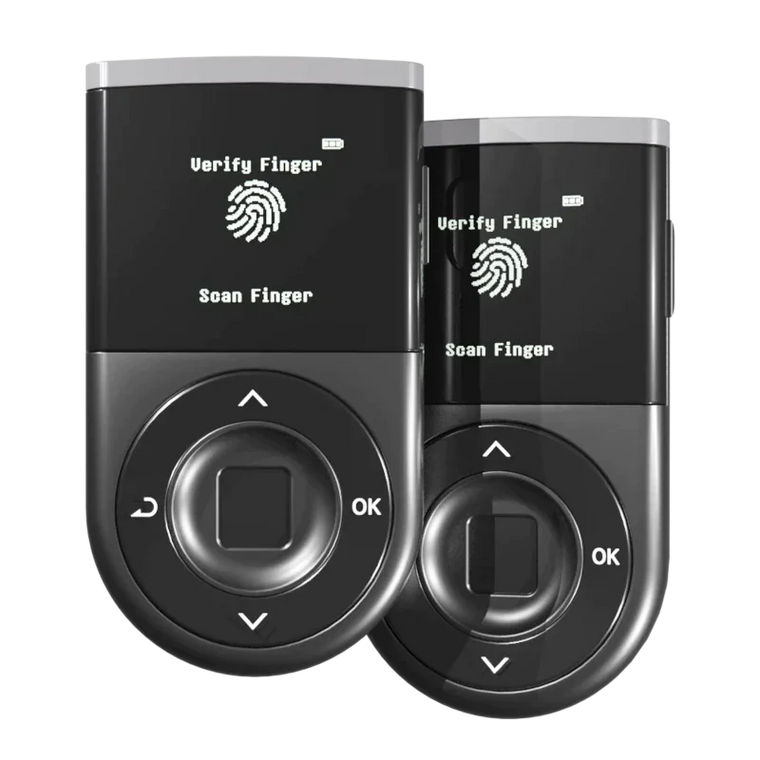




Key Answer: Biometric authentication on hardware wallets adds a meaningful security layer by combining fingerprint verification with encrypted storage within secure chips. While no security method can claim to block all possible attacks, modern biometric wallets are designed to significantly raise the difficulty of unauthorized access. Users should understand that final verification and security practices remain their responsibility. The D'CENT Biometric Wallet stores fingerprint data locally on CC EAL5+ certified chips without external transmission, and features specialized sensor surface treatment that helps reduce fingerprint residue—adding practical barriers against common attack vectors.
Executive Summary
- Low False Acceptance Rate: Fingerprint sensors used in modern hardware authentication are typically designed to achieve very low false acceptance rates (for example, on the order of tens-of-thousands-to-one or better), which helps reduce the likelihood of unauthorized access.
- On-Device Storage: Biometric data is stored on the device and is not uploaded to servers or transmitted online.
- Additional Security Layer: Biometric authentication is designed to work alongside PINs, not as a standalone replacement.
- Banking-Grade Certification: Hardware wallets with CC EAL5+ certified chips are built to meet security standards comparable to banking cards.
- Offline Verification: Offline biometric verification is designed to reduce remote hacking risks associated with cloud-based systems.
Why: Understanding Biometric Security Concerns
Many users have questions about biometric hardware wallets, including concerns about fingerprint copying, data security, and sensor reliability. These are reasonable considerations, and understanding how modern biometric systems address them can help users make informed decisions.
It is important to note that hardware wallet biometric systems are typically used in a different context from smartphone screen unlock or cloud-based authentication, and are architected so that verification and key handling stay entirely on the device. While no security system can guarantee protection against all possible threats, understanding these design choices helps users evaluate whether biometric hardware wallets fit their security needs.
What: How Do Modern Biometric Wallets Address Security Concerns?
Concern 1: Fingerprints Can Be Copied

The Concern: Attackers could potentially lift fingerprints from surfaces and create replicas to attempt unauthorized access.
How It Is Addressed: The D'CENT Biometric Wallet includes an additional protective measure: the sensor surface is specially treated to minimize fingerprint residue retention. This treatment makes it significantly more difficult to obtain usable fingerprint traces from the device itself, substantially raising the practical difficulty of replication-based attacks. While determined attackers with advanced equipment and physical access may still attempt sophisticated spoofing in controlled environments, these combined measures are designed to make real-world fingerprint copying attacks considerably more challenging.
Concern 2: Biometric Data Could Be Compromised

The Concern: If biometric data were accessed by unauthorized parties, users cannot change their fingerprints like passwords.
How It Is Addressed: Hardware wallets are designed to process and store biometric templates entirely offline within secure elements. CC EAL5+ certified security chips are built to provide protection levels comparable to those used in government IDs and banking cards. The fingerprint data does not leave the device; only a mathematical template is stored, which is designed to make reverse-engineering into an actual fingerprint image extremely difficult. Unlike cloud-based biometric systems, offline hardware wallet authentication is intended to reduce network-based data exposure vectors. However, users should remain aware that physical security of the device itself remains important.
Concern 3: What If the Sensor Fails?
The Concern: Sensor malfunction could potentially limit access to funds.
How It Is Addressed: Reputable biometric wallets are designed with PIN backup systems. If fingerprint authentication is unavailable, users can access funds through their PIN or recovery phrase. The biometric layer is intended to add convenience and an additional security factor without creating a single point of failure. Users should always ensure their recovery phrase is securely stored as the ultimate backup method.
How: Choosing a Biometric Hardware Wallet

Step 1: Review Security Certification
Look for CC EAL5+ or equivalent certification on the secure element chip. This certification indicates the chip has undergone security testing according to Common Criteria international standards. The D'CENT Biometric Wallet uses CC EAL5+ certified chips designed to meet banking-grade security requirements.
Step 2: Confirm Offline Data Storage
Verify that the wallet stores all biometric data locally on the device. No fingerprint data should be transmitted to external servers. This offline approach is designed to reduce the risk of network-based data exposure that may affect cloud-connected biometric systems.
Step 3: Check Backup Authentication Options
Verify that PIN or passphrase backup exists. Register multiple fingers during setup. Your recovery phrase remains the ultimate backup for fund access regardless of biometric sensor status.
Mistakes: Common Errors to Avoid
Relying Solely on Any Single Security Layer
Biometric authentication is designed to be one layer of a security strategy, not the only one. Always maintain a secure backup of your recovery phrase offline. Never store your recovery phrase digitally or in cloud storage. Users bear responsibility for implementing comprehensive security practices.
Neglecting Firmware Updates
Security updates address newly discovered issues. Check for and install firmware updates regularly from official sources only. Never download updates from third-party websites or links in emails.
Purchasing from Unofficial Sources
Always buy hardware wallets directly from manufacturers or authorized retailers. Second-hand or marketplace purchases may carry risks of compromised firmware or pre-configured recovery phrases.
Practical Security Checklist
Before Purchasing a Biometric Hardware Wallet
 Recommended Verification Steps
- Security certification: Check for CC EAL5+ or equivalent chip certification
- Offline storage: Confirm biometric data is designed to stay on the device
- Backup authentication: Verify PIN or passphrase backup exists
- Track record: Research the manufacturer's history and reputation
- Firmware updates: Check for regular security update support
- Security audits: Consider products with third-party security reviews
After Setup
- Register multiple fingers: Consider adding up to the maximum number of fingerprints your hardware wallet supports (for example, the D'CENT Biometric Wallet supports up to 2 fingerprints).
- Test PIN backup: Confirm PIN access works if fingerprint authentication is unavailable
- Secure recovery phrase: Store offline in a secure, durable location
- Enable transaction verification: Always review details on the device screen before signing
FAQ
Q1: Is fingerprint authentication safer than a PIN alone?
A: Fingerprint authentication combined with PIN creates two-factor security. A PIN can potentially be observed or guessed; a fingerprint requires physical presence. Together, they are designed to provide stronger protection than either method alone, though users should evaluate based on their specific security needs.
Q2: What happens if I injure my registered finger?
A: Registering multiple fingers during setup is recommended. Many hardware wallets allow more than one fingerprint; for example, the D'CENT Biometric Wallet supports up to 2 fingerprint registrations. Your recovery phrase remains the ultimate backup for fund access regardless of biometric status.
Q3: Can fingerprint data be extracted from the wallet?
A: Quality hardware wallets are designed to store only mathematical templates, not actual fingerprint images. This data is intended to remain on the secure element chip and is designed to make extraction or reverse-engineering into an actual fingerprint image extremely difficult. However, users should maintain physical security of their device as part of overall security practices.
Q4: How accurate are fingerprint sensors on hardware wallets?
A: According to NIST biometric standards, modern fingerprint sensors are tested and configured to achieve low false acceptance rates (for example, on the order of tens-of-thousands-to-one or better) to reduce the chance of unauthorized access. Even with such accuracy, users should still employ multiple security layers as part of best practices.
Q5: Do biometric wallets work if my hands are wet or dirty?
A: Sensor performance may be reduced with wet or very dirty fingers. This is why PIN backup exists. Clean, dry fingers typically provide more reliable authentication.