






[February 1st, 2021]
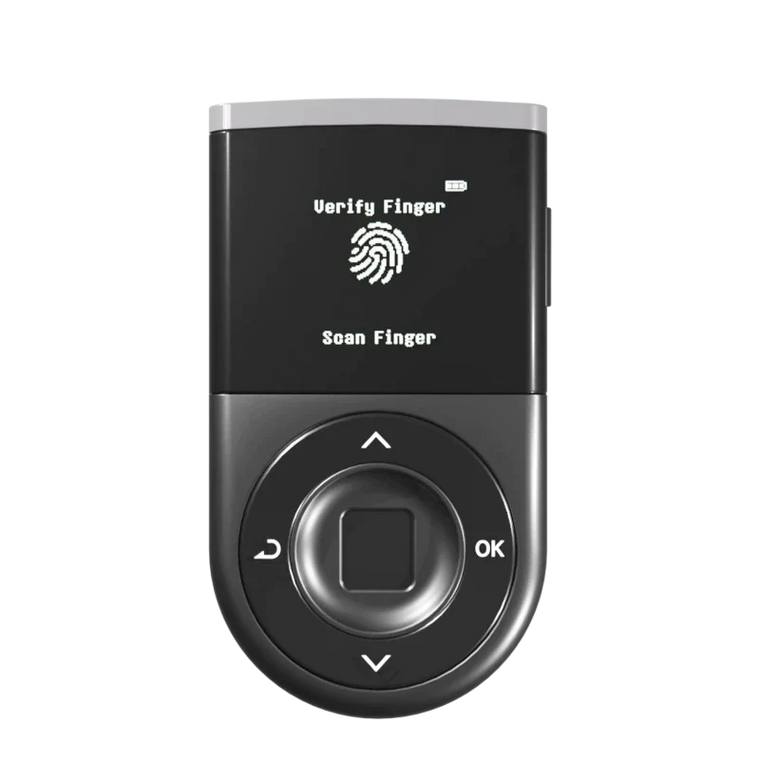
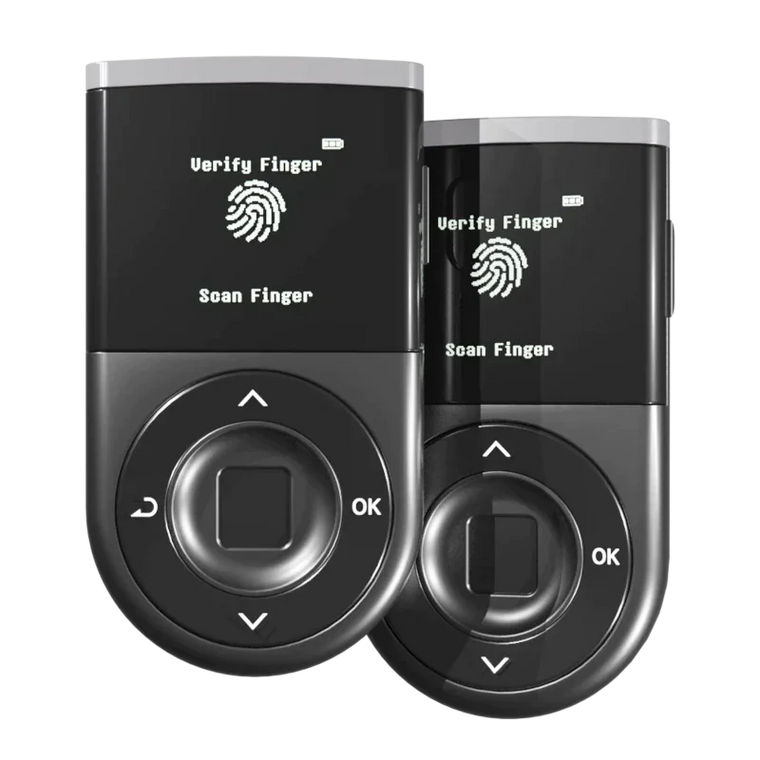
Towo Labs has just released their latest update of XRP Toolkit v2.8.1, which adds support for D’CENT Biometric Wallet. You can now connect D’CENT Wallet with XRP Toolkit’s client-side interface to interact with the XRP Ledger and its built-in decentralized exchange.
What is XRP Toolkit?
XRP Toolkit is a powerful platform to get an overview of your XRP Ledger accounts, a one-stop solution with many useful features to securely and easily manage cryptocurrency assets. This includes send and receive payments, create escrows, or trade a wide selection of assets.
◾ Requirements
Install D’CENT bridge program
D’CENT Biometric Wallet requires advanced web features only available in Google Chrome and a bridge service is only available to Windows and macOS users.
Download and install the bridge service:
👉 bridge.dcentwallet.com.
Update to the latest Firmware
XRP Toolkit requires D’CENT firmware v2.4.0 or above, earlier versions only support payments and cannot be used with XRP Toolkit.
Upgrade to the latest D’CENT firmware:
👉 fwu.dcentwallet.com.
◾ How to connect D’CENT Wallet
To use your D’CENT biometric wallet with XRP Toolkit, follow these simple steps:
- Visit the XRP Toolkit’s landing page or directly to the connect wallet site : https://www.xrptoolkit.com/connect-wallet.
- Plug in, turn on and unlock your D’CENT wallet
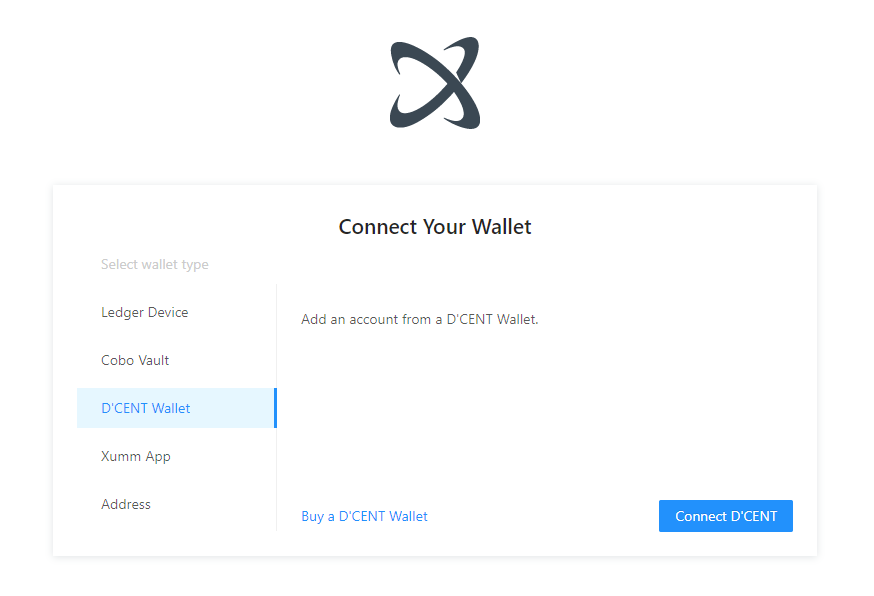
- In XRP Toolkit, select D’CENT Wallet in the connect wallet view
- In XRP Toolkit, click on Connect D’CENT
An in-depth guide on using XRP Toolkit can be found here :
👉 https://docs.xrptoolkit.com/what-is-xrp-toolkit.